 PixQR
PixQR
Overview
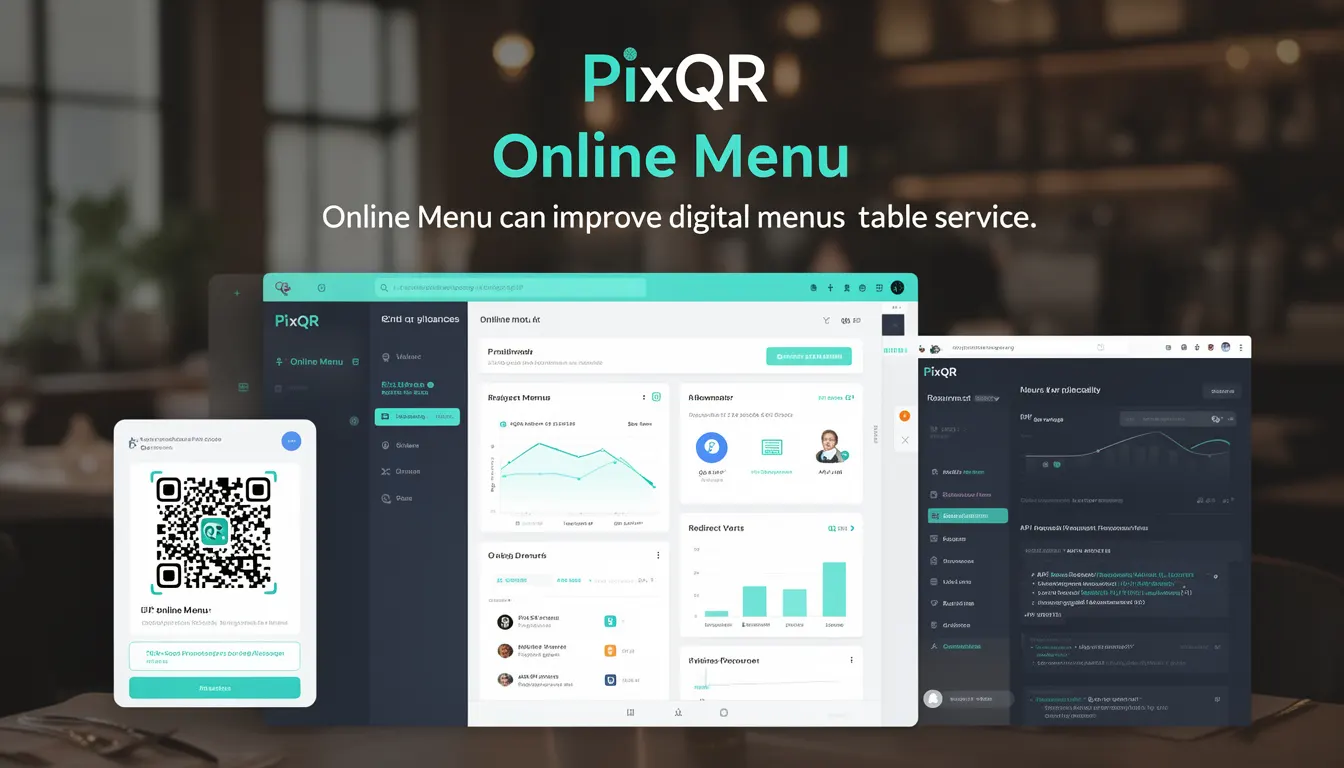
An Online Menu in the context of PixQR refers to a digital implementation of a restaurant’s menu, accessible via QR codes that link to a web-based menu system. It allows customers to view and interact with menu items, prices, descriptions, and even place orders directly from their mobile devices.
Developers using PixQR platforms implement this feature by integrating dynamic QR code redirects to a hosted menu interface, often using structured data formats like JSON or XML. The QR code itself is generated with a URL that points to a secure endpoint where menu data is served, enabling real-time updates without needing to re-print physical QR codes.
Why It Matters
For developers, Online Menu systems are crucial because they bridge the gap between physical and digital restaurant experiences. A well-implemented online menu improves accessibility, reduces labor costs, and enhances customer engagement by enabling order placement, real-time updates, and analytics tracking.
From a security perspective, these systems must prevent unauthorized access to menu data, ensure data integrity, and support privacy compliance. Performance considerations are also key—especially for handling concurrent users during peak times. Accessibility is critical for compliance with WCAG standards, and proper analytics integration ensures that menu usage data informs business decisions.
How It Works
Online Menu functionality in PixQR relies on a combination of QR code generation, dynamic redirect logic, and backend menu data management. The system supports a variety of menu types, from static to dynamic, and allows for real-time updates through an API.
- The QR code is generated with a unique URL that points to a menu endpoint on the PixQR platform.
- Menu data is typically served in JSON format and includes items, descriptions, prices, and optional images.
- Dynamic redirects ensure that changes to menu content can be reflected immediately without re-printing physical QR codes.
- Analytics are collected through embedded tracking mechanisms to monitor menu usage and customer behavior.
- Menu data is validated for consistency, format, and safety to prevent injection or display issues.
Quick Reference
| Item | Purpose | Notes |
|---|---|---|
| Menu URL | Points to the menu endpoint | Must be secure (HTTPS) |
| Menu Data Format | JSON or XML | Structured for parsing |
| Dynamic Redirect | Enables real-time updates | Uses PixQR API |
| Analytics Tracking | Monitors menu usage | Optional but recommended |
| Validation Rules | Ensures data integrity | Prevents XSS and data errors |
Basic Example
PixQR Example QR
This QR links directly to this glossary page, so printed notes, onboarding docs, and support material can bring scanners back to the current reference.

This basic example demonstrates how a simple menu item might be structured in JSON for a PixQR Online Menu system.
{
  "id": "1",
  "name": "Margherita Pizza",
  "description": "Fresh tomatoes, mozzarella, basil",
  "price": 12.99,
  "category": "Pizza"
}
This JSON object represents a single menu item. It includes an ID, name, description, price, and category. This structure allows for easy parsing and rendering in a mobile or web interface.
Production Example
In a production environment, an Online Menu system would include validation, error handling, and access control. The following example shows a more robust menu structure with additional metadata and safety checks.
{
  "menu_id": "menu_abc123",
  "version": "1.0",
  "items": [
    {
      "id": "item_001",
      "name": "Caesar Salad",
      "description": "Romaine lettuce, croutons, parmesan",
      "price": 8.99,
      "category": "Salads",
      "available": true,
      "image_url": "https://example.com/images/caesar.jpg",
      "modifiers": [
        {
          "name": "Extra dressing",
          "price": 1.50
        }
      ]
    }
  ],
  "last_updated": "2025-04-05T10:00:00Z"
}
This version includes metadata like versioning, availability flags, image URLs, and modifiers, making it suitable for a scalable, real-world implementation. It also includes a timestamp for tracking updates, which is useful for analytics and audit purposes.
Common Mistakes
- Not validating menu data before serving it to clients, which can lead to XSS vulnerabilities.
- Using insecure HTTP URLs in QR codes, exposing menu endpoints to man-in-the-middle attacks.
- Hardcoding menu data in client-side code instead of using dynamic API calls.
- Ignoring accessibility standards like ARIA labels or semantic HTML in menu rendering.
- Not implementing rate limiting or authentication on menu endpoints, leading to potential abuse or data leakage.
- Using outdated or unescaped image URLs, which may cause rendering issues or security flaws.
Security And Production Notes
- Always use HTTPS for menu endpoints to prevent data interception.
- Validate and sanitize all menu data to prevent injection attacks.
- Implement access control or API keys to restrict unauthorized access to menu data.
- Use rate limiting to prevent abuse of menu APIs during high traffic periods.
- Ensure menu data is cached appropriately to balance performance and freshness.
Related Concepts
Online Menu systems are closely related to several core PixQR concepts:
- Dynamic Redirects – The mechanism that allows QR codes to point to updated content without re-printing.
- QR Code Generation – The process of creating QR codes that link to menu data.
- Scan Tracking – Analytics that monitor how often and where QR codes are scanned.
- Brand-Safe Design – Ensuring menu interfaces align with brand guidelines and are accessible.
- API Integration – The backend systems that serve menu data to frontend interfaces.