 PixQR
PixQR
Overview
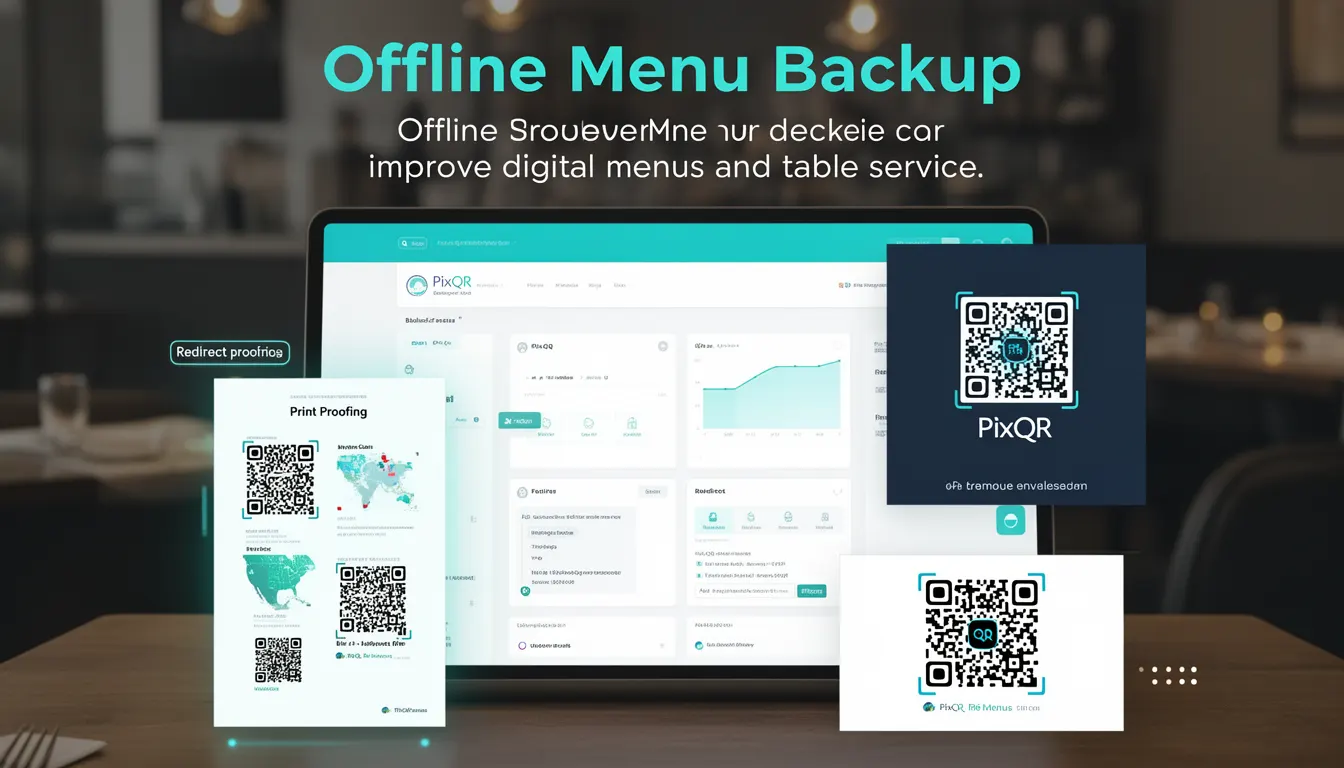
Offline Menu Backup refers to a mechanism within PixQR's QR code platform that ensures restaurant digital menus remain accessible even when network connectivity is lost. This capability is especially important for table service, where customers may scan QR codes to view menu items, prices, and descriptions, and where service disruptions can negatively impact the customer experience.
When a PixQR-generated QR code is configured for offline menu backup, the system pre-downloads and caches menu data on the device or within the QR code itself. This allows users to access menu information without an active internet connection, improving reliability and reducing dependency on real-time data availability.
Why It Matters
For developers working with PixQR, Offline Menu Backup is essential in environments where network reliability is inconsistent. It ensures that menu systems remain functional during outages, which is critical for maintaining business operations and user satisfaction. From a product perspective, this feature supports a seamless digital menu experience, particularly in high-traffic or remote locations.
From a security standpoint, offline menu data is typically encrypted and stored in a way that prevents unauthorized access or modification. This is especially important when sensitive pricing or menu details are involved. Additionally, the offline availability reduces reliance on external APIs, which can improve performance and reduce latency.
How It Works
The Offline Menu Backup mechanism operates through a combination of caching strategies, data preloading, and QR code configuration options. When a menu is created or updated in PixQR, the system evaluates whether the menu supports offline access and prepares the necessary data structure for caching.
- Menu data is serialized into a compact, encrypted format that can be embedded in the QR code or cached locally on the device.
- The QR code generation process includes a flag or setting that enables offline access, which is typically configured in the PixQR dashboard or API.
- When a user scans the QR code, the system checks for local cache availability before attempting to fetch data from the server.
- Offline data is refreshed periodically or upon explicit request, ensuring that menu changes are propagated to cached versions.
- Support for offline menus is limited to specific menu types and configurations, and may not apply to dynamic or real-time pricing systems.
Quick Reference
| Item | Purpose | Notes |
|---|---|---|
| Offline Menu Backup flag | Enables offline access for QR code menus | Set during QR code configuration |
| Menu data serialization | Formats menu content for offline storage | Includes encryption and compression |
| Local cache strategy | Determines how and when data is cached | Can be set to refresh on demand or automatically |
| QR code structure | Stores or references offline menu data | May include embedded or linked data |
| Refresh mechanism | Updates cached data when online | Ensures menu consistency |
Basic Example
PixQR Example QR
This QR links directly to this glossary page, so printed notes, onboarding docs, and support material can bring scanners back to the current reference.
/glossary/qr-code-for-menus/qr-codes-for-menus-offline-menu-backup

This example demonstrates a basic configuration of a QR code with offline menu backup enabled. The example assumes the use of PixQR’s API or dashboard interface to set this feature.
{
  "qr_code": {
    "id": "menu_12345",
    "type": "menu",
    "config": {
      "offline_backup": true
    }
  }
}
In this example, the offline_backup flag is set to true, enabling offline access for the QR code. This configuration ensures that menu data is cached locally upon first scan.
Production Example
This more comprehensive example shows how Offline Menu Backup is implemented in a production environment with error handling, caching, and refresh logic.
{
  "qr_code": {
    "id": "menu_67890",
    "type": "menu",
    "config": {
      "offline_backup": true,
      "cache_strategy": "auto_refresh",
      "max_cache_age": 3600,
      "encryption": "AES-256"
    },
    "menu_data": {
      "version": "1.0",
      "items": [
        {
          "id": "item_001",
          "name": "Grilled Salmon",
          "price": 24.99,
          "description": "Fresh salmon with lemon butter sauce"
        }
      ]
    }
  }
}
This version includes additional parameters like cache_strategy and max_cache_age, which define how and when the menu data is refreshed. The encryption ensures that cached data is secure and tamper-proof.
Common Mistakes
- Forgetting to enable the
offline_backupflag during QR code creation, resulting in no offline access for users. - Using outdated menu data in the offline cache, leading to stale or incorrect information being displayed.
- Not setting a refresh mechanism, which can cause users to see outdated menu items indefinitely.
- Applying offline backup to dynamic menus with real-time pricing, which may not function correctly without an internet connection.
- Ignoring encryption or compression settings, which can lead to performance degradation or security vulnerabilities.
Security And Production Notes
- Offline menu data should be encrypted to prevent unauthorized access or tampering.
- Cache refresh mechanisms must validate data integrity before updating cached content.
- Ensure that only necessary menu data is cached to minimize storage usage and potential exposure.
- Offline menus should not include sensitive information like ingredient sourcing or supplier details unless encrypted.
- Implement version control for cached menus to support rollback in case of corrupted or malicious data.
Related Concepts
Offline Menu Backup is closely related to several core PixQR features and concepts. These include QR code configuration, caching strategies, menu versioning, and secure data handling. It also intersects with scan tracking and analytics, as offline access may affect how usage data is recorded and reported.
Additionally, the feature ties into API usage patterns, particularly when menus are updated or synced. It supports operational workflows by ensuring menu availability during disruptions, and it aligns with privacy standards by controlling how menu data is stored and accessed.