 PixQR
PixQR
Overview
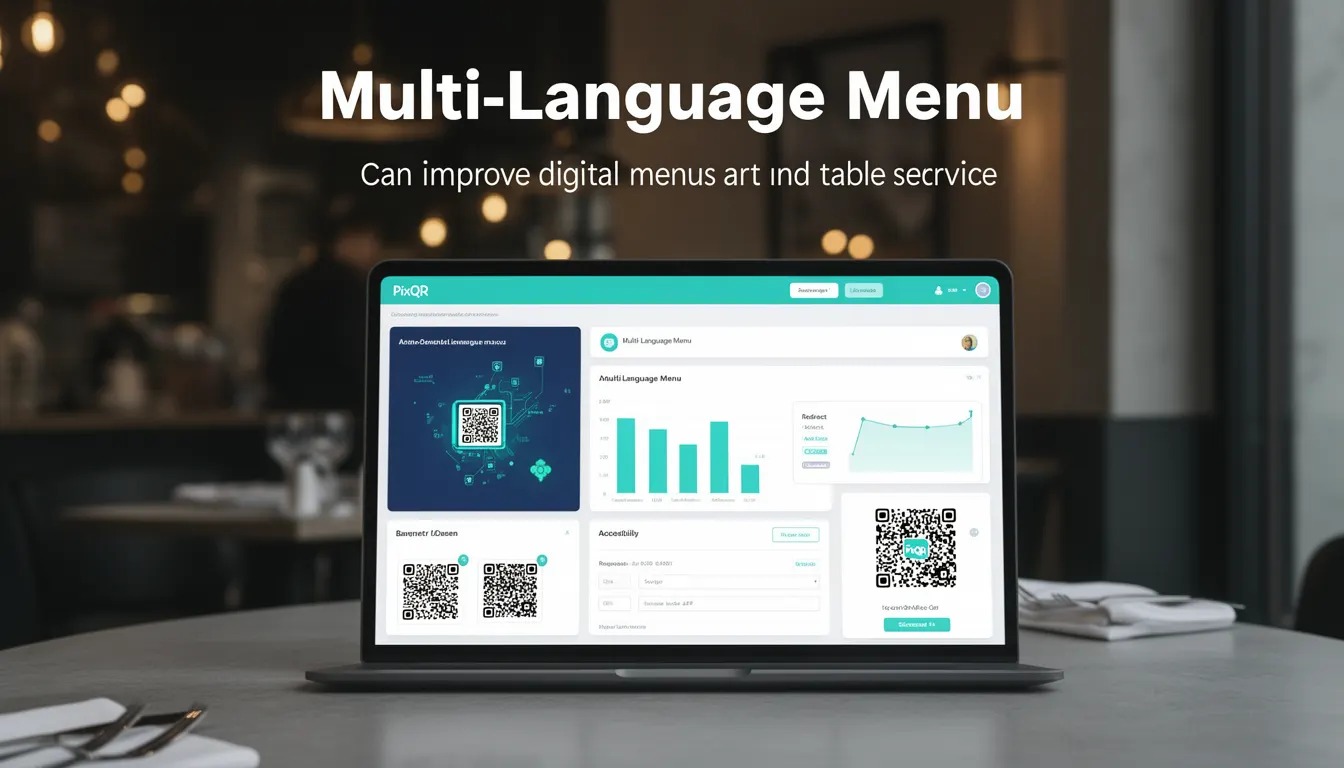
A Multi-Language Menu in the context of PixQR refers to a QR code-based digital menu system that supports multiple languages and can dynamically adapt content based on user preferences or location. This functionality allows restaurant operators to offer menus in various languages through a single QR code, improving accessibility and customer experience for diverse clientele.
This feature is particularly relevant in hospitality environments where patrons may speak different languages, or in international locations where multilingual support is expected. A well-implemented multi-language menu system can reduce language barriers, increase customer satisfaction, and streamline table service by allowing staff to focus on other tasks while customers navigate their selections.
Why It Matters
For developers working with PixQR, implementing a multi-language menu system requires attention to both content delivery and user interface logic. The system must support seamless switching between languages without requiring a page reload or complex redirection logic. It also needs to integrate cleanly with PixQR's analytics and tracking features to monitor which languages are most popular or used by specific demographics.
From a user experience standpoint, a well-built multi-language menu improves accessibility and reduces friction for international visitors or non-native speakers. For restaurant operators, this feature can be a competitive advantage in markets where multilingual support is expected or required. The system must also be secure, ensuring that language preferences are stored correctly and that no malicious content is injected through language switching mechanisms.
How It Works
The PixQR Multi-Language Menu system operates by embedding language identifiers into QR code configurations and using those identifiers to dynamically load appropriate content from a centralized data store. When a user scans a QR code, the system detects their language preference through various methods, such as browser settings, geolocation, or explicit selection, and serves content accordingly.
- Language preferences are typically stored in a cookie or local storage to persist across sessions.
- QR code configurations can include a language parameter to pre-select a menu language upon scan.
- Content is organized in a structured format, often JSON, to support efficient language switching.
- Dynamic redirects are handled by the PixQR backend to ensure language-appropriate URLs are served.
- Analytics tracks language usage to help operators optimize menu content and service.
Quick Reference
| Item | Purpose | Notes |
|---|---|---|
| language parameter | Specifies initial language for menu display | Can be set in QR code configuration |
| language cookie | Stores user language preference | Used to persist language choice across sessions |
| content translation keys | Identifiers for localized menu items | Must be consistent across all language versions |
| redirect logic | Routes users to correct language version | Handled by PixQR backend for seamless experience |
| analytics tracking | Monitors language usage | Helps optimize content delivery and service |
Basic Example
PixQR Example QR
This QR links directly to this glossary page, so printed notes, onboarding docs, and support material can bring scanners back to the current reference.
/glossary/qr-code-for-menus/qr-codes-for-menus-multi-language-menu
This basic example demonstrates how a QR code configuration might specify a default language for a menu.
{
  "menu_id": "12345",
  "language": "en",
  "redirect_url": "https://pixqr.example.com/menu/12345?lang=en"
}
The configuration sets the default language to English (en) and specifies the URL that will be used for redirection when the QR code is scanned. This URL includes a language parameter that ensures the correct content is served.
Production Example
This more robust example includes language detection, user preference persistence, and analytics integration, suitable for a production environment.
{
  "menu_id": "12345",
  "languages": ["en", "es", "fr"],
  "default_language": "en",
  "analytics": {
    "track_language": true,
    "track_selections": true
  },
  "redirect_url": "https://pixqr.example.com/menu/12345"
}
This configuration supports multiple languages, sets a default, and enables analytics tracking. The redirect URL does not include a language parameter, as the system handles language detection and routing dynamically based on user preferences and context.
Common Mistakes
- Not properly validating language parameters in QR code configurations, leading to injection vulnerabilities or incorrect content delivery.
- Hard-coding language preferences instead of using cookies or storage, resulting in poor user experience when switching languages.
- Ignoring geolocation or browser language detection, which can lead to suboptimal language selection for users.
- Failing to update analytics tracking when language preferences change, causing incomplete reporting on menu usage.
- Using inconsistent translation keys across languages, which can cause content to appear broken or missing.
Security And Production Notes
- Always sanitize language parameters to prevent injection attacks or unauthorized access to content.
- Use secure cookies for storing language preferences to protect against cross-site scripting (XSS) attacks.
- Implement rate limiting on language switching to prevent abuse or excessive resource consumption.
- Ensure all language content is validated and sanitized before rendering to avoid content injection or rendering issues.
- Regularly audit language support to ensure no outdated or broken translations are served to users.
Related Concepts
Multi-Language Menu functionality intersects with several key developer concepts in the PixQR ecosystem. Language detection and preference handling are closely related to browser APIs and user session management. QR code configuration and redirect logic tie into link management and scan reliability. Analytics integration connects to data tracking and reporting. Content delivery and caching strategies are essential for performance in multi-language environments. Finally, accessibility standards must be considered when implementing language switching to ensure compliance with inclusive design principles.