 PixQR
PixQR
Overview
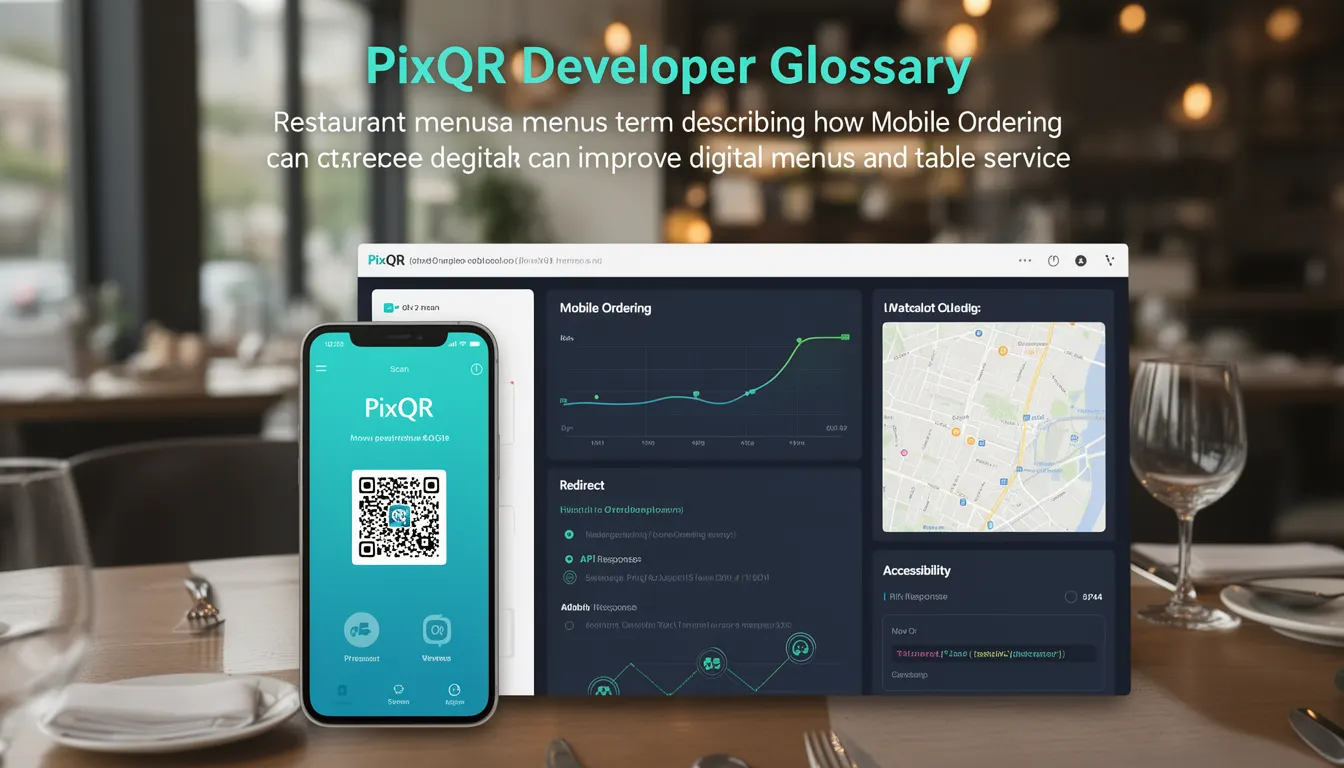
Mobile Ordering is a restaurant menu term describing how QR codes can be used to deliver digital menus and facilitate table service, particularly through mobile devices. It is a feature of PixQR that allows restaurants to generate QR codes that link to digital menus, order forms, and payment processing systems.
In practice, a restaurant might generate a QR code that, when scanned, takes a customer directly to an online menu, enables them to place an order, and ultimately redirects to a payment system or order confirmation screen. This approach reduces the need for physical menus, streamlines order processing, and enhances customer experience by enabling self-service.
Why It Matters
Mobile Ordering is important for developers and site operators because it integrates multiple systems—menu delivery, order processing, and payment—into a single QR code interaction. This integration demands careful attention to API reliability, data consistency, and user experience.
From a security standpoint, mobile ordering systems must ensure that QR code links are safe, do not redirect to malicious domains, and that order data is protected during transmission. For maintainers, mobile ordering workflows need to be robust and scalable to support peak usage periods, such as lunch rushes or dinner crowds.
Accessibility and performance are also key concerns. A mobile ordering system must be responsive, load quickly, and be compatible with various devices and browsers. If a QR code fails to redirect properly or if an order form is not accessible, it can lead to customer frustration and operational inefficiencies.
How It Works
Mobile Ordering in PixQR is implemented through a QR code that links to a dynamic redirect URL. This URL is configured to deliver a digital menu or ordering interface, which may be hosted on a separate domain or within the same system. The process typically involves the following steps:
- Restaurant creates a QR code in PixQR with a configured dynamic redirect URL.
- Customers scan the QR code using their mobile device.
- The QR code redirects to a secure landing page or menu interface.
- Customers browse menu items, select options, and place an order.
- Order data is submitted to the restaurant's backend or payment system.
Key attributes of the QR code include the redirect URL, the type of menu (static or dynamic), and whether the menu supports order submission. PixQR allows developers to configure these parameters to suit specific restaurant needs.
Mobile Ordering in PixQR supports secure HTTPS redirects, scan tracking, and analytics integration. It also ensures that QR codes are brand-safe and do not include malicious or unauthorized links. The system is designed to be compliant with privacy regulations and to provide detailed logs of scan activity.
For developers, the process includes validating QR code configurations, ensuring redirect URLs are functional, and integrating order data with backend systems. The system supports both GET and POST methods for data transmission and can handle multiple concurrent orders.
Performance is optimized through caching of menu data, fast redirect resolution, and minimal latency in scan tracking. PixQR provides real-time analytics on scan behavior, which can help identify issues with QR code delivery or user engagement.
Quick Reference
| Item | Purpose | Notes |
|---|---|---|
| Redirect URL | Defines where the QR code leads after scanning | Must be HTTPS and secure |
| Menu Type | Static or dynamic menu support | Dynamic menus update in real time |
| Order Submission | Enables placing orders through the QR code | Requires backend integration |
| Scan Tracking | Logs QR code scan activity | Provides analytics and fraud detection |
| Brand Safety | Ensures QR code content is safe | Prevents malicious redirects |
Basic Example
PixQR Example QR
This QR links directly to this glossary page, so printed notes, onboarding docs, and support material can bring scanners back to the current reference.
/glossary/qr-code-for-menus/qr-codes-for-menus-mobile-ordering

This example demonstrates how a QR code is configured to link to a basic menu interface.
const qrConfig = {
  url: "https://restaurant.example.com/menu",
  type: "dynamic",
  trackScans: true,
  brandSafe: true
};
The configuration sets the QR code to redirect to a dynamic menu page, enables scan tracking, and ensures brand safety. This setup is ideal for small restaurants looking to implement a basic digital menu system.
Production Example
This example shows a more robust configuration for a production environment, including validation, analytics, and secure redirect handling.
const qrConfig = {
  url: "https://secure.restaurant.example.com/order",
  type: "dynamic",
  trackScans: true,
  brandSafe: true,
  analytics: {
    enabled: true,
    events: ["scan", "order_placed"]
  },
  orderSubmission: {
    method: "POST",
    endpoint: "/api/submit-order",
    validate: true
  }
};
This version includes analytics, secure order submission, and validation to ensure data integrity. It is suitable for larger operations that require robust tracking and secure handling of customer orders.
Common Mistakes
- Using insecure HTTP redirects in QR codes, which can expose users to man-in-the-middle attacks.
- Not validating QR code URLs before deployment, leading to broken or incorrect redirects.
- Ignoring scan tracking, which prevents operators from monitoring QR code performance or detecting fraudulent usage.
- Not configuring order submission endpoints correctly, resulting in lost or misfiled orders.
- Overlooking brand safety checks, which can lead to QR codes redirecting to unsafe or unauthorized domains.
Security And Production Notes
- Always use HTTPS for QR code redirect URLs to prevent data interception and ensure secure communication.
- Validate all QR code configurations before deployment to ensure they point to valid and secure endpoints.
- Implement scan tracking to monitor QR code usage and detect anomalies or fraudulent activity.
- Ensure that order submission endpoints are protected with authentication and input validation.
- Use PixQR's built-in brand safety features to prevent QR codes from linking to malicious or unauthorized content.
Related Concepts
Mobile Ordering is closely related to several key concepts in QR code development and digital menu systems:
- Dynamic Redirects: The mechanism by which QR codes can be updated to point to new content without re-printing the code.
- Scan Tracking: The ability to log and analyze QR code scan activity for analytics and fraud detection.
- Menu Integration: The process of connecting QR code systems with restaurant backend systems to support ordering and payment.
- Brand Safety: Ensuring that QR code content is safe and does not lead to malicious or unauthorized domains.
- Privacy Compliance: Ensuring that QR code usage complies with data protection regulations such as GDPR or CCPA.