 PixQR
PixQR
Overview
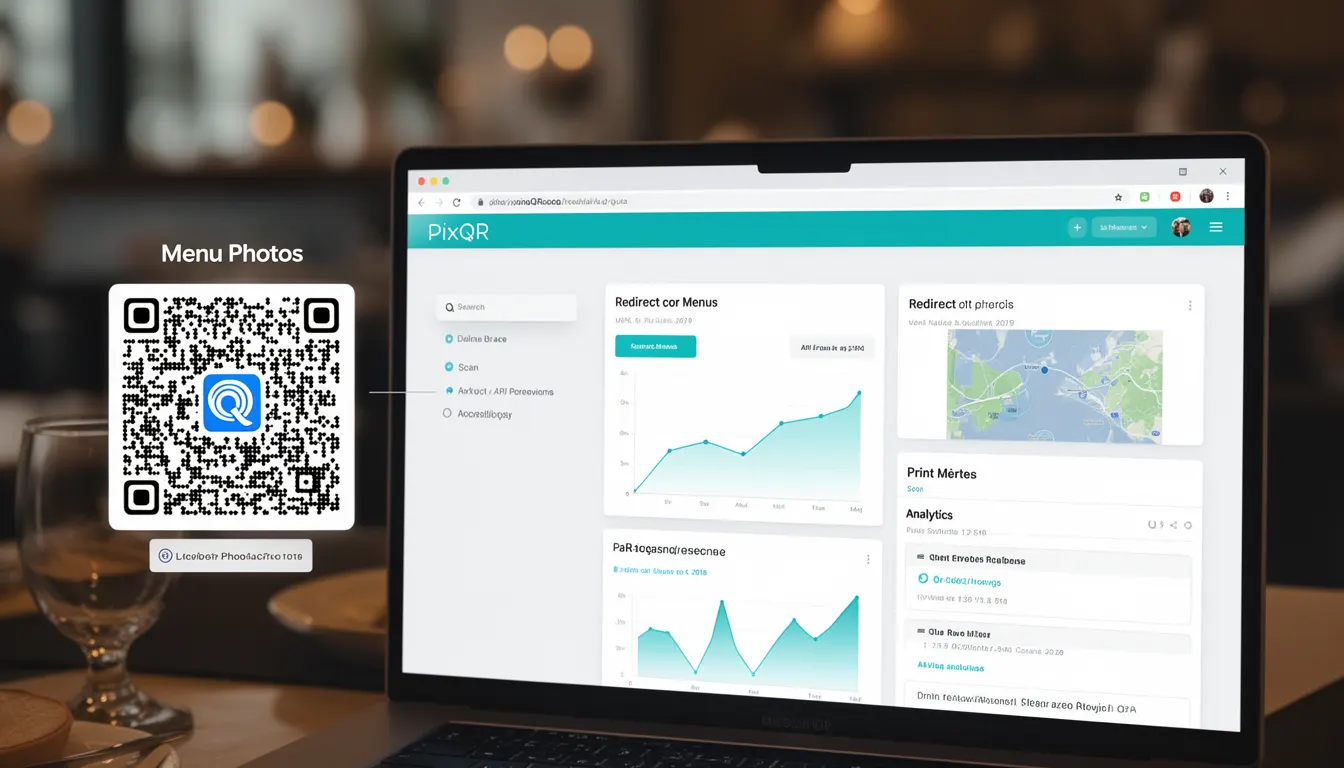
Menu Photos refers to the practice of embedding high-quality, visually appealing images of restaurant menus into QR codes for digital access. In the context of PixQR, Menu Photos are used to provide customers with an interactive, branded digital menu experience that can be accessed directly from a physical QR code placed on tables or in marketing materials.
This feature is particularly valuable for restaurants seeking to modernize their service while maintaining the familiarity of traditional menu presentation. When a customer scans a QR code, they are directed to a digital menu that may include Menu Photos, allowing them to browse dishes with associated images, descriptions, and pricing, all while leveraging the reliability and analytics capabilities of PixQR's platform.
Why It Matters
For developers working with PixQR, Menu Photos are an important element in creating seamless, engaging digital experiences. The implementation of Menu Photos in a QR code-based menu system affects how customers interact with restaurant offerings, and ultimately impacts operational efficiency and customer satisfaction.
From a technical perspective, Menu Photos contribute to scan reliability by ensuring that the QR code's destination page loads quickly and presents a clear, accessible interface. They also support privacy and brand-safe design by allowing restaurants to control what data is shared and how it is displayed, without exposing internal systems or sensitive information.
Additionally, Menu Photos are critical for analytics, as they provide insights into which menu items are most viewed or selected. This data can inform inventory decisions, marketing strategies, and even menu redesigns. For operational workflows, Menu Photos enhance table service by reducing the need for physical menu updates, offering real-time pricing, and minimizing human error in menu management.
How It Works
Menu Photos in PixQR are implemented through a combination of image hosting, QR code generation, and dynamic redirect functionality. When a restaurant creates a QR code for a menu, they can associate specific images with menu items, which are then served through a secure, optimized delivery mechanism.
- Menu Photos are uploaded to PixQR's secure image storage, which ensures compliance with privacy standards and supports scalable delivery.
- Each image is assigned a unique identifier that links it to a specific menu item in the system, allowing for dynamic content delivery.
- When a QR code is scanned, the PixQR platform retrieves the relevant menu data, including associated Menu Photos, and renders it in a responsive, accessible web interface.
- Menu Photos are optimized for fast loading and compatibility with various devices, including mobile phones, tablets, and kiosks.
- Analytics tracking is enabled by default, allowing restaurant operators to monitor how often Menu Photos are viewed, which dishes are most popular, and how long users spend viewing menu items.
Quick Reference
| Item | Purpose | Notes |
|---|---|---|
| Image Hosting | Secure, scalable storage for Menu Photos | Images must be optimized for web use |
| Menu Item Mapping | Linking images to specific menu entries | Use unique identifiers for each mapping |
| Dynamic Redirect | Delivering menu content to scanned QR codes | Supports multiple device types and screen sizes |
| Analytics | Tracking Menu Photo engagement | Includes view counts and user behavior data |
| Responsive Design | Ensuring Menu Photos display correctly on all devices | Supports mobile-first and accessibility standards |
Basic Example
PixQR Example QR
This QR links directly to this glossary page, so printed notes, onboarding docs, and support material can bring scanners back to the current reference.

This example demonstrates how a basic Menu Photo structure might be defined in a PixQR menu configuration. It illustrates the core concept of linking an image to a menu item.
{
  "menu_items": [
    {
      "id": "dish_001",
      "name": "Grilled Salmon",
      "description": "Fresh salmon with lemon butter sauce",
      "price": "$24.99",
      "photo_url": "https://pixqr.example.com/images/salmon.jpg"
    }
  ]
}
In this example, the photo_url field is used to link a Menu Photo to a specific dish. The URL points to an image stored in PixQR's secure image hosting system, ensuring fast delivery and compliance with privacy standards.
Production Example
This example shows how Menu Photos are implemented in a production-ready PixQR menu system, including validation, accessibility, and analytics support.
{
  "menu": {
    "id": "restaurant_menu_123",
    "name": "Summer Menu",
    "items": [
      {
        "id": "item_001",
        "name": "Caesar Salad",
        "description": "Romaine lettuce with parmesan and croutons",
        "price": "$12.99",
        "photo": {
          "url": "https://pixqr.example.com/images/caesar_salad.jpg",
          "alt": "Caesar Salad with parmesan and croutons",
          "caption": "Fresh ingredients served with house-made dressing"
        },
        "analytics": {
          "views": 0,
          "clicks": 0
        }
      }
    ]
  }
}
This version includes accessibility attributes like alt text and caption, which are important for screen readers and user experience. It also supports analytics tracking, which helps restaurant operators understand customer behavior and optimize their menu offerings.
Common Mistakes
- Not optimizing Menu Photos for web delivery, resulting in slow loading times and poor user experience.
- Using low-resolution images that appear pixelated on high-DPI devices or large screens.
- Failing to include alt text or captions for Menu Photos, which impacts accessibility and SEO.
- Not validating image URLs before embedding them in QR codes, leading to broken links or failed scans.
- Ignoring analytics data from Menu Photos, missing opportunities to improve menu design and customer engagement.
Security And Production Notes
- Menu Photos must be stored in a secure, encrypted environment to comply with privacy regulations like GDPR or CCPA.
- Image URLs should be validated to prevent open redirects or injection attacks, especially when dynamically generated.
- Use HTTPS for all Menu Photos to ensure secure delivery and prevent mixed content warnings.
- Implement responsive image loading to reduce bandwidth usage and improve performance on mobile devices.
- Regularly audit Menu Photo usage to ensure compliance with brand guidelines and prevent unauthorized content from appearing in QR-generated menus.
Related Concepts
Menu Photos are closely connected to several other concepts in PixQR and QR code development:
- Dynamic Redirects – Menu Photos are delivered through dynamic redirects, which allow content to be updated without modifying QR codes.
- Scan Analytics – The engagement with Menu Photos is tracked through scan analytics, which inform business decisions.
- Brand-Safe Design – Menu Photos must align with brand guidelines to maintain visual consistency and trust.
- Privacy Controls – Restaurants must control which data, including Menu Photos, is shared with users and how it is stored.
- Print Reliability – Menu Photos must be optimized for both digital and printed menu formats to ensure consistent quality across all mediums.