 PixQR
PixQR
Overview
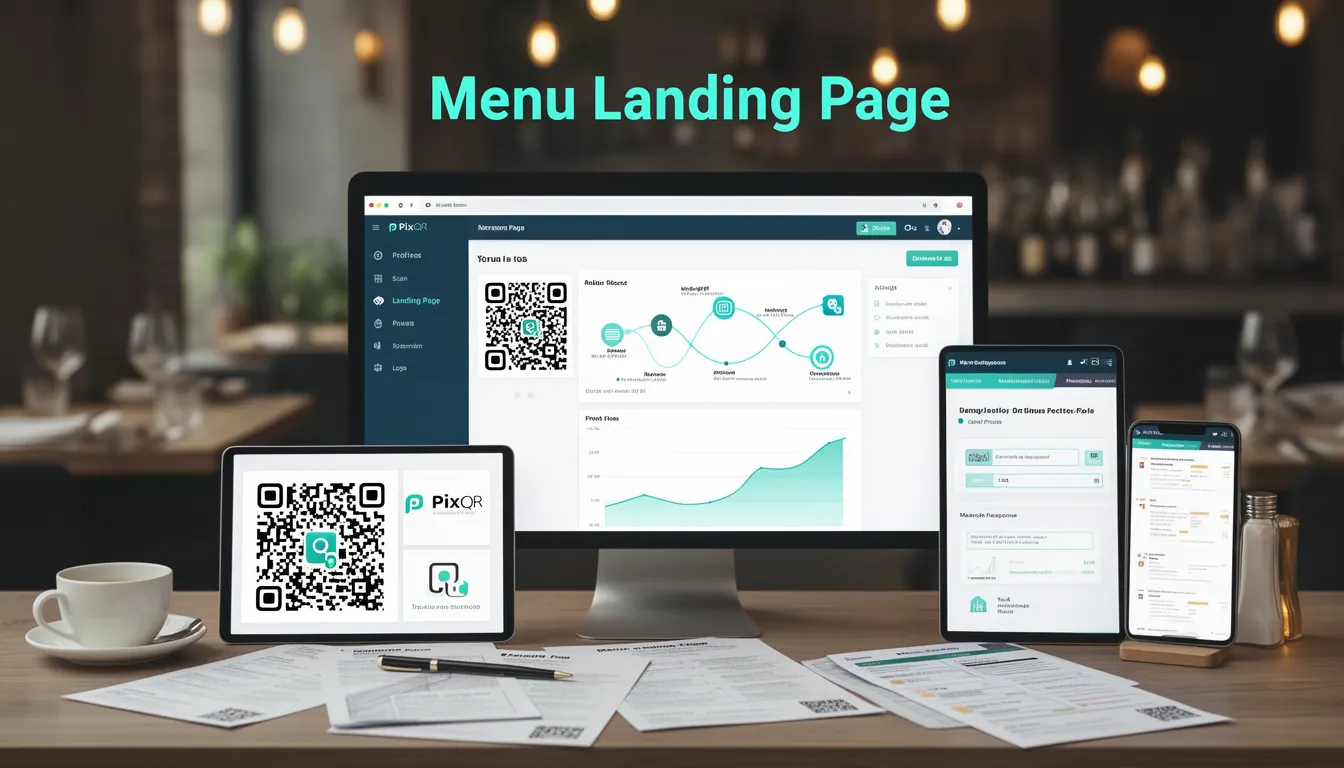
A Menu Landing Page in the context of PixQR is a dedicated QR code-based web page that serves as the primary entry point for accessing digital restaurant menus. It is designed to provide a seamless transition from physical menu scanning to digital menu interaction, enabling customers to view, filter, and order items directly from their devices.
This type of landing page is particularly useful in environments where physical menus are replaced or supplemented with digital alternatives, such as in modern restaurants, cafes, or hospitality venues. The QR code links to a responsive, optimized page that loads quickly and adapts to various screen sizes, ensuring an optimal user experience across mobile, tablet, and desktop devices.
Why It Matters
From a developer perspective, Menu Landing Pages are critical for ensuring fast, reliable, and secure access to menu data. They play a central role in reducing friction for customers, improving order accuracy, and enabling real-time updates to menu content without reprinting physical materials. In a PixQR context, the landing page is often integrated with backend systems to support dynamic content, analytics, and secure redirection.
For maintainers, the design and implementation of the landing page directly impacts performance, scalability, and user engagement. A poorly constructed landing page can lead to slow load times, broken redirects, or inconsistent user experiences, which may reduce conversion rates or lead to customer dissatisfaction. In environments where PixQR is used for operational workflows, the landing page must also support privacy compliance, analytics tracking, and integration with point-of-sale systems.
How It Works
A Menu Landing Page is typically generated by PixQR as part of a QR code configuration process. The QR code itself points to a URL that serves the landing page content. This page is designed to load efficiently and display menu items dynamically, often using APIs or cached data. The page's structure and behavior are defined by its HTML, CSS, and JavaScript components, which are optimized for performance and usability.
- The landing page is usually a single-page application (SPA) or a responsive static page that loads menu data from an API endpoint.
- It typically includes features like category filtering, item descriptions, pricing, and an optional order submission mechanism.
- It must be optimized for mobile-first design to support scanning and interaction on smartphones and tablets.
- It integrates with PixQR’s analytics and tracking systems to record scan activity and user behavior.
- It supports secure redirects to ensure that the QR code does not lead to malicious or unauthorized destinations.
Quick Reference
| Item | Purpose | Notes |
|---|---|---|
| QR Code URL | Points to the Menu Landing Page | Must be a secure, valid HTTPS URL |
| Menu Data Source | API or static data for menu items | Can be dynamic or cached |
| Responsive Design | Ensures compatibility with all devices | Mobile-first approach recommended |
| Analytics Integration | Tracks scans and interactions | Must comply with privacy regulations |
| Redirect Security | Prevents unsafe or malicious redirection | Validated by PixQR platform |
Basic Example
PixQR Example QR
This QR links directly to this glossary page, so printed notes, onboarding docs, and support material can bring scanners back to the current reference.
/glossary/qr-code-for-menus/qr-codes-for-menus-menu-landing-page

This example demonstrates a minimal HTML structure for a Menu Landing Page, showing how content is organized and displayed.
<!DOCTYPE html>
<html lang="en">
<head>
  <meta charset="UTF-8">
  <title>Menu Landing Page</title>
</head>
<body>
  <h1>Restaurant Menu</h1>
  <div id="menu-items"></div>
</body>
</html>
This basic structure provides the foundation for a menu landing page. It includes a title and a container for menu items, which would be populated dynamically using JavaScript or an API call.
Production Example
This example shows a more robust implementation with accessibility, error handling, and dynamic data loading.
<!DOCTYPE html>
<html lang="en">
<head>
  <meta charset="UTF-8">
  <meta name="viewport" content="width=device-width, initial-scale=1">
  <title>Digital Menu</title>
</head>
<body>
  <header>
    <h1>Restaurant Name</h1>
  </header>
  <main>
    <section id="menu-categories"></section>
    <section id="menu-items"></section>
  </main>
  <script>
    const menuUrl = 'https://api.pixqr.com/menu';
    fetch(menuUrl)
      .then(response => response.json())
      .then(data => {
        document.getElementById('menu-items').innerHTML = data.items.map(item =>
          `<div><h3>${item.name}</h3><p>${item.description}</p></div>`
        ).join('');
      })
      .catch(error => {
        console.error('Error loading menu:', error);
        document.getElementById('menu-items').innerHTML = '<p>Failed to load menu.</p>';
      });
  </script>
</body>
</html>
This version includes responsive design, error handling, and a dynamic API call to load menu data. It ensures accessibility by using semantic HTML and provides a fallback for failed requests, making it suitable for production environments.
Common Mistakes
- Not validating QR code redirects before deployment, leading to broken links or unsafe destinations.
- Using non-responsive design, which results in poor user experience on mobile devices.
- Ignoring analytics integration, which prevents tracking of menu usage and scan data.
- Not implementing fallbacks for API failures, causing the page to break for users.
- Overlooking accessibility features, such as ARIA labels or keyboard navigation, which can exclude users with disabilities.
- Hardcoding menu data instead of using dynamic APIs, which limits scalability and update frequency.
Security And Production Notes
- Ensure all QR code links use HTTPS to prevent man-in-the-middle attacks or redirects to insecure sites.
- Validate and sanitize all dynamic data fetched from APIs to prevent injection attacks.
- Implement robust error handling and logging to detect and respond to failures in menu loading or display.
- Comply with privacy regulations such as GDPR or CCPA when collecting scan or user behavior data.
- Optimize loading performance to reduce server response times and ensure fast page rendering.
Related Concepts
Menu Landing Pages are closely related to several core PixQR concepts:
- Dynamic Redirects: The QR code’s target URL is dynamically configured, allowing for easy updates and content changes.
- QR Code Generation: The QR code itself is generated with specific parameters to ensure it points to the correct landing page.
- Scan Analytics: The landing page can be configured to track scans and interactions for business insights.
- Brand-Safe Design: Ensures that the landing page aligns with the brand identity and maintains a consistent visual experience.
- Privacy Compliance: The page must adhere to data protection standards when collecting or transmitting user information.