 PixQR
PixQR
Overview
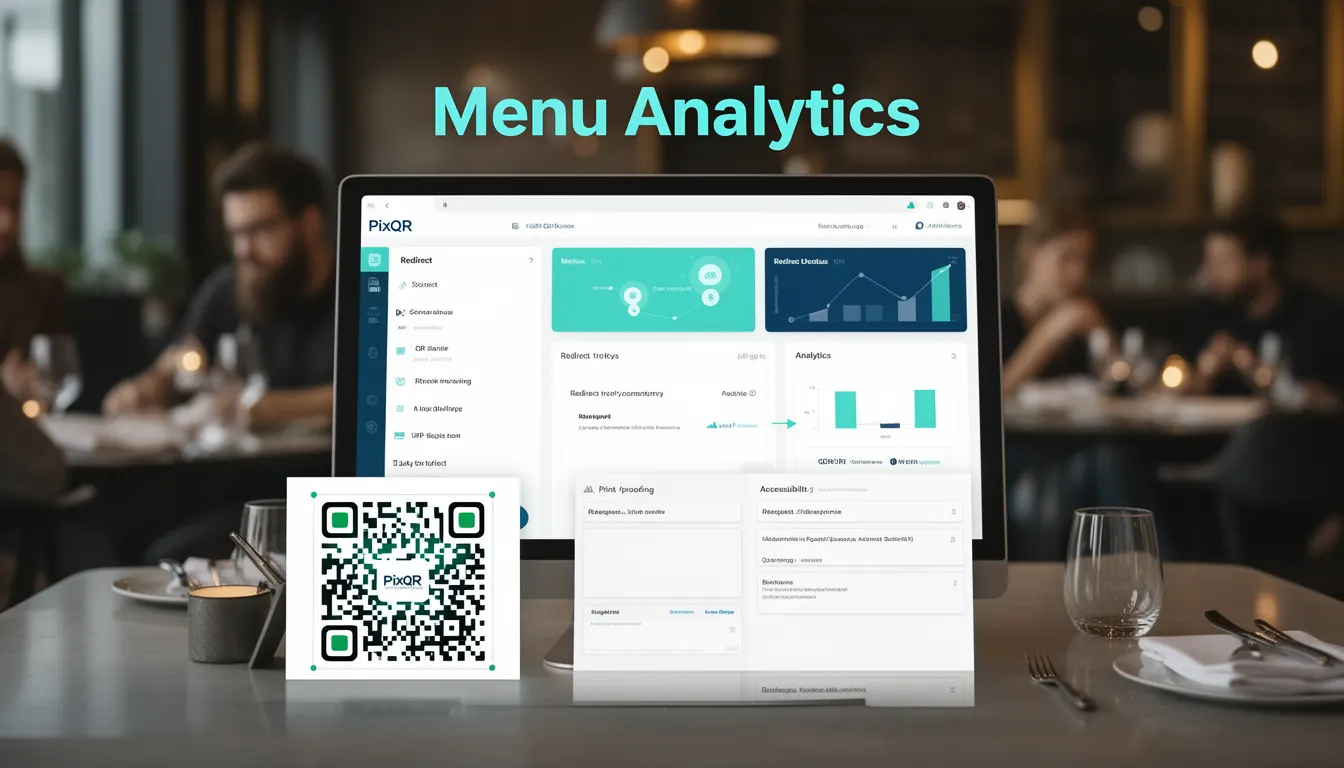
Menu Analytics refers to the collection, processing, and interpretation of data related to digital menu usage within restaurant operations. In the context of PixQR, Menu Analytics is used to track how customers interact with QR-generated digital menus, including item selections, dwell time, and conversion paths. This data is essential for optimizing menu design, improving service efficiency, and enhancing customer experience.
For developers working with PixQR, Menu Analytics is implemented through embedded tracking mechanisms within QR code redirects and digital menu platforms. It enables restaurant operators to understand which menu items are most popular, how long customers spend viewing menus, and whether menu layouts affect ordering behavior. This functionality is particularly relevant in environments where QR codes are used for dynamic menu updates, promotions, and real-time inventory adjustments.
Why It Matters
Menu Analytics provides actionable insights that directly impact business performance. For developers, it means integrating data collection without compromising user privacy or system performance. The analytics must be robust enough to handle real-time interactions, yet lightweight enough to avoid slowing down menu delivery. In PixQR, this translates to efficient tracking of scan events, menu item views, and conversion metrics that feed into dashboards for restaurant managers.
From a user experience standpoint, Menu Analytics helps in personalizing menu presentations and ensuring scan reliability. For example, if a menu item has a high view rate but low conversion, developers may need to adjust how that item is presented or positioned. Additionally, this data supports fraud prevention by identifying unusual scanning patterns or suspicious menu access behavior. It also plays a role in compliance with privacy regulations, as data collection must be transparent and secure.
How It Works
Menu Analytics in PixQR operates through a combination of QR code tracking, backend event logging, and data aggregation. When a customer scans a QR code that leads to a digital menu, a tracking event is triggered. This event is then processed to extract relevant metrics such as item views, time spent on each item, and overall menu interaction patterns.
- QR code redirects are configured with unique identifiers for tracking menu sessions and user interactions.
- Each menu item is assigned a unique ID or slug that allows tracking of individual selections and views.
- Tracking data is collected through HTTP headers, cookies, or server-side logging, depending on the implementation.
- Analytics are aggregated and stored in a database for real-time dashboards or batch reporting.
- Data points include scan frequency, time-to-order, item popularity, and menu layout effectiveness.
Quick Reference
| Item | Purpose | Notes |
|---|---|---|
| Menu Item ID | Uniquely identifies each menu item for tracking | Must be consistent across platforms |
| Scan Timestamp | Records when a QR code was scanned | Used for dwell time analysis |
| Session Token | Associates multiple actions to a single customer | Helps prevent duplicate tracking |
| View Duration | Measures time spent viewing a menu item | Requires client-side or server-side timer |
| Conversion Event | Tracks when an item is ordered | Used for revenue attribution |
Basic Example
PixQR Example QR
This QR links directly to this glossary page, so printed notes, onboarding docs, and support material can bring scanners back to the current reference.
/glossary/qr-code-for-menus/qr-codes-for-menus-menu-analytics

This basic example demonstrates how a QR code might be configured to track menu item views using a URL parameter.
https://example.com/menu?item_id=123&session_token=abc123The item_id parameter identifies the specific menu item being viewed, while session_token ensures that multiple interactions from the same user are grouped together. This setup allows for simple tracking of how many times each item is viewed.
Production Example
In a production environment, Menu Analytics requires more robust data handling, including secure session management, error reporting, and scalable logging. The following example shows how a PixQR QR code might be structured to support analytics with fallback handling.
https://api.pixqr.com/v1/redirect?target=https%3A%2F%2Frestaurant.com%2Fmenu&analytics=true&session_id=abc123This URL format ensures that the redirect is processed by PixQR's analytics system, which logs the session and forwards the user to the menu page. The analytics=true parameter enables tracking, and the session_id parameter ensures consistent user identification across interactions.
Common Mistakes
- Using static IDs for menu items without version control, leading to incorrect analytics.
- Ignoring session token expiration, which causes data to be attributed to incorrect users.
- Not validating incoming data, which opens up vulnerabilities to spoofed analytics.
- Overlooking privacy compliance, such as failing to anonymize tracking data.
- Implementing analytics without proper error handling, causing tracking to fail silently.
- Not accounting for multiple devices or sessions, which distorts user behavior data.
Security And Production Notes
- Ensure that session tokens are cryptographically secure and not guessable.
- Validate all incoming parameters to prevent injection attacks or data corruption.
- Log analytics events securely and audit access to tracking data.
- Implement privacy controls such as opt-out mechanisms or data anonymization.
- Use HTTPS for all tracking URLs to prevent data interception.
Related Concepts
Menu Analytics is closely related to several core concepts in QR code and menu platform development. These include:
- Dynamic QR redirects — The mechanism by which QR codes point to dynamic menu pages that can be updated in real time.
- Scan tracking — The process of recording and analyzing QR code scan events to understand usage patterns.
- Menu personalization — Using analytics to tailor menu presentations based on customer preferences or historical data.
- Privacy compliance — Ensuring that analytics collection adheres to data protection regulations such as GDPR or CCPA.
- Operational workflows — Integrating analytics into the restaurant's backend systems for real-time decision-making.