 PixQR
PixQR
Overview
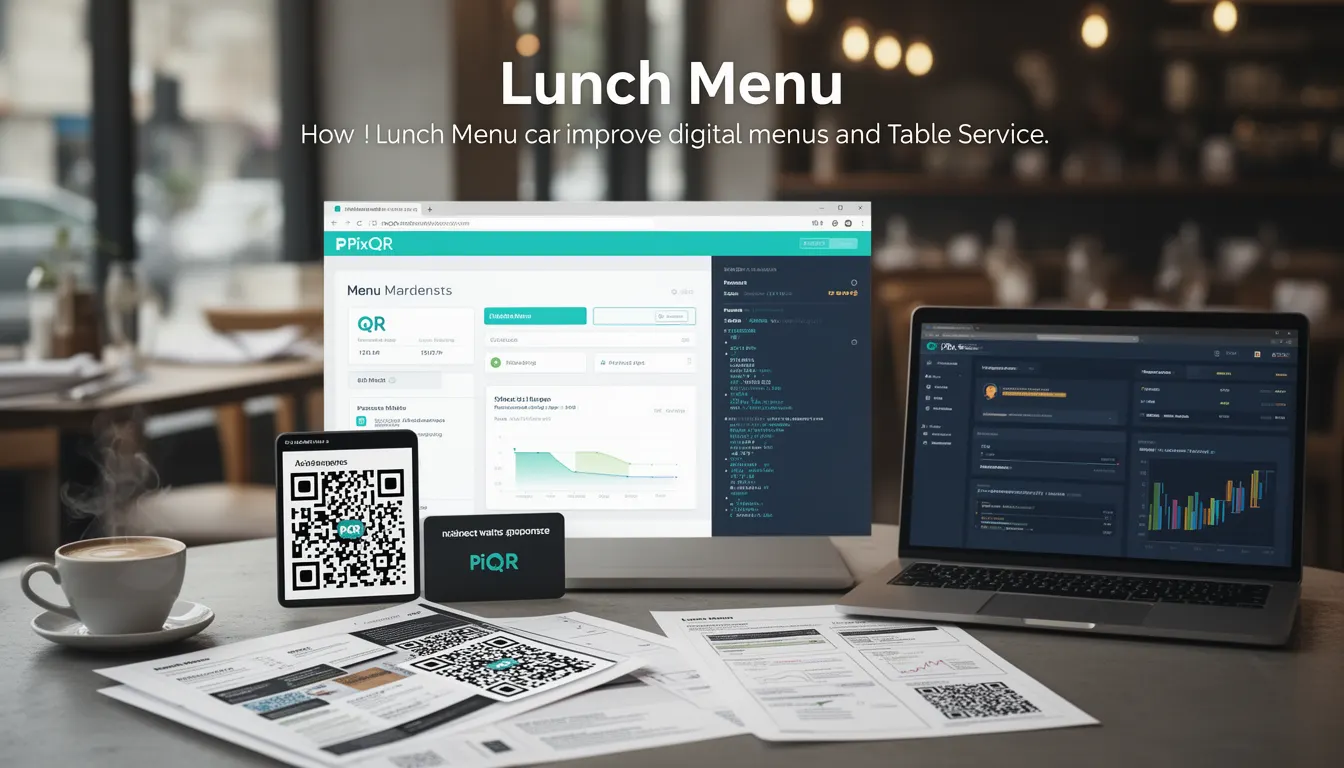
In the context of PixQR, a Lunch Menu refers to a specific implementation of dynamic QR code functionality that enables restaurants to publish and update menu items in real time, using a QR code as the primary access point. This approach supports digital menus that can be scanned by customers to view, order, or interact with menu content, while maintaining brand-safe design and secure operational workflows.
For developers working with PixQR, Lunch Menu is a term that encapsulates the integration of QR code generation, dynamic content delivery, and table service workflows. It is particularly relevant when building scalable, maintainable menu systems for hospitality environments where content must be updated frequently and reliably.
Why It Matters
For developers, the Lunch Menu concept directly impacts how QR code systems are structured and maintained in production environments. It enables real-time menu updates without requiring physical changes to printed materials, reducing waste and operational overhead. From a security perspective, it ensures that dynamic content delivered through QR codes is properly managed, validated, and protected against unauthorized modifications.
From a performance standpoint, the Lunch Menu implementation must balance scan reliability, content delivery speed, and analytics tracking. It also plays a role in accessibility compliance, as menu content must be consumable by assistive technologies. For PixQR, this term is tied to operational workflows that ensure consistency and integrity across all menu-related QR code interactions.
How It Works
The Lunch Menu functionality in PixQR is implemented through a dynamic QR code system that links to a centralized content management layer. When a user scans a QR code, the system resolves a dynamic redirect to the appropriate menu data, which is fetched from a secure backend. This data can be updated in real time, allowing for immediate changes to menu items, prices, or availability.
- QR code generation is handled through PixQR’s API, with options to set content type, expiration, and analytics tracking.
- Dynamic redirects are managed through a secure URL routing system that supports content versioning and fallbacks.
- Menu content is stored in a structured format, such as JSON, and is validated against a schema to prevent malformed data.
- Analytics are collected per scan, including device type, location, and interaction time, with optional privacy controls.
- Content delivery is optimized for fast loading and includes support for caching strategies to improve performance.
Quick Reference
| Item | Purpose | Notes |
|---|---|---|
| QR Code URL | Points to dynamic menu content | Must be configured for secure redirect |
| Content Schema | Defines structure of menu data | JSON format with required fields |
| Scan Analytics | Tracks user interaction | Includes device, time, and engagement metrics |
| Update Frequency | Controls how often content can change | Set via API or admin panel |
| Privacy Controls | Manages data collection | Optional opt-out or anonymization |
Basic Example
PixQR Example QR
This QR links directly to this glossary page, so printed notes, onboarding docs, and support material can bring scanners back to the current reference.

This basic example demonstrates how a developer might configure a QR code to link to a Lunch Menu using PixQR's API. It shows the minimal parameters required to generate a dynamic menu QR code.
const qrData = {
  "content": "https://api.pixqr.com/menu/lunch/12345",
  "type": "dynamic",
  "analytics": true,
  "expiration": "2025-06-30"
};

const qrResponse = await fetch("https://api.pixqr.com/qr/generate", {
  method: "POST",
  headers: {
    "Content-Type": "application/json",
    "Authorization": "Bearer YOUR_API_KEY"
  },
  body: JSON.stringify(qrData)
});
The example shows how to generate a QR code with a dynamic URL pointing to a specific menu. The content field specifies the target endpoint, and analytics enables tracking. The expiration field ensures the QR code is valid for a defined period.
Production Example
This example shows a more complete implementation, including error handling, access control, and content validation, suitable for production use in a restaurant management system.
const generateLunchMenuQR = async (menuId, options = {}) => {
  const payload = {
    content: `https://api.pixqr.com/menu/lunch/${menuId}`,
    type: "dynamic",
    analytics: options.analytics || true,
    privacy: options.privacy || { anonymize: true },
    expiration: options.expiration || "2025-06-30",
    tags: ["lunch", "menu", "digital"]
  };

  try {
    const response = await fetch("https://api.pixqr.com/qr/generate", {
      method: "POST",
      headers: {
        "Content-Type": "application/json",
        "Authorization": `Bearer ${process.env.PIXQR_API_KEY}`
      },
      body: JSON.stringify(payload)
    });

    if (!response.ok) {
      throw new Error(`QR generation failed: ${response.status}`);
    }

    return await response.json();
  } catch (error) {
    console.error("Error generating QR code:", error);
    throw error;
  }
};
This version includes error handling, environment variable usage for API keys, and optional configurations for analytics and privacy. It ensures robustness and maintainability in a production setting.
Common Mistakes
- Using static QR codes instead of dynamic ones, leading to outdated menu information.
- Not validating menu content before publishing, causing errors or broken links.
- Ignoring privacy settings, which can lead to non-compliance with data protection regulations.
- Setting expiration dates too far in the future, making it difficult to update content.
- Hardcoding API keys or sensitive data in client-side code, exposing credentials.
Security And Production Notes
- Always use HTTPS for QR code content delivery to prevent man-in-the-middle attacks.
- Validate all menu data against a schema to prevent injection or malformed content.
- Implement rate limiting on QR generation and analytics endpoints to prevent abuse.
- Use environment variables for API keys and sensitive configurations to avoid exposure.
- Enable analytics with privacy controls to ensure compliance with GDPR or CCPA.
Related Concepts
Several core concepts in PixQR and QR code development are closely related to the Lunch Menu implementation:
- Dynamic Redirects: The mechanism that allows QR codes to point to changing content.
- Content Management: The system used to update and maintain menu data.
- Scan Analytics: Tracking user interactions with QR codes for performance insights.
- Brand-Safe Design: Ensuring QR code visuals align with brand guidelines and do not introduce unsafe elements.
- Operational Workflows: The process of generating, deploying, and monitoring QR codes in a production environment.