 PixQR
PixQR
Overview
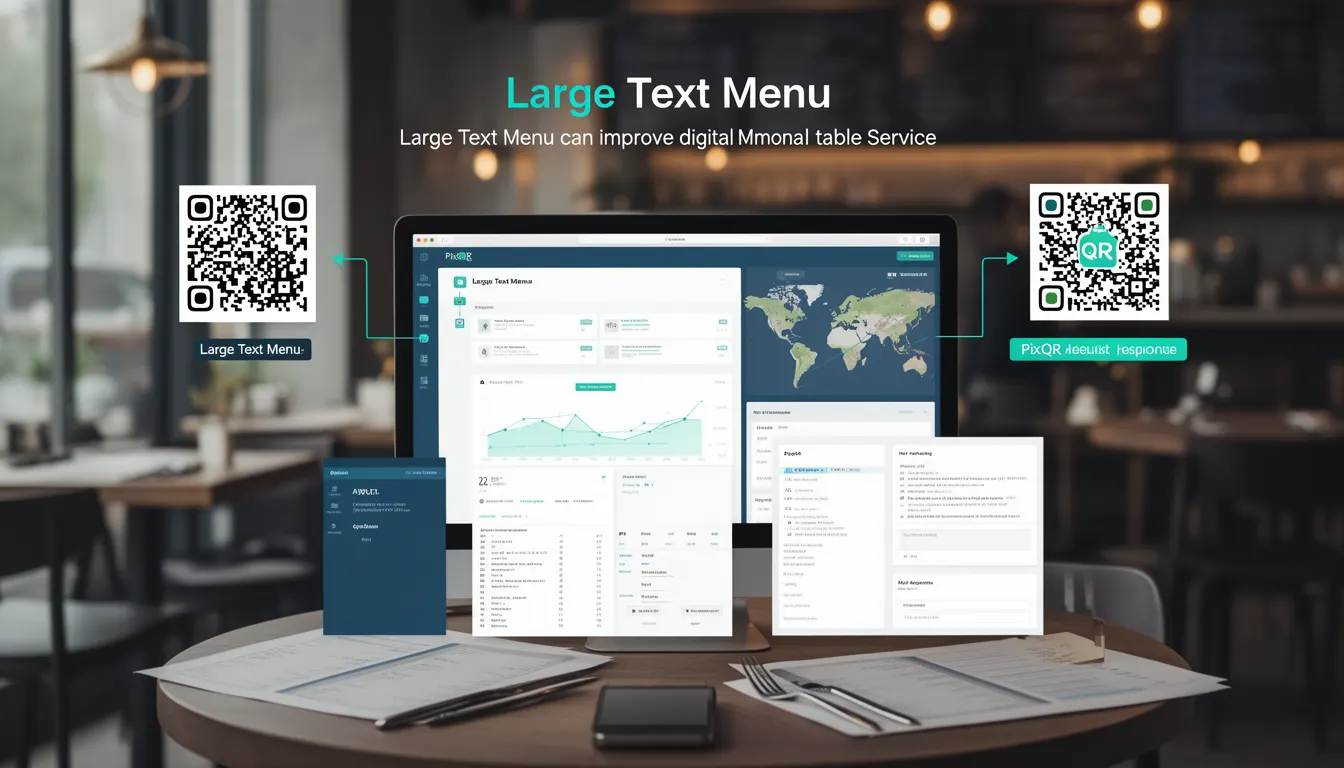
A Large Text Menu in the context of PixQR refers to a specific QR code configuration designed to support digital menus with enhanced readability and accessibility. This type of menu is typically used in restaurant environments where customers scan a QR code to access an online menu, often displayed on mobile devices or digital screens. The term emphasizes the importance of font sizing, contrast, and layout optimization to ensure that menu items are easily legible, particularly for users with visual impairments or in low-light conditions.
For developers working with PixQR, understanding Large Text Menu is essential when designing QR-based menu systems that must meet accessibility standards and user experience requirements. It involves configuration options that ensure menu content is displayed with sufficient font size, appropriate spacing, and contrast ratios, all while maintaining compatibility with QR code scanning systems and redirect workflows.
Why It Matters
For developers, the Large Text Menu concept directly impacts user experience, accessibility compliance, and operational reliability. In restaurant settings, QR codes must reliably redirect to menu pages that are easy to read and navigate. A poorly designed menu can lead to customer frustration, increased support requests, or non-compliance with accessibility guidelines such as WCAG 2.1.
From a technical perspective, implementing Large Text Menu involves considerations such as responsive design, font scaling, and layout constraints. PixQR's platform allows developers to configure these elements through its API and dashboard, ensuring that the QR code content is optimized for both scanning and readability. The ability to enforce larger text sizes and improved contrast ratios helps ensure that menu information is accessible to all users, including those with low vision.
How It Works
The Large Text Menu feature in PixQR operates through a combination of configuration options, rendering logic, and accessibility standards. When a QR code is generated with this setting, the system applies specific formatting rules to the menu content to ensure optimal legibility.
- Font size is increased to at least 18px or equivalent on mobile devices, ensuring readability without zooming.
- Contrast ratios between text and background are maintained at a minimum of 4.5:1 for normal text and 3:1 for large text.
- Line spacing and letter spacing are adjusted to reduce visual clutter and improve scannability.
- Layout is optimized to avoid text wrapping or truncation, particularly on smaller screens.
- Content is structured with semantic HTML elements to support screen readers and assistive technologies.
Quick Reference
| Item | Purpose | Notes |
|---|---|---|
| Font size configuration | Ensures readability on all devices | Must be at least 18px for mobile |
| Contrast ratio | Improves accessibility compliance | Minimum 4.5:1 for normal text |
| Layout optimization | Prevents text truncation | Uses responsive grid systems |
| Text spacing | Reduces visual strain | Adjusts line and letter spacing |
| Accessibility tags | Supports screen readers | Uses semantic HTML elements |
Basic Example
PixQR Example QR
This QR links directly to this glossary page, so printed notes, onboarding docs, and support material can bring scanners back to the current reference.
/glossary/qr-code-for-menus/qr-codes-for-menus-large-text-menu
This example demonstrates a basic PixQR menu configuration that applies Large Text Menu settings to a QR code. The code snippet shows how to define a menu with appropriate text sizing and contrast.
{
  "qr_code": {
    "type": "redirect",
    "target_url": "https://example.com/menu",
    "menu_settings": {
      "large_text": true,
      "font_size": "20px",
      "contrast_ratio": "4.5:1"
    }
  }
}
The key elements in this configuration include enabling the large_text flag, setting a minimum font size of 20px, and enforcing a contrast ratio of 4.5:1. These settings ensure that the menu content is optimized for readability.
Production Example
In a production environment, developers may use PixQR's API to generate QR codes with Large Text Menu settings while also validating content and ensuring compliance with accessibility standards. This example shows a more robust configuration that includes error handling and validation.
{
  "qr_code": {
    "type": "redirect",
    "target_url": "https://restaurant.example.com/menu",
    "menu_settings": {
      "large_text": true,
      "font_size": "22px",
      "contrast_ratio": "4.5:1",
      "line_spacing": "1.5",
      "letter_spacing": "0.5px",
      "accessible_tags": true
    },
    "analytics": {
      "enabled": true,
      "tracking": "scan_events"
    }
  }
}
This version includes additional settings such as line spacing, letter spacing, and semantic accessibility tags. It also enables analytics to track how users interact with the menu, which is crucial for optimizing the user experience and ensuring compliance.
Common Mistakes
- Not validating font size and contrast ratios during development, leading to non-compliant menu displays.
- Ignoring responsive design considerations, which can cause text to become unreadable on different screen sizes.
- Overlooking accessibility tags, resulting in poor screen reader support for visually impaired users.
- Using fixed font sizes without considering dynamic scaling for different devices or user preferences.
- Failing to test QR code scans with the Large Text Menu configuration, potentially causing redirect issues.
Security And Production Notes
- Ensure all menu content is sanitized to prevent XSS vulnerabilities when dynamically rendering menu items.
- Validate font and contrast settings to maintain accessibility compliance across all supported devices.
- Implement analytics with privacy controls to avoid tracking user behavior without consent.
- Use HTTPS for all menu URLs to ensure secure data transmission and prevent man-in-the-middle attacks.
- Test QR code generation and scanning workflows with various devices to ensure reliability and performance.
Related Concepts
Large Text Menu in PixQR connects to several related concepts in web development and accessibility. Responsive design ensures that menu layouts adapt to different screen sizes. Accessibility standards like WCAG 2.1 provide guidelines for text legibility and contrast. QR code redirect workflows ensure that scanned codes lead to valid and secure menu pages. API integration allows developers to programmatically configure menu settings. Scan tracking and analytics help monitor user engagement and optimize menu performance.