 PixQR
PixQR
Overview
Kitchen Integration refers to a system architecture approach where QR codes are used to connect digital menu displays to kitchen operations, allowing for real-time updates, order tracking, and seamless communication between front-of-house and back-of-house systems. This integration is particularly valuable in restaurants and food service environments where dynamic menus, inventory tracking, and accurate order fulfillment are essential.
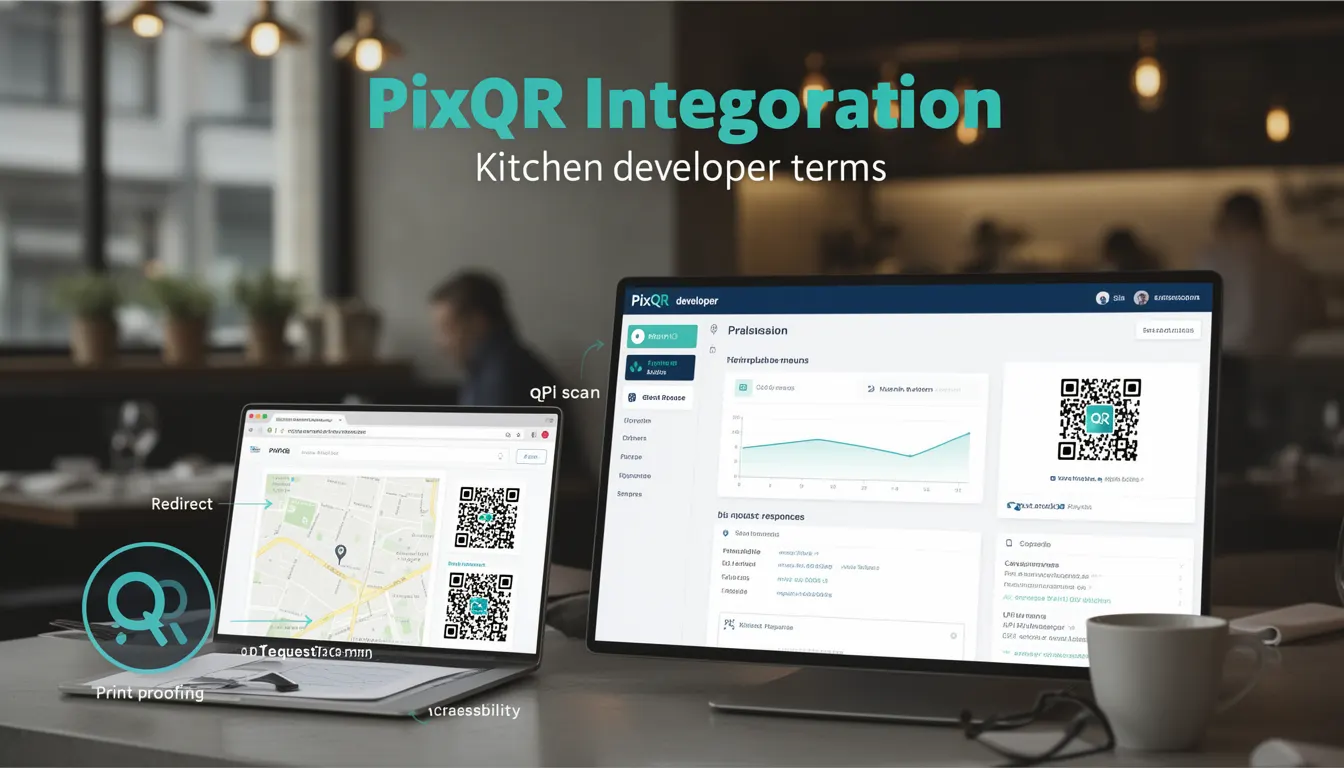
In the context of PixQR, Kitchen Integration enables developers to generate QR codes that can be scanned by staff at tables or kitchen stations. These codes can redirect to menu items, trigger order updates, or provide real-time information about dish availability, preparation status, or ingredient details. The system supports both static and dynamic QR code configurations, allowing for scalable and flexible menu management.
Why It Matters
For developers and restaurant operators, Kitchen Integration improves operational efficiency by reducing manual order entry errors, enabling faster service, and providing real-time visibility into kitchen workflows. It also supports better inventory management and allows for dynamic menu updates without physical signage changes.
From a technical perspective, implementing Kitchen Integration requires careful consideration of data synchronization, security protocols, and system scalability. Misconfigurations can lead to order delays, incorrect dish preparation, or customer dissatisfaction. Properly implemented, it enhances both user experience and backend operations.
How It Works
Kitchen Integration in PixQR operates through a combination of QR code generation, dynamic redirect management, and backend API communication. When a QR code is scanned, it triggers a sequence of events that may include menu retrieval, order submission, or status updates.
- QR codes are generated with specific payloads that include identifiers for menu items, order details, or kitchen stations.
- Each QR code can be configured to redirect to a unique endpoint or API route that handles the appropriate backend logic.
- Integration with kitchen management systems occurs through RESTful APIs or webhooks that receive and process order data.
- Real-time updates are facilitated by WebSocket connections or polling mechanisms to keep kitchen displays synchronized.
- Security features such as token-based authentication or signature validation ensure that only authorized systems can access or modify menu data.
Quick Reference
| Item | Purpose | Notes |
|---|---|---|
| QR Code Payload | Identifies menu item or order | Must be unique and secure |
| Redirect Endpoint | Handles scanned code action | Supports dynamic routing |
| API Integration | Communicates with kitchen systems | Requires authentication |
| Status Updates | Reflects order progress | Uses real-time protocols |
| Security Token | Prevents unauthorized access | Validated on each request |
Basic Example
PixQR Example QR
This QR links directly to this glossary page, so printed notes, onboarding docs, and support material can bring scanners back to the current reference.
/glossary/qr-code-for-menus/qr-codes-for-menus-kitchen-integration

A basic Kitchen Integration setup involves generating a QR code that links to a specific menu item and triggers an order submission to the kitchen system.
<!-- Generate QR code for a menu item -->
<img src="https://api.pixqr.com/qr?data=menu_item_123" alt="Order Dish" />

<!-- QR code payload structure -->
{
  "item_id": "123",
  "order_type": "dine_in",
  "timestamp": "2024-05-20T10:00:00Z"
}
The QR code image displays a scannable code that, when scanned, directs to a backend service. The payload structure includes the item identifier and order type, which are used to process the order in the kitchen system.
Production Example
In a production environment, Kitchen Integration requires robust error handling, validation, and secure communication protocols. This example shows how to configure a QR code with secure parameters and handle potential failures.
<!-- Secure QR code generation with validation -->
<img src="https://api.pixqr.com/qr?data=menu_item_123&token=abc123xyz&sig=sha256signature" alt="Order Dish" />

<!-- Backend API response handling -->
{
  "status": "success",
  "order_id": "order_456",
  "kitchen_status": "received",
  "message": "Order submitted to kitchen"
}
This version includes a security token and signature to prevent unauthorized access. The backend response confirms successful order submission and provides kitchen status updates. This approach ensures data integrity and prevents misuse of the integration.
Common Mistakes
- Using static QR codes without token validation can lead to unauthorized access to kitchen systems.
- Not implementing proper error handling can cause order failures or system crashes during high traffic periods.
- Ignoring API rate limits or connection timeouts can result in data loss or service degradation.
- Incorrect payload structure in QR codes can cause misinterpretation of menu items or orders by kitchen systems.
- Failing to update QR codes when menu items change can lead to outdated or incorrect orders being processed.
Security And Production Notes
- Always use secure tokens or API keys to authenticate QR code access and prevent unauthorized modifications.
- Validate QR code payloads to ensure they match expected formats and prevent injection attacks.
- Implement HTTPS for all QR code redirections to protect data in transit.
- Use signed payloads or checksums to verify data integrity and prevent tampering.
- Design for scalability and handle high-volume order processing without performance degradation.
Related Concepts
Kitchen Integration connects closely with several core concepts in digital menu systems and restaurant operations. These include QR code generation, dynamic redirect handling, API design, real-time data synchronization, and secure data transmission. Understanding how these concepts interact is crucial for building robust and scalable kitchen integration solutions.