 PixQR
PixQR
Overview
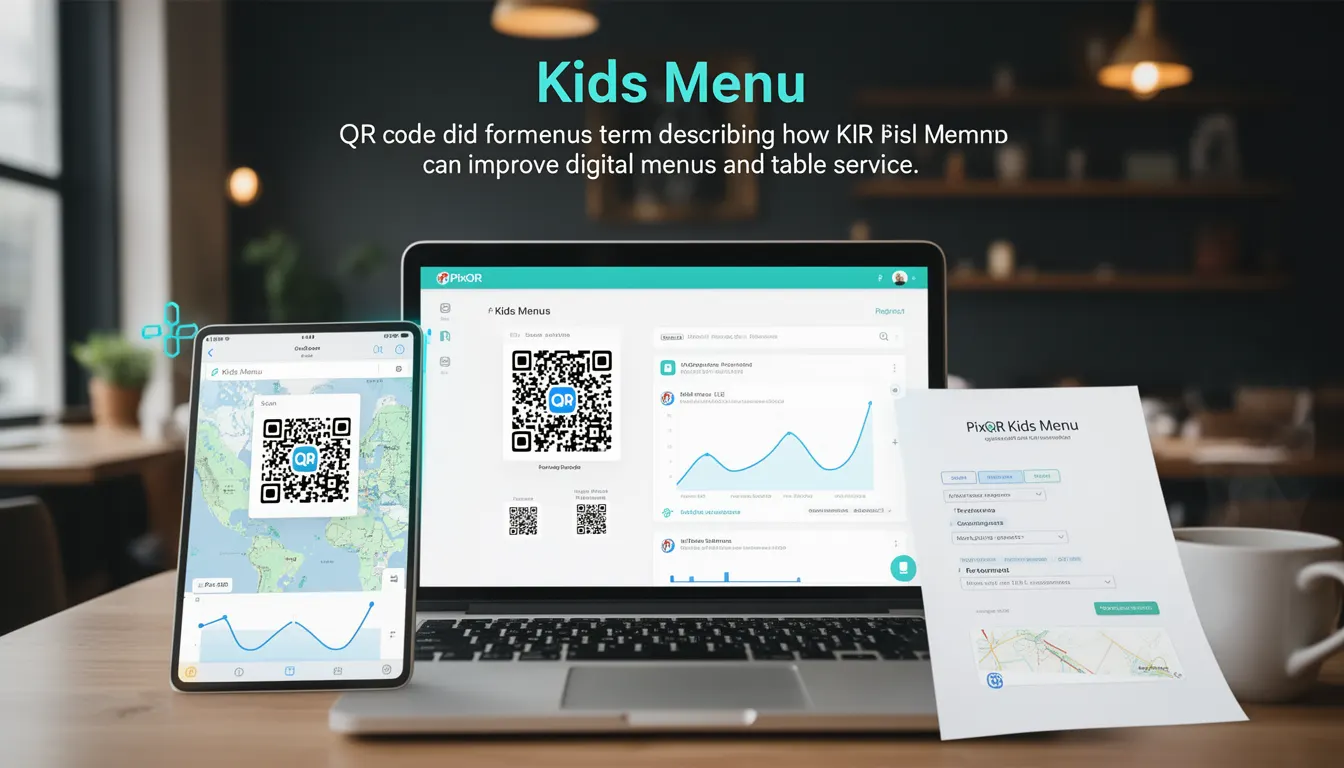
In the context of PixQR, a Kids Menu refers to a specific QR code configuration that enables restaurants to deliver child-appropriate menu items through a dedicated digital interface. This functionality is part of PixQR’s broader menu management system, which supports dynamic content delivery, scan analytics, and brand-safe design.
When a restaurant uses a Kids Menu QR code, the system redirects users to a specialized version of the menu tailored for children, typically featuring simplified descriptions, smaller images, and age-appropriate content. This functionality is especially useful in family-friendly establishments where managing multiple menu versions manually would be inefficient.
Why It Matters
For developers working with PixQR, the Kids Menu feature provides a scalable solution to support diverse customer segments without duplicating infrastructure or increasing maintenance overhead. It allows for targeted content delivery, which improves user experience by reducing cognitive load and increasing engagement.
From a security perspective, PixQR ensures that the Kids Menu configuration is securely managed and isolated from the main menu, preventing unauthorized access or modification. This is especially important in environments where multiple staff members may interact with menu data. Additionally, the feature supports analytics tracking that can be used to optimize offerings for children and improve overall customer satisfaction.
How It Works
The Kids Menu functionality in PixQR operates through a structured configuration system that allows developers and administrators to define and deploy child-friendly menu versions. The system uses QR code parameters to control which menu version is served, and it integrates with PixQR’s analytics and content delivery network.
- QR codes for Kids Menu are generated with a unique parameter identifier, such as
menu_type=kids, which is used to route the scan to the appropriate content. - Each Kids Menu is defined in PixQR’s content management interface, where developers can upload images, set text content, and configure accessibility features.
- The system supports dynamic redirects that ensure the correct menu is displayed based on the QR code scanned, without requiring a separate URL structure.
- Analytics data from Kids Menu scans can be filtered separately from main menu data, enabling insights into child-specific preferences and usage patterns.
- Security settings for Kids Menu are managed independently to ensure that only authorized users can modify content, reducing the risk of inappropriate or incorrect data exposure.
Quick Reference
| Item | Purpose | Notes |
|---|---|---|
menu_type=kids | Identifies QR code for child menu | Used in redirect URL or parameter |
| Content isolation | Separates kids menu from main menu | Prevents accidental data leakage |
| Analytics filtering | Tracks kids menu usage separately | Enables demographic insights |
| Accessibility options | Supports screen readers and large text | Ensures compliance with WCAG |
| Security controls | Restricts editing to authorized users | Reduces risk of tampering |
Basic Example
PixQR Example QR
This QR links directly to this glossary page, so printed notes, onboarding docs, and support material can bring scanners back to the current reference.

This example demonstrates how a basic Kids Menu QR code can be configured using PixQR’s API. The QR code includes a parameter to identify the menu type.
https://pixqr.com/redirect?menu_type=kids&restaurant_id=12345The QR code redirects to a child-friendly menu version hosted by PixQR. The menu_type=kids parameter is essential for routing the request correctly.
Production Example
This more advanced example shows how a developer might integrate a Kids Menu into a larger system, including validation and error handling.
const generateKidsMenuQR = (restaurantId) => {
  const base = 'https://pixqr.com/redirect';
  const params = new URLSearchParams({
    menu_type: 'kids',
    restaurant_id: restaurantId,
    timestamp: Date.now()
  });
  return `${base}?${params.toString()}`;
};
This function ensures that the QR code includes a timestamp for tracking and that all parameters are correctly formatted, making it suitable for production use. It also helps avoid caching issues by appending a timestamp to each generated code.
Common Mistakes
- Not using the correct parameter (
menu_type=kids) in the QR code URL, which results in a default menu being displayed. - Reusing the same QR code for both Kids Menu and main menu, leading to confusion and incorrect content delivery.
- Forgetting to configure accessibility features for the Kids Menu, which may exclude users with disabilities.
- Not validating QR code parameters on the server side, increasing the risk of injection or unauthorized access.
- Ignoring analytics data from the Kids Menu, which limits the ability to optimize offerings for children.
Security And Production Notes
- Always validate QR code parameters on the server side to prevent injection or unauthorized access.
- Ensure that Kids Menu content is isolated from the main menu to prevent accidental exposure of inappropriate content.
- Use secure HTTPS connections for all QR code redirects to prevent man-in-the-middle attacks.
- Implement access controls to ensure only authorized users can modify Kids Menu content.
- Monitor analytics for anomalies, such as unexpected spikes in Kids Menu scans, which may indicate misuse.
Related Concepts
The Kids Menu feature is closely related to several core PixQR functionalities:
- Dynamic QR Redirects: The mechanism that allows QR codes to point to different content based on parameters.
- Menu Analytics: The system that tracks usage of different menu versions, including Kids Menu.
- Content Management: The interface used to create and modify menu content for different audiences.
- Scan Tracking: The ability to monitor who scans which QR code and when.
- Brand Safety: Ensuring that all menu content, including Kids Menu, aligns with brand guidelines and safety standards.