 PixQR
PixQR
Overview
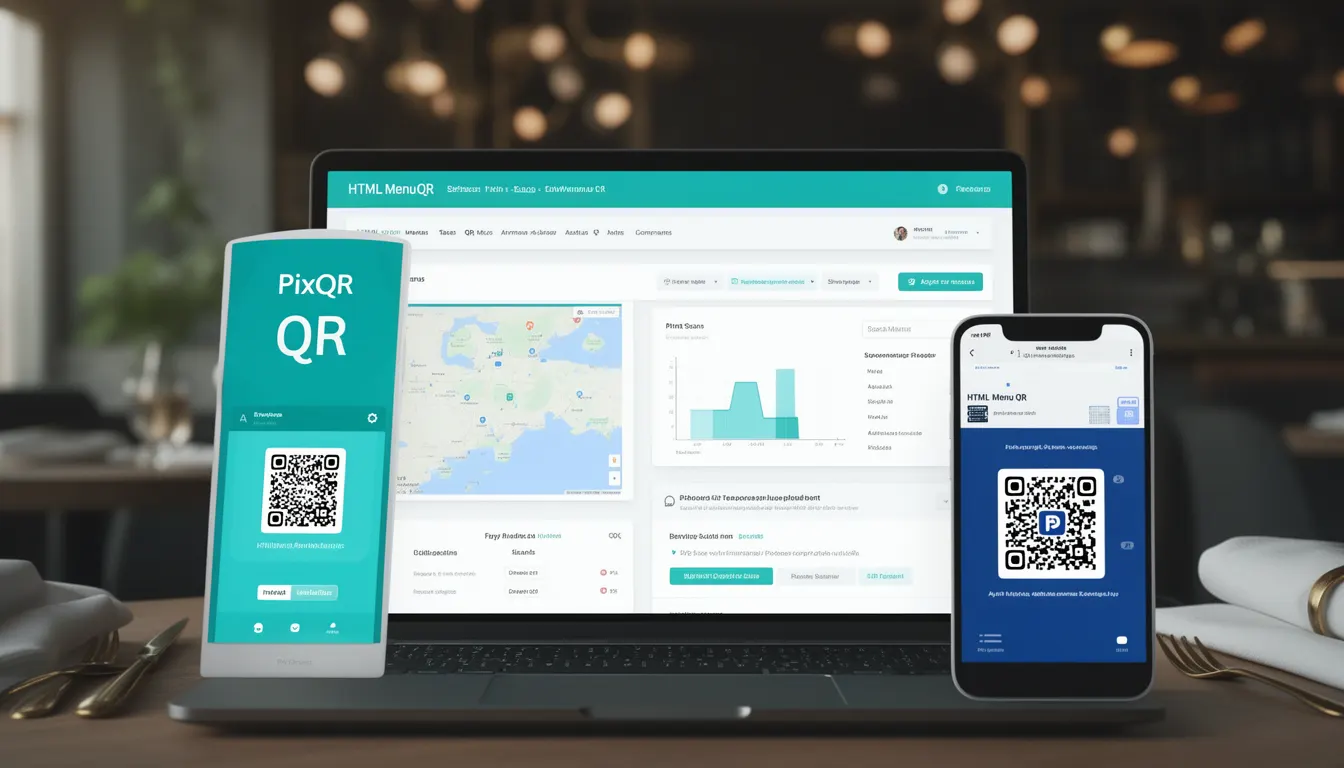
HTML Menu QR refers to a specific implementation of QR code technology used by restaurants and food service businesses to deliver digital menus directly to customer devices. Unlike traditional static QR codes that redirect to a single URL, an HTML Menu QR encodes structured data that, when scanned, initiates a process to display an interactive, web-based menu on a customer's device.
This approach enables dynamic content delivery, real-time menu updates, and integration with analytics systems. It supports features like allergen information, nutritional data, pricing changes, and even ordering capabilities, all accessible via a single QR code. In PixQR's context, HTML Menu QR is a service offering that generates secure, brand-safe QR codes designed to link to a dynamically rendered menu hosted on the platform.
Why It Matters
For developers and restaurant operators, HTML Menu QR offers a balance between convenience and control. It allows for rapid menu updates without physical reprinting, supports real-time inventory tracking, and integrates with existing point-of-sale systems. From a security standpoint, it reduces the risk of fraudulent redirects or outdated content, which is critical in a service environment where customer trust is paramount.
For developers, the implementation involves ensuring compatibility across devices and browsers, managing accessibility, and handling potential errors in QR scanning or menu loading. It also involves ensuring that the underlying HTML and data structures are robust enough to support dynamic content while remaining lightweight and fast to load. In PixQR's ecosystem, this means supporting reliable, secure QR generation and redirect paths that maintain privacy and analytics integrity.
How It Works
The HTML Menu QR system operates by encoding a structured data payload into a QR code. This payload typically includes a URL that points to a web resource, often a dynamic HTML page hosted by a platform like PixQR. The QR code itself is generated using standard QR encoding protocols but is optimized for fast scanning and reliable delivery.
- The QR code encodes a URL that points to a menu resource, which may be hosted on PixQR’s infrastructure or a customer's own domain.
- The URL typically includes parameters to identify the specific menu or restaurant, such as a unique ID or session token.
- Upon scanning, the device's QR reader or browser initiates a GET request to the encoded URL.
- The server responds with an HTML page that displays the menu content, often styled with responsive CSS to adapt to mobile or tablet devices.
- Optional features may include embedded analytics tracking, dynamic content updates, and integration with external systems like inventory or ordering APIs.
Quick Reference
| Item | Purpose | Notes |
|---|---|---|
| QR Code Encoding | Stores URL or data payload | Uses standard QR format with error correction |
| Menu URL | Points to menu content | Can be hosted on PixQR or customer domain |
| Dynamic Content | Supports real-time updates | Requires backend API or CMS integration |
| Accessibility | Supports screen readers | HTML and ARIA attributes required |
| Analytics | Tracks menu interactions | Integration with PixQR tracking tools |
Basic Example
PixQR Example QR
This QR links directly to this glossary page, so printed notes, onboarding docs, and support material can bring scanners back to the current reference.

A basic HTML Menu QR implementation starts with generating a QR code that encodes a URL pointing to a simple menu page. This page is designed to display menu items with minimal styling and no external dependencies.
<!DOCTYPE html>
<html lang="en">
  <head>
    <meta charset="UTF-8">
    <title>Restaurant Menu</title>
  </head>
  <body>
    <h1>Menu</h1>
    <ul>
      <li>Burger - $12.99</li>
      <li>Fries - $4.99</li>
    </ul>
  </body>
</html>
This example shows a minimal menu structure. The QR code encodes the URL to this HTML page, which is then rendered on the user's device when scanned. The key elements are the HTML structure and the URL path that the QR code points to.
Production Example
A production-ready HTML Menu QR implementation includes responsive design, accessibility features, error handling, and integration with analytics or inventory systems. This version is built to be scalable and maintainable.
<!DOCTYPE html>
<html lang="en">
  <head>
    <meta charset="UTF-8">
    <meta name="viewport" content="width=device-width, initial-scale=1">
    <title>Restaurant Menu</title>
    <link rel="stylesheet" href="/styles/menu.css">
  </head>
  <body>
    <header>
      <h1>Restaurant Name</h1>
    </header>
    <main>
      <section role="region" aria-label="Menu Items">
        <h2>Appetizers</h2>
        <ul>
          <li>Caesar Salad - $8.99</li>
          <li>Wings - $10.99</li>
        </ul>
      </section>
    </main>
    <script>
      // Analytics tracking
      if (window.gtag) {
        gtag('event', 'menu_viewed');
      }
    </script>
  </body>
</html>
This version includes responsive viewport settings, semantic HTML, ARIA roles for accessibility, and a script for analytics tracking. It is more robust and suitable for real-world deployment, especially in a PixQR context where reliability and branding are key.
Common Mistakes
- Not validating QR code content before generation, leading to malformed or inaccessible URLs.
- Ignoring mobile responsiveness, which causes poor user experience on handheld devices.
- Using external scripts or resources without proper CORS or security headers, increasing vulnerability.
- Overlooking accessibility features like ARIA roles or alt text, which impacts users with disabilities.
- Not implementing error handling for failed menu loads or QR scan failures, resulting in broken user experiences.
Security And Production Notes
- Always validate the URL encoded in the QR code to prevent open redirect vulnerabilities.
- Use HTTPS for all menu content to ensure secure delivery and prevent man-in-the-middle attacks.
- Implement content security policies (CSP) to restrict external script loading and prevent XSS.
- Ensure that all menu data is sanitized and escaped to prevent injection attacks.
- Include robust error handling and fallbacks in case of QR scanning or menu loading failures.
Related Concepts
HTML Menu QR is closely related to several core web technologies and practices:
- QR Code Generation – The process of encoding data into a scannable format, which is foundational to how HTML Menu QR works.
- Dynamic Redirects – The ability to redirect users to different content based on parameters, which is essential for personalized menus.
- Responsive Web Design – Ensures that menu content adapts to various screen sizes and devices.
- Accessibility Standards – Critical for inclusive menu delivery, especially in public settings.
- Analytics Integration – Allows for tracking of menu views, user engagement, and operational insights.