 PixQR
PixQR
Overview
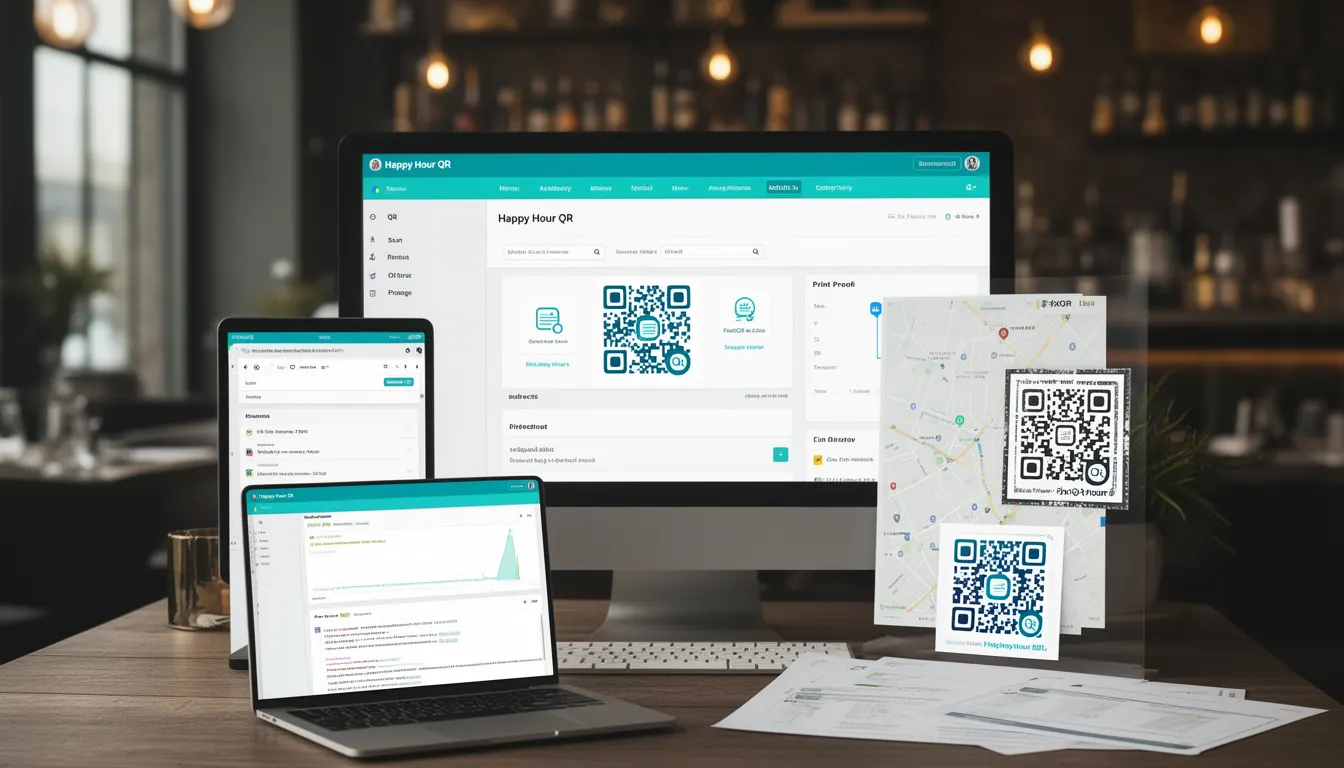
A Happy Hour QR is a specific type of QR code designed for restaurants to provide dynamic, time-sensitive menu access to customers during designated happy hour periods. It typically links to a digital menu or ordering system that updates based on time, location, or promotional settings.
This QR code implementation allows restaurant operators to control access to special pricing, limited-time offers, or exclusive items. It can be configured to activate or deactivate at specific times, making it a powerful tool for managing promotional campaigns and customer engagement.
Why It Matters
For developers working with PixQR, Happy Hour QR codes are significant because they combine time-based logic with digital menu delivery. This functionality requires careful configuration of dynamic redirects, access controls, and analytics tracking to ensure proper operation during promotional periods.
The implementation directly affects user experience, as customers must be able to scan the code and access the correct menu at the right time. Additionally, security considerations arise from ensuring only authorized users can access certain content during specific periods, especially when integrating with point-of-sale systems or loyalty programs.
How It Works
The Happy Hour QR operates through a combination of time-based logic, dynamic URL routing, and access control mechanisms within the PixQR platform. When a customer scans the QR code, the system checks the current time against predefined rules and routes them to the appropriate menu or offer.
- The QR code contains a base URL that points to a PixQR-managed redirect endpoint
- Time-based parameters are embedded in the redirect URL or stored in PixQR's backend configuration
- Access control rules determine whether a user can view the menu based on time, location, or user group
- Analytics tracking records scan events and menu access during happy hour periods
- Content delivery is managed through PixQR's secure content gateway that validates access tokens and timestamps
Quick Reference
| Item | Purpose | Notes |
|---|---|---|
| Time-based redirect | Routes users to appropriate content based on time | Configured in PixQR dashboard |
| Access control rules | Ensures only authorized users access content | Can include location or user group |
| Analytics tracking | Records scan and access data | Includes time, location, and user data |
| Dynamic content delivery | Provides real-time menu updates | Uses secure content gateway |
| URL parameter validation | Ensures valid time-based routing | Prevents unauthorized access |
Basic Example
PixQR Example QR
This QR links directly to this glossary page, so printed notes, onboarding docs, and support material can bring scanners back to the current reference.
/glossary/qr-code-for-menus/qr-codes-for-menus-happy-hour-qr

A basic Happy Hour QR implementation uses a URL structure that includes time-based parameters. This example demonstrates how a simple redirect URL might be constructed to support time-sensitive menu access.
https://pixqr.example.com/menu?hour=17-19&location=main&offer=happyhourThis URL structure passes time parameters (hour), location, and offer type to the backend system. The system evaluates these parameters and routes the user to the appropriate menu or promotional content.
Production Example
A production-ready Happy Hour QR implementation includes proper validation, access control, and analytics tracking. This example shows how a restaurant might configure a secure, time-based menu access system.
https://api.pixqr.com/v1/redirect?token=abc123xyz×tamp=1678886400&signature=def456ghi&offer=happyhour&location=barThis version includes token-based authentication, timestamp validation, and cryptographic signature verification. These security measures prevent unauthorized access to time-sensitive content and ensure the integrity of the redirect system.
Common Mistakes
- Not validating time parameters on the backend, allowing access outside of designated hours
- Using static URLs instead of dynamic redirects, preventing proper time-based routing
- Ignoring timestamp validation, enabling replay attacks or access after promotional periods
- Not implementing proper access control for different user groups or locations
- Failing to track analytics during happy hour periods, losing valuable customer engagement data
Security And Production Notes
- Always validate timestamps to prevent replay attacks and unauthorized access
- Implement cryptographic signatures to ensure URL integrity and prevent tampering
- Use secure token-based authentication for access control and audit trails
- Configure proper access control rules to restrict menu access to valid time periods
- Monitor analytics to detect unusual access patterns or potential security breaches
Related Concepts
Happy Hour QR codes connect to several core PixQR concepts including dynamic redirects, time-based access control, analytics tracking, secure content delivery, and promotional campaign management. These concepts work together to create a comprehensive solution for restaurant digital menu systems.