 PixQR
PixQR
Overview
In the context of PixQR, a Gluten-Free Menu refers to a digital menu system that explicitly flags and categorizes food items as free from gluten, supporting dietary restrictions and accessibility needs. This term is particularly relevant in QR code-based menu solutions where digital content is delivered via QR scans, and where menu items must be accurately categorized for users with celiac disease or gluten sensitivity.
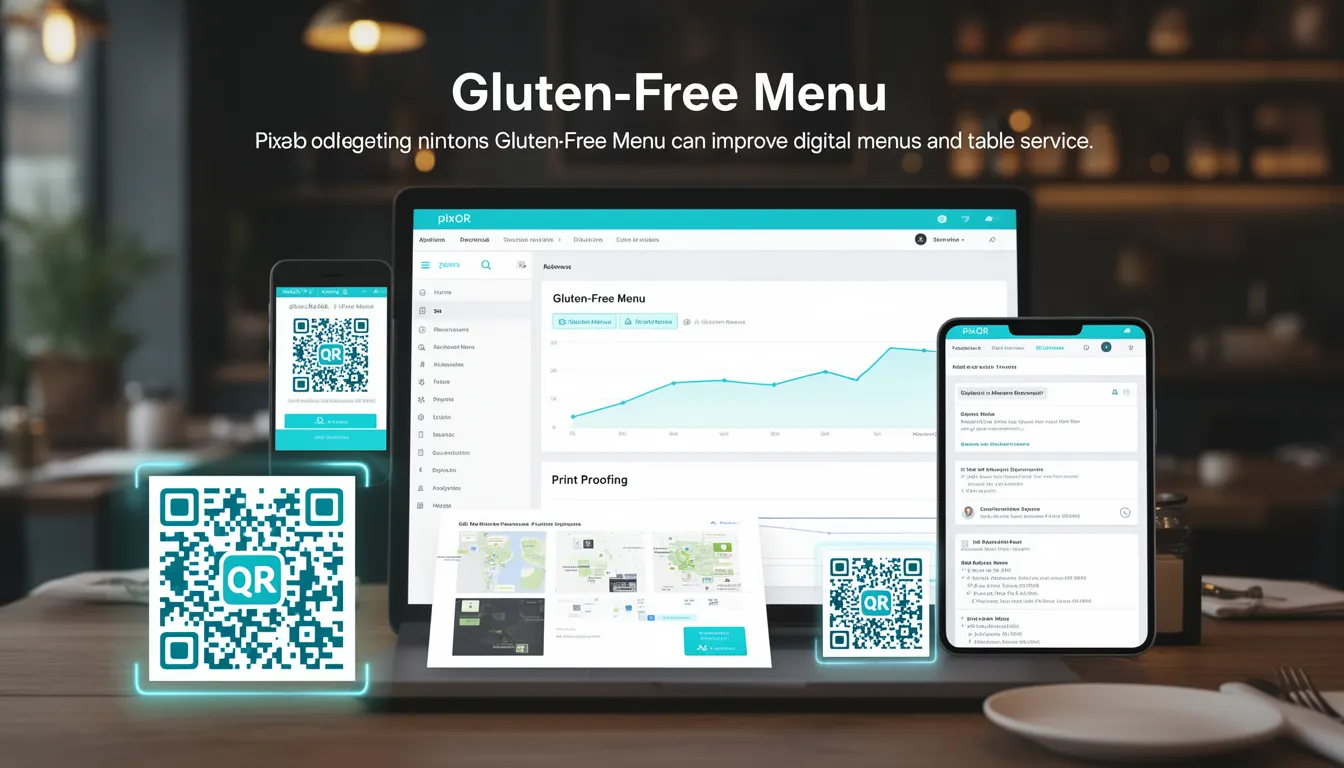
When integrated into PixQR's platform, a Gluten-Free Menu ensures that QR-generated menu content can be filtered, sorted, or highlighted based on dietary requirements. This enables restaurants to offer a more inclusive dining experience by providing accessible digital menu data that can be scanned, parsed, and displayed in a user-friendly way.
Why It Matters
For developers working with PixQR's menu and QR generation systems, implementing a Gluten-Free Menu category improves accessibility and user experience for individuals with dietary restrictions. It also supports compliance with health regulations and enhances the platform's ability to serve diverse customer bases.
From a technical perspective, this feature allows developers to tag menu items with metadata indicating their dietary status. This metadata can be used to dynamically filter menu content, trigger alerts, or provide enhanced analytics on popular gluten-free offerings. It also contributes to better scan reliability by ensuring accurate data delivery through QR codes.
How It Works
The Gluten-Free Menu functionality in PixQR operates through structured data tagging and filtering mechanisms. When a menu item is created, it can be marked with a specific attribute indicating its gluten status. This attribute is then used by the QR generation engine to include relevant metadata in the QR code payload.
- Menu items are tagged with a
gluten_freeboolean field, either true or false. - When generating a QR code, the system includes dietary tags in the data structure for scanning devices.
- Scanning applications can use these tags to filter or highlight gluten-free items.
- Analytics dashboards can aggregate data on gluten-free menu popularity or usage trends.
- Support for multiple dietary tags (e.g.,
gluten_free,vegan,nut_allergy) allows for multi-category filtering.
Quick Reference
| Item | Purpose | Notes |
|---|---|---|
gluten_free field | Indicates whether an item is gluten-free | Boolean value; used in QR data payload |
| QR code payload | Contains menu item metadata | Supports dietary filters and analytics |
| Menu filtering | Allows filtering by dietary requirements | Supports dynamic UI updates |
| Analytics dashboard | Tracks gluten-free item usage | Provides business insights |
| Scan reliability | Ensures accurate data delivery | Minimizes misinterpretation of menu data |
Basic Example
PixQR Example QR
This QR links directly to this glossary page, so printed notes, onboarding docs, and support material can bring scanners back to the current reference.
/glossary/qr-code-for-menus/qr-codes-for-menus-gluten-free-menu

A basic example shows how a menu item might be structured with a gluten-free flag.
{
  "id": "1001",
  "name": "Gluten-Free Pasta Salad",
  "description": "Fresh vegetables with gluten-free pasta",
  "price": 12.99,
  "gluten_free": true
}
This example demonstrates the core concept of tagging a menu item with a gluten_free flag. The flag is a simple boolean that indicates whether the item is safe for those with gluten sensitivities.
Production Example
In a production environment, the Gluten-Free Menu system integrates with a more robust menu management system that includes validation, error handling, and analytics.
{
  "menu_items": [
    {
      "id": "1001",
      "name": "Gluten-Free Pasta Salad",
      "description": "Fresh vegetables with gluten-free pasta",
      "price": 12.99,
      "gluten_free": true,
      "category": "salads",
      "available": true
    },
    {
      "id": "1002",
      "name": "Regular Pasta Carbonara",
      "description": "Traditional pasta with bacon and cheese",
      "price": 14.99,
      "gluten_free": false,
      "category": "pasta",
      "available": true
    }
  ],
  "filters": {
    "gluten_free": true
  }
}
This version includes additional fields such as category, available, and a filters object that can be used to dynamically display only gluten-free items. It also shows how the system can support multiple dietary flags and maintain a consistent structure for QR payload generation.
Common Mistakes
- Not consistently tagging all menu items with dietary flags, leading to incomplete filtering.
- Using inconsistent boolean values (e.g.,
1or0instead oftrueorfalse), causing parsing errors. - Forgetting to include dietary flags in the QR code payload, resulting in lost data upon scan.
- Not validating that gluten-free items are actually gluten-free, leading to user confusion or health risks.
- Ignoring accessibility requirements when displaying filtered menu items, such as ARIA attributes or screen reader compatibility.
Security And Production Notes
- Always validate dietary data before including it in QR payloads to avoid false claims.
- Ensure that dietary tags are not easily manipulated by users or third-party tools.
- Use secure API endpoints to manage menu data, preventing unauthorized modifications.
- Implement proper error handling in QR generation logic to avoid malformed payloads.
- Support accessibility standards (e.g., WCAG) when displaying filtered menu content to ensure inclusivity.
Related Concepts
Several related concepts are essential for understanding how Gluten-Free Menu functionality fits into a broader PixQR ecosystem:
- Dynamic QR Redirects: QR codes can redirect to filtered menu content based on dietary tags.
- Menu Analytics: Dietary filtering allows for tracking of gluten-free menu popularity.
- Scan Tracking: QR scans can log which dietary options were selected by users.
- Brand-Safe Design: Menu items must be clearly labeled and visually distinct for dietary needs.
- Privacy Controls: Dietary data must be handled in compliance with privacy regulations.