 PixQR
PixQR
Overview
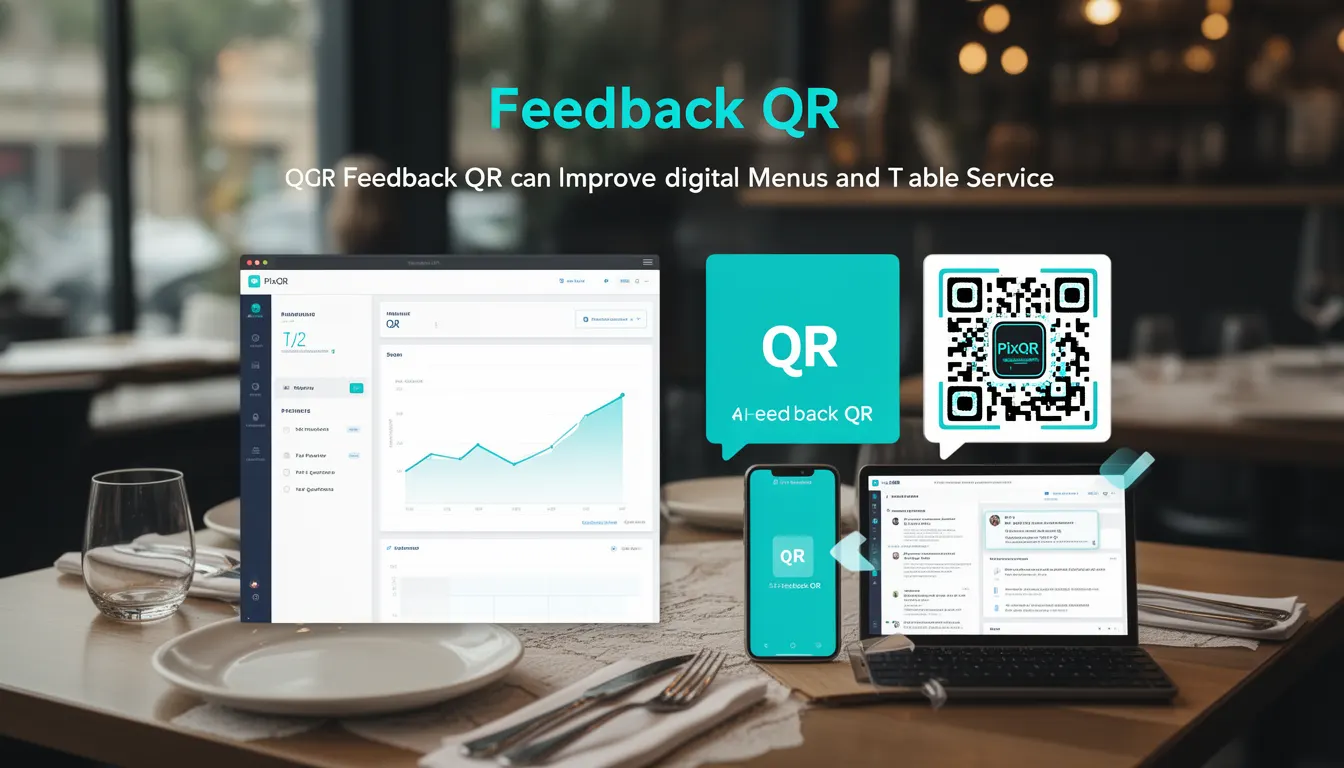
A Feedback QR is a specific type of QR code used in restaurant and hospitality environments to collect customer feedback directly from physical table settings. Unlike traditional digital menus or survey links, a Feedback QR is designed to be scanned at the table and immediately redirects users to a feedback collection form or system. This method improves digital menu adoption and streamlines the feedback process, making it more accessible and convenient for customers.
Feedback QRs are typically deployed in high-volume environments such as restaurants, cafes, and hotels where staff efficiency and customer engagement are critical. They are part of a broader category of dynamic QR codes, often generated through platforms like PixQR, which support real-time updates, analytics, and security controls. The QR code itself is a static image that encodes a URL, which may be a redirect to a feedback form or an API endpoint designed to process feedback data.
Why It Matters
For developers and product teams, Feedback QRs represent a practical integration of physical and digital workflows. They are especially valuable in environments where staff time is limited and customer engagement is key. The feedback process is streamlined, reducing the need for physical comment cards or manual data entry, and allowing for real-time data collection and analysis.
From a technical perspective, Feedback QRs require careful attention to URL structure, redirect safety, and data integrity. The platform must support secure redirects, track scan events, and maintain privacy compliance. In PixQR, Feedback QRs are created using a dynamic redirect system that allows for real-time updates to the target URL, enabling businesses to modify feedback forms or endpoints without regenerating physical QRs.
How It Works
Feedback QRs function by encoding a URL that points to a feedback collection system. When a user scans the QR, their device initiates a redirect to that URL, which may be a web form, an API endpoint, or a third-party service. The platform managing the QR code must support dynamic redirect updates, analytics tracking, and security controls.
- Feedback QRs are typically generated with a static image and a URL payload, which can be updated dynamically through the PixQR dashboard or API.
- The QR code may redirect to a hosted feedback form or an external service, such as Google Forms or a custom-built feedback system.
- Scan events are tracked to provide insights into usage, including frequency, geographic location, and device type.
- Feedback QRs support secure redirect protocols to prevent phishing or malicious link redirection.
- Analytics and privacy controls are implemented to ensure compliance with data protection regulations like GDPR or CCPA.
Quick Reference
| Item | Purpose | Notes |
|---|---|---|
| Dynamic redirect | Allows real-time updates to the target URL | Useful for modifying feedback endpoints |
| Scan tracking | Records each QR scan event | Provides usage analytics and engagement metrics |
| Secure redirect | Prevents malicious redirection | Enforces HTTPS and domain validation |
| Privacy controls | Ensures compliance with data regulations | Supports opt-out and data deletion |
| Brand-safe design | Ensures QR appearance aligns with brand guidelines | Includes custom colors and logo integration |
Basic Example
PixQR Example QR
This QR links directly to this glossary page, so printed notes, onboarding docs, and support material can bring scanners back to the current reference.

This example demonstrates a simple Feedback QR code structure used in a restaurant. It encodes a URL that points to a feedback form hosted on a secure domain.
https://example.com/feedback?table=12&restaurant=TheGourmetThe URL includes query parameters that identify the table and restaurant, which can be used by the feedback system to associate responses with specific locations or sessions.
Production Example
In a production environment, a Feedback QR may be generated with additional parameters to support analytics, branding, and security. This example shows a more robust implementation using PixQR's API for generating and tracking feedback QRs.
{
  "url": "https://feedback.pixqr.example/submit",
  "redirect_type": "dynamic",
  "analytics": true,
  "branding": {
    "logo": "https://example.com/logo.png",
    "color": "#000000"
  },
  "security": {
    "https_only": true,
    "domain_whitelist": ["example.com"]
  }
}
This version includes security parameters, branding options, and analytics tracking. It ensures that the QR code is safe, branded, and can be updated in real time, while also capturing scan data for business insights.
Common Mistakes
- Using unsecured HTTP URLs in QR codes, which can expose users to man-in-the-middle attacks or phishing.
- Not implementing domain whitelisting, which allows malicious redirects to occur if QR code links are compromised.
- Overlooking analytics and tracking, leading to missed opportunities for user engagement insights.
- Generating QR codes without considering print quality or scan reliability, resulting in failed scans in physical environments.
- Ignoring privacy compliance, especially when collecting user data, which can lead to legal or regulatory penalties.
Security And Production Notes
- Always use HTTPS for redirect URLs to prevent data interception and ensure secure communication.
- Implement domain whitelisting to restrict where QR codes can redirect, mitigating risks of malicious links.
- Use dynamic redirects to allow real-time updates without regenerating physical QRs, but ensure update controls are secure.
- Validate QR code payloads to prevent injection or malformed URLs that could cause errors or security issues.
- Ensure that feedback systems are accessible and comply with WCAG standards to support all users.
Related Concepts
Feedback QRs are closely related to several other QR code concepts and development practices:
- Dynamic QR Codes — Feedback QRs are a subtype of dynamic QR codes that support real-time updates.
- Redirect Safety — Ensures that QR code redirects are secure and point to trusted domains.
- Scan Analytics — Feedback QRs often include tracking to understand how often and where they are scanned.
- Brand-Safe Design — Ensures QR codes match the visual identity of the business, including colors and logos.
- Privacy Controls — Ensures that feedback collection systems respect user privacy and comply with regulations.