 PixQR
PixQR
Overview
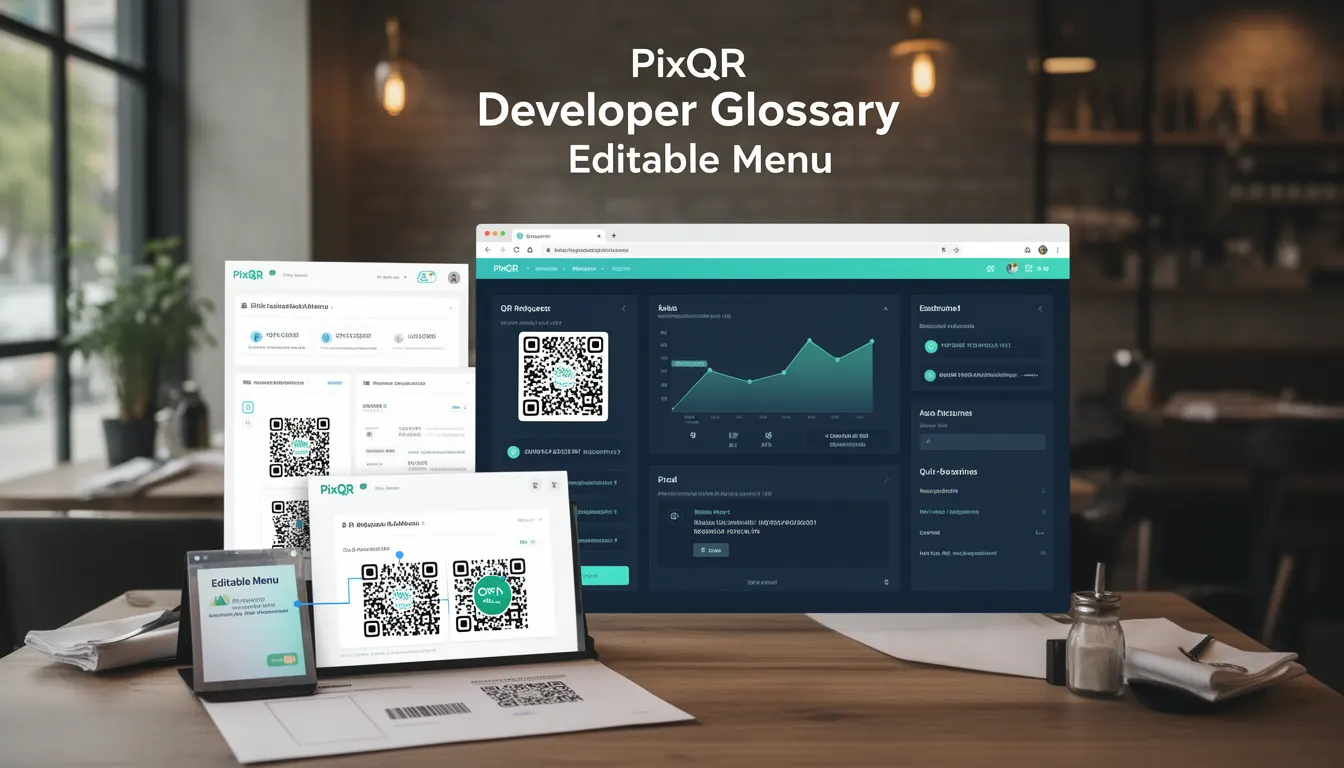
An Editable Menu in the context of PixQR refers to a dynamic QR code-based system that allows restaurant operators to update menu items, prices, and descriptions in real time without re-generating physical QR codes. This functionality is particularly valuable in environments where menu changes are frequent, such as seasonal offerings, daily specials, or temporary promotions.
By integrating with a PixQR backend, an editable menu system can serve as a bridge between a restaurant's point-of-sale (POS) system and digital customer-facing interfaces. This enables seamless menu updates, improved customer experience, and reduced operational overhead for restaurant staff.
Why It Matters
For developers and operators, an editable menu system offers significant advantages in terms of flexibility, scalability, and cost-efficiency. Instead of reprinting QR codes every time a menu changes, operators can update content through a centralized interface, reducing waste and improving responsiveness to market demands.
From a security perspective, PixQR ensures that all menu data is securely transmitted and stored, preventing unauthorized modifications. Additionally, the system supports audit trails, ensuring that any changes to menu items are logged and traceable, which is especially important for compliance in regulated industries.
How It Works
The editable menu system operates through a combination of backend data management, secure QR code generation, and dynamic content delivery. When a menu item is updated in the system, the change propagates to the QR code's target URL, which retrieves and displays the updated data.
- The system supports real-time updates through an API endpoint that connects to the restaurant’s POS or menu management system.
- Each menu item is associated with a unique identifier that allows for granular updates without affecting other menu elements.
- Content is cached on the PixQR platform to ensure fast delivery and reduce latency during high-traffic periods.
- QR codes are generated with a dynamic URL that points to a secure content delivery endpoint, which serves the latest menu data.
- Changes are validated and sanitized to prevent injection attacks or data corruption, maintaining the integrity of the menu content.
Quick Reference
| Item | Purpose | Notes |
|---|---|---|
| Dynamic URL | Points to current menu data | Must be secure and redirect to a valid endpoint |
| Menu Item ID | Unique identifier for each menu item | Used for targeted updates |
| Content Cache | Stores updated menu data for fast delivery | Configurable TTL for cache refresh |
| API Endpoint | Interface for menu updates | Requires authentication and validation |
| Scan Tracking | Monitors QR code interactions | Supports analytics and user behavior insights |
Basic Example
PixQR Example QR
This QR links directly to this glossary page, so printed notes, onboarding docs, and support material can bring scanners back to the current reference.
/glossary/qr-code-for-menus/qr-codes-for-menus-editable-menu

This basic example demonstrates how a QR code might be configured to display an editable menu by pointing to a dynamic URL.
<img src="https://api.pixqr.com/qr/menu/12345" alt="Menu QR Code">The QR code image is generated by PixQR's API and points to a unique menu ID. The URL retrieves the latest menu data from the backend, ensuring that customers always see the most up-to-date information.
Production Example
In a production environment, an editable menu system requires more robust handling of data integrity, security, and scalability. This example shows how a menu update might be structured in a secure, maintainable way.
{
  "menu_id": "12345",
  "items": [
    {
      "id": "item_001",
      "name": "Margherita Pizza",
      "price": 12.99,
      "description": "Fresh tomatoes, mozzarella, basil",
      "category": "Pizza",
      "available": true
    }
  ],
  "updated_at": "2025-04-01T10:00:00Z"
}
This structure ensures that each menu item is clearly defined, with metadata for availability, category, and update time. It also supports easy validation and parsing by client-side systems, making it suitable for integration with various POS and menu management platforms.
Common Mistakes
- Not validating input data before updating the menu, which can lead to malformed or unsafe content.
- Using static QR codes instead of dynamic ones, negating the benefits of real-time updates.
- Ignoring cache TTL settings, causing outdated menu items to persist longer than intended.
- Failing to implement proper access controls for menu updates, allowing unauthorized changes.
- Not accounting for localization or multilingual support, limiting the system's usability in diverse markets.
Security And Production Notes
- Ensure all API endpoints for menu updates are secured with authentication tokens to prevent unauthorized modifications.
- Sanitize all menu content to prevent cross-site scripting (XSS) attacks or data injection.
- Implement audit logs to track all menu changes for compliance and troubleshooting.
- Use HTTPS exclusively for all menu data transmission to protect against eavesdropping and tampering.
- Design the system with scalability in mind to handle large volumes of concurrent menu updates and scans.
Related Concepts
Editable Menu is closely related to several core PixQR features and concepts. Dynamic QR codes are foundational to the system, enabling real-time content updates. Scan analytics help operators understand how often menus are accessed, which can inform marketing or operational decisions. API integrations with POS systems allow for seamless menu synchronization. Privacy controls ensure that menu data is handled in compliance with regulations like GDPR. Finally, operational workflows within PixQR ensure that menu updates are reliable and consistent across all devices and platforms.