 PixQR
PixQR
Overview
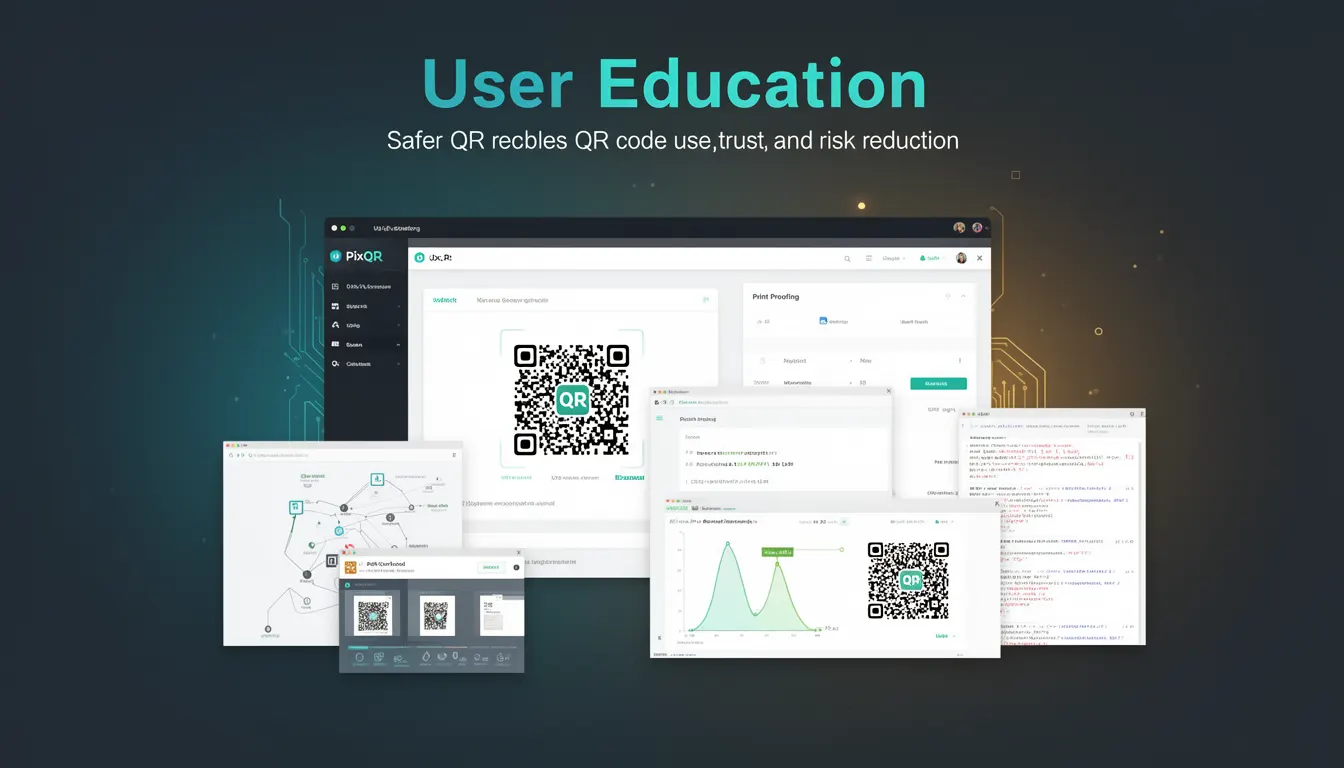
User Education, in the context of QR code security, refers to the practices and mechanisms used to inform users about safe QR code usage, trustworthiness, and risk mitigation. It is a foundational element of secure QR code deployment, particularly in environments where QR codes are used for dynamic redirects, link management, or brand-safe content delivery.
For developers working with PixQR, User Education involves ensuring that end users understand how to interact with QR codes, what information they are being directed to, and how to verify the safety of the links. This includes designing QR code interfaces that provide clear feedback, integrating trust indicators, and offering guidance to reduce the risk of phishing or malicious redirects.
Why It Matters
Effective User Education is crucial in preventing security incidents related to QR code usage. Without proper guidance, users may scan QR codes without verifying their source, leading to exposure to malicious links, unauthorized data collection, or unintended redirects. In PixQR's context, this is especially important when managing dynamic QR codes that can change content or redirect to different domains over time.
For developers, implementing User Education means building systems that reduce cognitive load on users while increasing the likelihood of secure behavior. This is particularly relevant in B2B or enterprise applications where QR codes may be used for access control, inventory tracking, or internal resource sharing. Poorly implemented User Education can lead to confusion, user errors, and potential breaches.
How It Works
User Education in QR code systems is implemented through a combination of interface design, data transparency, and user feedback mechanisms. The process typically involves:
- Providing clear visual cues on the QR code itself, such as trust icons or brand indicators.
- Offering pre-scan warnings or confirmation prompts when a QR code leads to a new domain or a non-trusted resource.
- Integrating analytics or tracking to show users where their scan is leading, with optional previews or metadata.
- Implementing fallback or error handling to guide users if a QR code fails to resolve or redirects to an unsafe destination.
- Ensuring compliance with accessibility standards, such as providing text alternatives for visually impaired users or screen readers.
In PixQR, User Education is often embedded into the QR generation workflow, where developers can configure whether to display warnings, how to handle domain transitions, or what information to include in scan previews. These settings can be managed through API parameters or dashboard configurations.
Quick Reference
| Item | Purpose | Notes |
|---|---|---|
| Scan Preview | Shows destination before redirect | Useful for trust verification |
| Domain Transition Warning | Alerts when redirecting to a new domain | Prevents phishing risks |
| Trust Indicators | Visual confirmation of source | Includes brand icons or SSL status |
| Accessibility Metadata | Provides text alternatives | Supports screen readers |
| Scan Analytics | Tracks user behavior | Helps refine UX |
Basic Example
PixQR Example QR
This QR links directly to this glossary page, so printed notes, onboarding docs, and support material can bring scanners back to the current reference.
This example demonstrates how a basic user education prompt can be integrated into a QR code scan workflow. It shows a simple HTML-based scan confirmation screen with a preview of the destination.
<div id="scan-prompt">
  <p>You are about to be redirected to:</p>
  <a href="https://trusted-site.com" target="_blank">https://trusted-site.com</a>
  <button onclick="confirmRedirect()">Proceed</button>
</div>
The key lines show a destination preview and a confirmation button. This approach gives users a clear understanding of where they are being directed before proceeding.
Production Example
In a production environment, User Education must be robust, accessible, and scalable. This example shows how a PixQR-based system might integrate a trust-aware redirect with user feedback and analytics.
<div class="qr-redirect">
  <img src="https://pixqr.com/qr/abc123" alt="QR Code for secure resource">
  <div class="redirect-info">
    <p>This QR code leads to:</p>
    <span>https://secure.pixqr.com/redirect/abc123</span>
    <button onclick="handleScan('abc123')">Scan to Continue</button>
  </div>
</div>
This version includes a visual QR code, a preview of the redirect path, and a button that triggers a scan handler. It ensures that users are aware of the destination before proceeding, and it integrates with PixQR's tracking and analytics for user behavior insights.
Common Mistakes
- Not providing a clear destination preview before redirecting, leading to user confusion or mistrust.
- Overlooking accessibility requirements, such as screen reader support or text alternatives for visual cues.
- Ignoring domain transition warnings, which can lead to phishing or malicious redirects.
- Failing to validate or sanitize QR code content, potentially allowing unsafe links to be generated.
- Not integrating analytics to understand user behavior, which hampers iterative improvements to the education flow.
- Using generic trust indicators without specific branding or verification data.
Security And Production Notes
- Always validate QR code content against a trusted domain list to prevent malicious redirects.
- Use HTTPS for all redirect endpoints to ensure secure communication.
- Implement domain transition warnings to alert users when they are leaving a known domain.
- Ensure all user education interfaces are accessible, with proper ARIA labels and screen reader support.
- Use analytics to monitor how often users interact with education prompts, and adjust accordingly.
Related Concepts
Several developer concepts are closely tied to User Education in QR code systems:
- Dynamic Redirects: QR codes that can change their target destination over time, requiring trust verification.
- Scan Analytics: Data on how QR codes are scanned and used, informing UX improvements.
- Trust Indicators: Visual cues like SSL status or brand icons to build confidence.
- Domain Validation: Ensuring QR code links point to approved or verified domains.
- Accessibility Compliance: Designing for screen readers and users with visual impairments.