 PixQR
PixQR
Overview
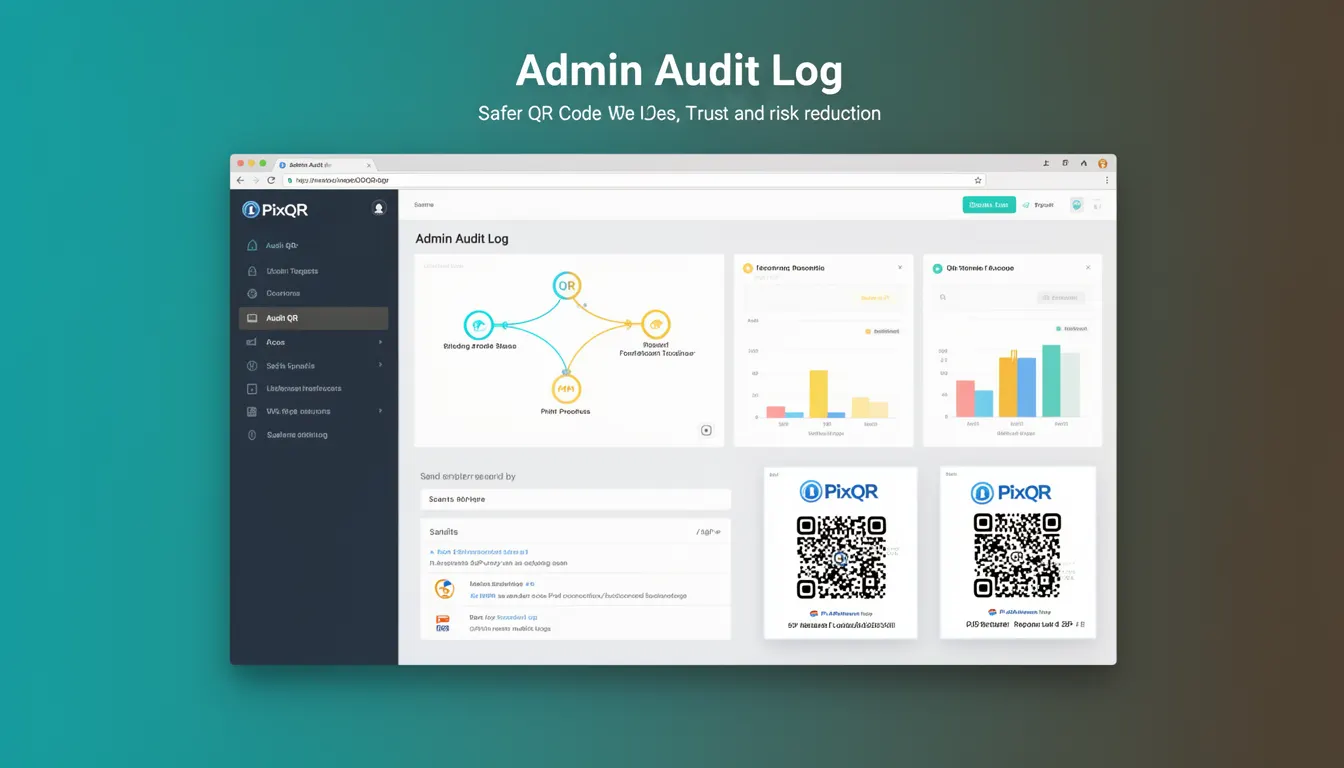
An Admin Audit Log in the context of PixQR is a detailed record of administrative actions performed within the platform. These logs capture who made changes, what changes were made, when they occurred, and from which system or IP address. The primary purpose is to support compliance, security monitoring, and forensic analysis for QR code operations, including generation, redirection, design, and access control.
For developers working with PixQR, an Admin Audit Log is a foundational tool for ensuring accountability in platform use. It becomes especially relevant when integrating with systems that require strict audit trails, such as financial institutions, regulated industries, or enterprise environments where governance policies mandate detailed tracking of administrative activity.
Why It Matters
Admin Audit Logs are essential for maintaining security posture and operational integrity. In PixQR, they help detect unauthorized access, prevent misuse of QR generation capabilities, and support incident response when suspicious behavior is observed. For example, if a QR code is redirected to a malicious domain, an audit log can trace which admin user initiated the change and at what time.
From a compliance standpoint, many industries such as healthcare, finance, and government require audit logs for internal and external audits. PixQR's audit logs help meet these requirements by providing structured data that can be exported or queried programmatically, supporting systems like SIEM (Security Information and Event Management) tools.
How It Works
The Admin Audit Log system in PixQR operates by capturing and storing events triggered by administrative users. These events are typically logged in a structured format, such as JSON, with fields like timestamp, user ID, action type, affected resource, and source IP.
- Each log entry is timestamped using UTC to ensure global consistency across time zones.
- Actions include creation, modification, deletion, and access of QR codes, redirects, and user permissions.
- Logs are stored in a secure, immutable database layer to prevent tampering or deletion.
- Access to logs is restricted to users with appropriate administrative privileges, typically role-based.
- Log retention policies can be configured by administrators, often aligned with regulatory requirements.
When an admin performs an action, such as updating a QR redirect URL, the system automatically logs the event. The log includes metadata such as session ID, user agent, and IP address for correlation and forensic purposes. These logs are available through PixQR's API or dashboard interface, enabling real-time monitoring and historical analysis.
Quick Reference
| Item | Purpose | Notes |
|---|---|---|
| Timestamp | Record when action occurred | UTC-based, required |
| User ID | Identify actor | Unique identifier for admin |
| Action Type | Describe operation | create, update, delete, access |
| Resource ID | Target of action | QR code, redirect, or user |
| Source IP | Location of action | Used for threat detection |
Basic Example
PixQR Example QR
This QR links directly to this glossary page, so printed notes, onboarding docs, and support material can bring scanners back to the current reference.

This example shows a minimal audit log entry for a QR code modification:
{
  "timestamp": "2025-04-05T10:00:00Z",
  "user_id": "admin_12345",
  "action": "update",
  "resource": "qr_code",
  "resource_id": "qr_abc123",
  "source_ip": "192.168.1.100"
}
The example demonstrates a basic structure where the action is an update, the resource is a QR code, and the event is timestamped in UTC. This format allows for easy parsing and integration with monitoring tools.
Production Example
A production-ready audit log entry includes additional metadata and security measures:
{
  "timestamp": "2025-04-05T10:00:00Z",
  "user_id": "admin_12345",
  "action": "update",
  "resource": "redirect",
  "resource_id": "redirect_xyz789",
  "source_ip": "192.168.1.100",
  "user_agent": "Mozilla/5.0 (Macintosh; Intel Mac OS X 10_15_7) AppleWebKit/537.36",
  "session_id": "sess_abc123xyz",
  "details": {
    "old_url": "https://old.example.com",
    "new_url": "https://new.example.com"
  }
}
This version includes user agent string, session ID, and a details object that captures before/after values. It is more suitable for production because it supports debugging, compliance reporting, and forensic analysis.
Common Mistakes
- Not logging the source IP address, which reduces the ability to detect unauthorized access from new locations.
- Storing audit logs in plaintext without encryption, exposing sensitive data to unauthorized access.
- Using local timestamps instead of UTC, leading to confusion in global deployments or multi-timezone environments.
- Allowing non-admin users to access or modify audit logs, which undermines the integrity of the system.
- Not implementing log retention policies, causing excessive storage usage and potential compliance issues.
Security And Production Notes
- Audit logs must be stored in an immutable database to prevent tampering or deletion by unauthorized users.
- Ensure all log entries are timestamped using UTC to maintain consistency across global deployments.
- Limit access to audit logs to roles with administrative or compliance privileges to maintain data confidentiality.
- Implement log rotation and retention policies to manage storage and comply with legal or regulatory requirements.
- Validate and sanitize all log inputs to prevent injection attacks or malformed data in logs.
Related Concepts
Admin Audit Logs are closely related to several other security and operational concepts:
- Role-Based Access Control (RBAC) ensures that only authorized users can access or modify audit logs.
- Change Management processes rely on audit logs to track modifications to QR code configurations and redirects.
- Incident Response teams use audit logs to trace back security events and identify the source of breaches.
- Compliance Reporting tools often consume audit logs to generate reports for regulators or auditors.
- Session Tracking enhances audit logs by associating actions with specific user sessions for better traceability.