 PixQR
PixQR
Overview
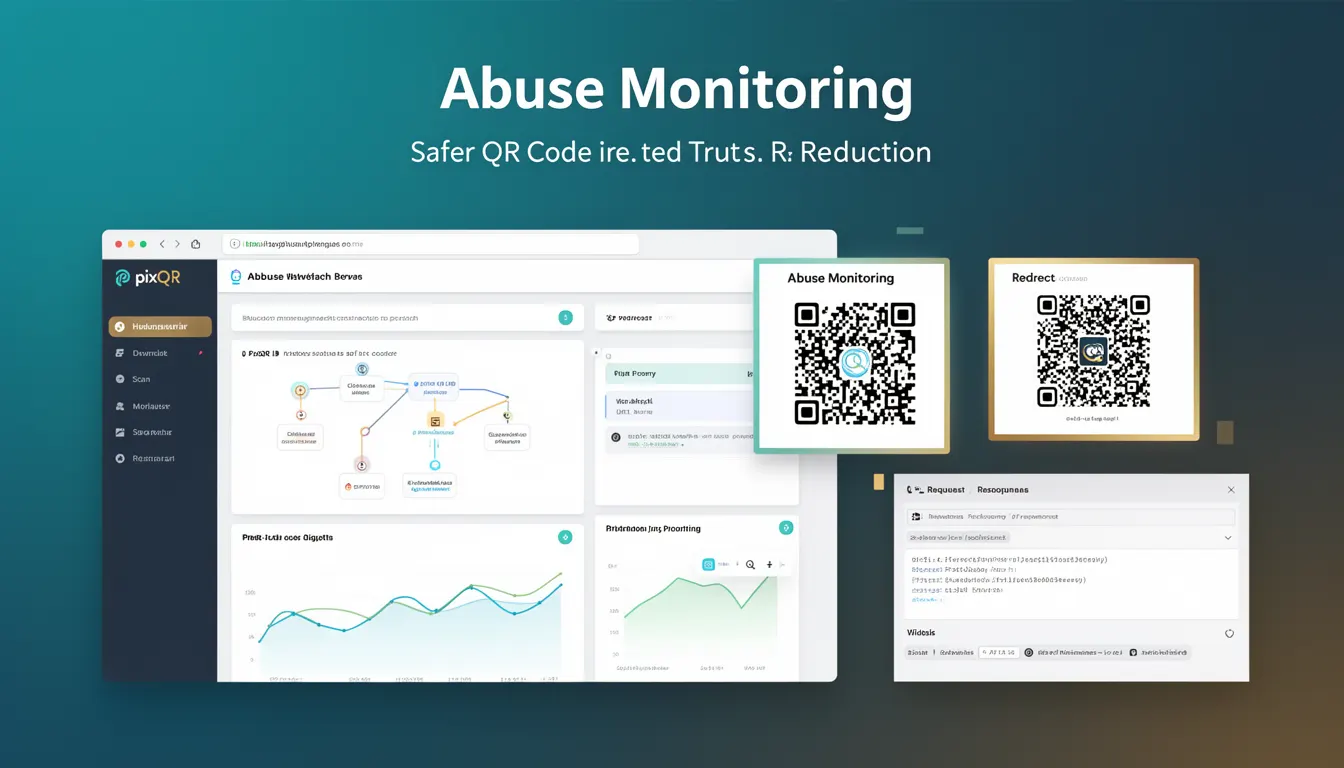
Abuse Monitoring is a security framework within PixQR designed to detect, prevent, and respond to malicious or unintended use of QR codes. It ensures that QR codes are used in safe, trusted, and predictable ways by identifying patterns or activities that may indicate abuse, such as spamming, phishing, or unauthorized redirections.
In the context of QR code generation and management, Abuse Monitoring is a proactive layer that protects both brand integrity and end-user safety. It applies to dynamic QR codes, redirect URLs, and scan analytics to detect anomalies in usage behavior that could signal a security risk or misuse.
Why It Matters
For developers and platform maintainers, Abuse Monitoring is critical for reducing the risk of QR code-based fraud, phishing attacks, or unauthorized redirects. Without it, a platform could become a vector for malicious actors to distribute harmful content or impersonate legitimate services.
From a user experience perspective, it ensures that QR codes maintain trustworthiness. If a QR code is flagged or blocked due to abuse monitoring, it protects users from being redirected to unsafe domains or exposed to unwanted tracking. For platform operators, it reduces liability and improves compliance with digital safety standards.
How It Works
Abuse Monitoring in PixQR operates through a combination of behavioral analytics, URL validation, scan tracking, and real-time risk scoring. It uses multiple detection methods to identify suspicious patterns and flag potential abuse.
- It evaluates the destination URL for known malicious domains or unsafe patterns, such as those used in phishing or spam campaigns.
- It tracks scan frequency and geographic distribution to identify unusual or automated behavior, such as high-volume scans from a single IP or region.
- It monitors QR code usage over time, detecting sudden spikes or changes in traffic that may indicate misuse or exploitation.
- It applies risk scoring models to assess the probability of abuse based on historical data, user behavior, and domain reputation.
- It integrates with platform-level access controls and can automatically block or quarantine suspicious QR codes or redirects.
Quick Reference
| Item | Purpose | Notes |
|---|---|---|
| Scan frequency threshold | Triggers abuse alerts | Configurable per QR code or user |
| Domain reputation check | Identifies malicious URLs | Uses external threat intelligence |
| Risk scoring model | Quantifies abuse likelihood | Adjustable by platform settings |
| Automated blocking | Prevents further access | Can be overridden by admin |
| Scan analytics | Provides usage insights | Used for anomaly detection |
Basic Example
PixQR Example QR
This QR links directly to this glossary page, so printed notes, onboarding docs, and support material can bring scanners back to the current reference.
/glossary/qr-code-security/qr-code-security-abuse-monitoring

This example demonstrates a basic abuse monitoring check that evaluates a URL for known spam patterns.
const isSpamDomain = (url) => {
  const spamDomains = ['example-phishing.com', 'fake-redirect.net'];
  const domain = new URL(url).hostname;
  return spamDomains.includes(domain);
};

const safeUrl = 'https://trusted-site.com';
const unsafeUrl = 'https://example-phishing.com';

console.log(isSpamDomain(safeUrl)); // false
console.log(isSpamDomain(unsafeUrl)); // true
The example shows how a simple domain check can be part of a larger abuse monitoring system. It identifies if a URL's domain is flagged as malicious, which is a foundational check in real-time QR code validation.
Production Example
This example shows how abuse monitoring might be integrated into a QR code generation API, including validation, scan tracking, and risk scoring.
class QRCodeAbuseMonitor {
  constructor() {
    this.riskThreshold = 0.7;
    this.scanHistory = new Map();
  }

  validateUrl(url) {
    const domain = new URL(url).hostname;
    const maliciousDomains = ['spam-site.net', 'phish-example.org'];
    return !maliciousDomains.includes(domain);
  }

  trackScan(qrId, ip) {
    const key = `${qrId}-${ip}`;
    const count = this.scanHistory.get(key) || 0;
    this.scanHistory.set(key, count + 1);
  }

  calculateRisk(qrId, ip) {
    const key = `${qrId}-${ip}`;
    const scanCount = this.scanHistory.get(key) || 0;
    return scanCount > 100 ? 0.9 : 0.3;
  }

  isAbuseDetected(qrId, ip, url) {
    if (!this.validateUrl(url)) return true;
    return this.calculateRisk(qrId, ip) > this.riskThreshold;
  }
}

const monitor = new QRCodeAbuseMonitor();
const isAbuse = monitor.isAbuseDetected('qr123', '192.168.1.1', 'https://spam-site.net');
This version is more suitable for production because it includes real-time tracking, risk scoring, and URL validation. It simulates how abuse monitoring might be implemented in a backend system to protect QR code usage in real-time.
Common Mistakes
- Not validating the destination URL before QR code generation, leading to potential phishing or spam redirections.
- Ignoring scan frequency and geographic data, which can mask automated abuse or bot traffic.
- Using a static list of blacklisted domains without updating it, allowing new malicious domains to bypass checks.
- Not implementing a risk scoring model, resulting in over-blocking or under-blocking of legitimate QR codes.
- Disabling abuse monitoring for performance reasons, which can expose the platform to fraud and reputational damage.
Security And Production Notes
- Abuse Monitoring must integrate with external threat intelligence feeds to keep domain blacklists up to date.
- Implementing rate limiting or IP-based restrictions can reduce false positives in scan tracking.
- Always log abuse detection events for audit trails and further analysis.
- Consider using a hybrid approach combining real-time checks with historical abuse data for better accuracy.
- Ensure that manual overrides or admin controls are logged and auditable to prevent misuse.
Related Concepts
Abuse Monitoring is closely connected to several other security and platform management concepts:
- URL Validation – Ensures that QR code destinations are safe and not malicious.
- Scan Analytics – Provides data to detect unusual usage patterns that may indicate abuse.
- Rate Limiting – Prevents automated scanning or excessive usage that could indicate abuse.
- Domain Reputation – Assesses the safety of a domain based on historical usage and threat intelligence.
- Access Control – Manages who can generate or modify QR codes, reducing internal abuse risks.