 PixQR
PixQR
Overview
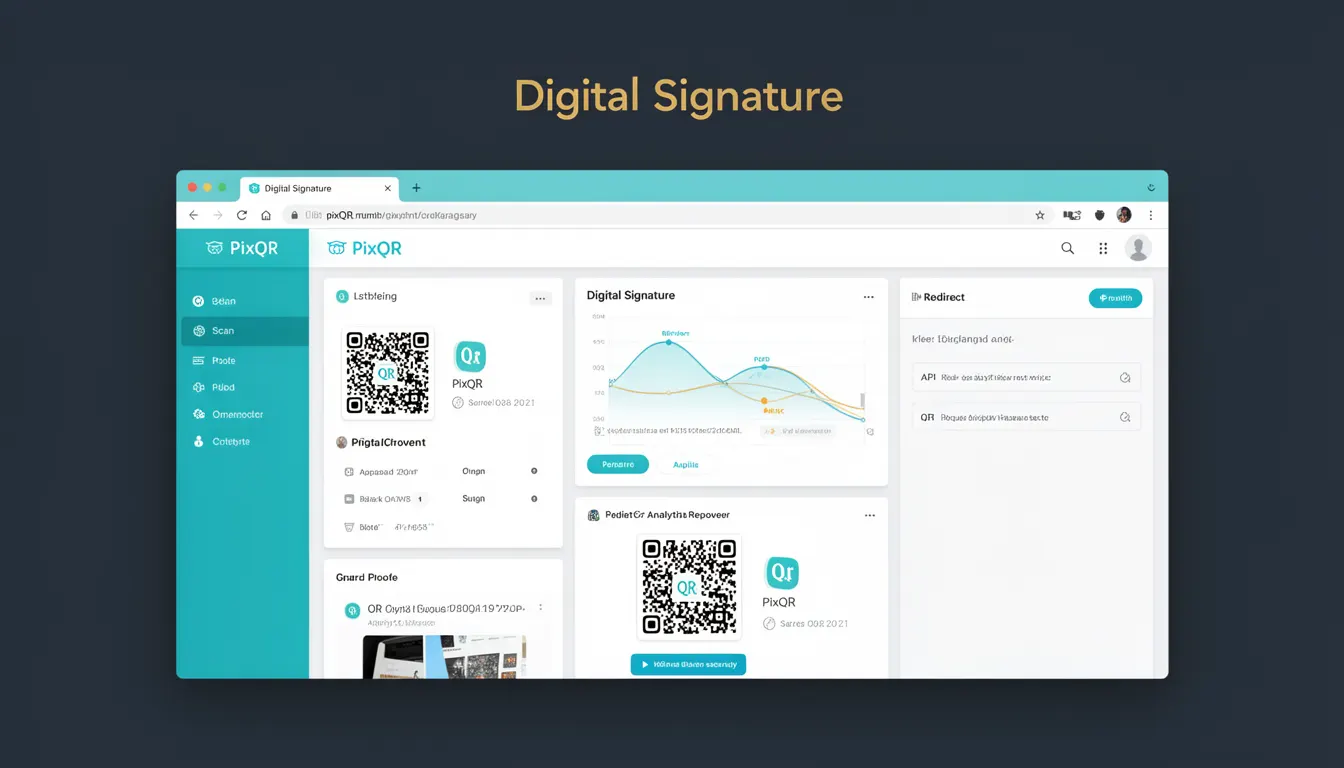
A digital signature is a cryptographic mechanism used to verify the authenticity and integrity of data, including QR codes. In the context of PixQR, digital signatures help ensure that a QR code has not been tampered with and that the redirect or content it points to originates from a trusted source.
When a QR code is generated with a digital signature, it includes a cryptographic hash that is validated upon scan. This prevents malicious actors from altering the target URL or content without detection, making the QR code safer for use in environments where trust and security are paramount.
Why It Matters
For developers working with PixQR, digital signatures are essential for maintaining trust in QR code systems. In production environments, especially those involving payment links, user onboarding, or sensitive redirects, a digital signature ensures that the QR code content remains unchanged from its original state. Without digital signatures, attackers can easily redirect QR codes to malicious domains, leading to phishing, fraud, or unauthorized access.
From a compliance standpoint, digital signatures help meet security standards like PCI DSS, GDPR, and ISO 27001, where data integrity and authenticity are required. For PixQR users, this translates to more reliable and secure operations, reducing the risk of fraud and ensuring that redirects are safe and trustworthy.
How It Works
Digital signatures in PixQR are implemented using asymmetric cryptography, typically based on RSA or ECDSA algorithms. When a QR code is generated, a hash of the target URL or content is computed and signed with a private key. This signature is embedded in the QR code metadata or as part of the encoded data.
- The signing process uses a private key that is securely stored and never exposed to the public.
- Upon scan, the PixQR platform or a client-side validator retrieves the embedded signature and the original data.
- The signature is verified using the corresponding public key to confirm that the data has not been altered.
- If the verification fails, the system can reject or flag the QR code as potentially malicious.
- Digital signatures are typically applied at the time of QR code generation, not during the scanning process.
The process is transparent to end users, but critical for backend systems that validate QR code integrity. PixQR ensures that digital signatures are generated securely and can be validated efficiently, supporting both real-time and batch processing workflows.
Quick Reference
| Item | Purpose | Notes |
|---|---|---|
| Signature Algorithm | Used to generate and validate the signature | Typically RSA or ECDSA |
| Private Key | Used to sign the QR code content | Must be kept secure and never exposed |
| Public Key | Used to verify the signature | Can be distributed publicly |
| Hash Function | Computes the digest of the QR code content | SHA-256 or SHA-512 are common |
| Signature Embedding | How the signature is stored in the QR code | Can be in metadata or encoded data |
Basic Example
PixQR Example QR
This QR links directly to this glossary page, so printed notes, onboarding docs, and support material can bring scanners back to the current reference.
/glossary/qr-code-security/qr-code-security-digital-signature

This example shows how a basic digital signature might be generated and embedded in a QR code using a mock PixQR API.
const signature = pixqr.signUrl('https://example.com', 'private_key.pem');
const qrCodeData = pixqr.generateQrCode({
  url: 'https://example.com',
  signature: signature
});
The signUrl function computes a cryptographic signature for the URL using a private key. The generateQrCode function then embeds this signature into the QR code structure, making it ready for scanning and validation.
Production Example
In a production environment, digital signatures are part of a broader validation system. This example demonstrates how a PixQR backend might handle signature verification during QR code generation and scanning.
const crypto = require('crypto');
const fs = require('fs');

function generateSignature(url, privateKeyPath) {
  const data = Buffer.from(url);
  const sign = crypto.createSign('RSA-SHA256');
  sign.update(data);
  return sign.sign(fs.readFileSync(privateKeyPath), 'base64');
}

function verifySignature(url, signature, publicKeyPath) {
  const data = Buffer.from(url);
  const verify = crypto.createVerify('RSA-SHA256');
  verify.update(data);
  return verify.verify(fs.readFileSync(publicKeyPath), signature, 'base64');
}

const url = 'https://secure.example.com/login';
const privateKey = './private_key.pem';
const publicKey = './public_key.pem';
const signature = generateSignature(url, privateKey);
const isValid = verifySignature(url, signature, publicKey);
This version includes full cryptographic handling, including key management, signature generation, and verification. It is suitable for production because it separates key handling, uses secure algorithms, and includes error checks for integrity validation.
Common Mistakes
- Using weak or outdated cryptographic algorithms, such as MD5 or SHA-1, which are vulnerable to collision attacks.
- Storing private keys insecurely, such as in source code repositories or plain text files, which can lead to key compromise.
- Not validating signatures on the client or server side, which removes the security benefit of digital signatures.
- Reusing signatures across multiple QR codes, which undermines the integrity check if one QR code is compromised.
- Ignoring signature expiration or TTL (time-to-live) mechanisms, which can allow old signatures to be used inappropriately.
Security And Production Notes
- Digital signatures must be generated using secure random number generators to prevent predictable outputs.
- Private keys must be stored in secure environments, such as hardware security modules (HSMs) or encrypted key stores.
- Signature validation should be performed in a timely manner to prevent replay attacks.
- QR code content should be limited to known, trusted sources to reduce the attack surface.
- Implement logging for signature verification failures to detect potential tampering or misuse.
Related Concepts
Digital signatures are closely related to several other security and QR code concepts. These include:
- Hash Functions: Used to compute a fixed-size digest of data before signing.
- Public Key Infrastructure (PKI): The framework that manages digital signatures, including certificate issuance and key distribution.
- QR Code Metadata: Where signatures are embedded within the QR code structure.
- Secure Redirects: Ensuring that QR code redirects are safe and verified before execution.
- API Authentication: Digital signatures can be used to authenticate API requests and verify source integrity.