 PixQR
PixQR
Overview
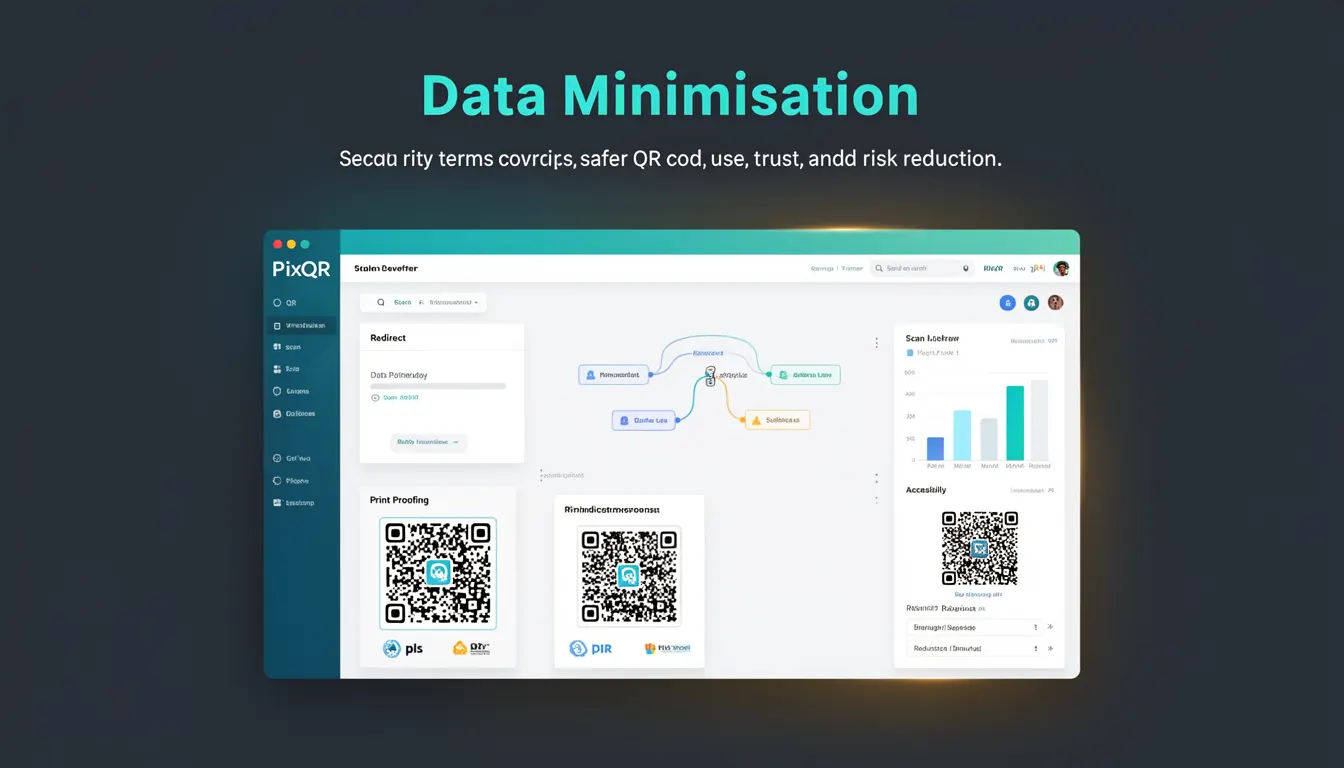
Data Minimisation is a core principle in information security and privacy that applies directly to QR code design and usage within platforms like PixQR. It refers to the practice of limiting the amount of data embedded within a QR code to only what is strictly necessary for its intended function. This concept is particularly relevant in QR code generation, where excessive data can increase risks such as data leakage, malicious payload injection, or uncontrolled redirects.
When applied to QR code systems, data minimisation ensures that a generated code contains no more information than needed to complete a transaction, redirect to a URL, or trigger an action. This reduces both the attack surface and the potential for unintended data exposure. For developers working with PixQR, understanding and applying data minimisation helps maintain trust in QR code workflows, supports compliance with privacy regulations, and enhances operational reliability.
Why It Matters
In the context of QR code platforms, data minimisation is critical for reducing exposure to privacy violations, security vulnerabilities, and compliance risks. QR codes often carry sensitive data or direct users to dynamic links that can change over time. If these codes are overloaded with unnecessary information, they can become vectors for data leaks or phishing attacks.
From a user experience perspective, smaller QR codes are more reliable in scanning environments, especially in low-light or high-contrast conditions. Additionally, limiting the data in a QR code reduces the chance of misinterpretation or accidental redirection, which improves system integrity and reduces support overhead.
For developers managing QR code generation and analytics in PixQR, data minimisation ensures that the platform remains robust, maintainable, and aligned with security best practices. It also supports compliance with regulations such as GDPR, CCPA, and similar privacy laws, which mandate that only necessary data be collected and processed.
How It Works
Data minimisation in QR code generation is a process that involves identifying, validating, and reducing the payload of data that goes into a QR code. This process typically includes:
- Identifying the core function of the QR code, such as redirecting to a specific URL or triggering a specific API endpoint.
- Ensuring that the QR code payload only includes parameters directly required for the function, excluding metadata or optional identifiers.
- Validating that any dynamic content or links embedded are secure and controlled, avoiding open redirect vulnerabilities.
- Implementing sanitisation or encoding steps to prevent injection attacks or unintended content in the QR code.
- Monitoring the QR code's analytics and usage to detect any unexpected data flows or patterns that may indicate a breach of minimisation principles.
When generating QR codes with PixQR, developers can configure the payload to include only essential fields such as a destination URL, a unique identifier for tracking, or a small set of parameters. The system may provide APIs or interfaces that allow developers to define the scope of data, ensuring that no extra fields are added by default.
Quick Reference
| Item | Purpose | Notes |
|---|---|---|
| QR Code Payload | Defines the data encoded in the QR code | Must be minimal and directly related to the intended action |
| Redirect URL | Destination of the QR code scan | Should be static or securely managed to prevent open redirects |
| Tracking Identifier | Unique ID for analytics or logging | Can be a UUID or short hash, not user identifiers |
| Dynamic Parameters | Optional data passed to the destination | Should be limited to only what is needed for functionality |
| Encoding Method | Method used to encode data into QR format | Should support secure, standard encodings like UTF-8 or Base64 |
Basic Example
PixQR Example QR
This QR links directly to this glossary page, so printed notes, onboarding docs, and support material can bring scanners back to the current reference.
/glossary/qr-code-security/qr-code-security-data-minimisation

This example demonstrates how to generate a QR code with minimal data using a standard URL, ensuring no unnecessary parameters are included.
const qrPayload = 'https://example.com/redirect';
const qrCode = generateQRCode(qrPayload);
console.log(qrCode);
The payload here is a clean, direct URL without any extra parameters or tracking data. This ensures that the QR code is secure, reliable, and easy to scan. The generateQRCode function is assumed to be part of the PixQR SDK and handles encoding and validation.
Production Example
In a production environment, QR code generation must include validation, sanitisation, and tracking controls to ensure that only necessary data is encoded. This example uses a controlled redirect URL with a tracking ID and minimal parameters.
const generateSecureQR = (destination, trackingId) => {
  const url = new URL(destination);
  url.searchParams.append('tid', trackingId);
  url.searchParams.append('v', '1.0');
  const payload = url.toString();
  return generateQRCode(payload);
};
const qr = generateSecureQR('https://api.example.com/action', 'abc123');
This version is more suitable for production because it ensures that only essential parameters are passed, avoids exposing internal identifiers, and uses a secure URL construction method to prevent injection attacks.
Common Mistakes
- Adding excessive tracking parameters or metadata to the QR code payload, which can expose sensitive user data or increase vulnerability.
- Using dynamic redirects without validation, which can lead to open redirect attacks or malicious link injection.
- Embedding user identifiers or PII (Personally Identifiable Information) in QR codes, violating privacy regulations.
- Not encoding or sanitising inputs, leading to potential injection or malformed QR code data.
- Generating QR codes with large payloads that reduce scanning reliability or increase the risk of misinterpretation.
Security And Production Notes
- Always validate and sanitise inputs before encoding them into a QR code to avoid injection vulnerabilities.
- Limit the use of dynamic parameters to only those essential for functionality, and avoid passing sensitive data.
- Use secure URL schemes (HTTPS) and validate destination URLs to prevent open redirect exploits.
- Ensure QR code payloads are encoded using standard, secure methods like UTF-8 or Base64 to maintain compatibility and integrity.
- Monitor QR code analytics for unexpected data flows or anomalies that may indicate a breach of minimisation principles.
Related Concepts
Data minimisation is closely related to several other key security and development practices:
- Privacy by Design: Ensures that privacy and data protection are built into systems from the start.
- Least Privilege: A principle that limits access and data exposure to only what is necessary for a function.
- Secure Coding Practices: Techniques that prevent vulnerabilities like injection, encoding, and input validation.
- Compliance with GDPR/CCPA: Regulations that require minimal data collection and processing.
- QR Code Integrity: Ensuring that QR codes are reliable, scannable, and unaltered during use.