 PixQR
PixQR
Overview
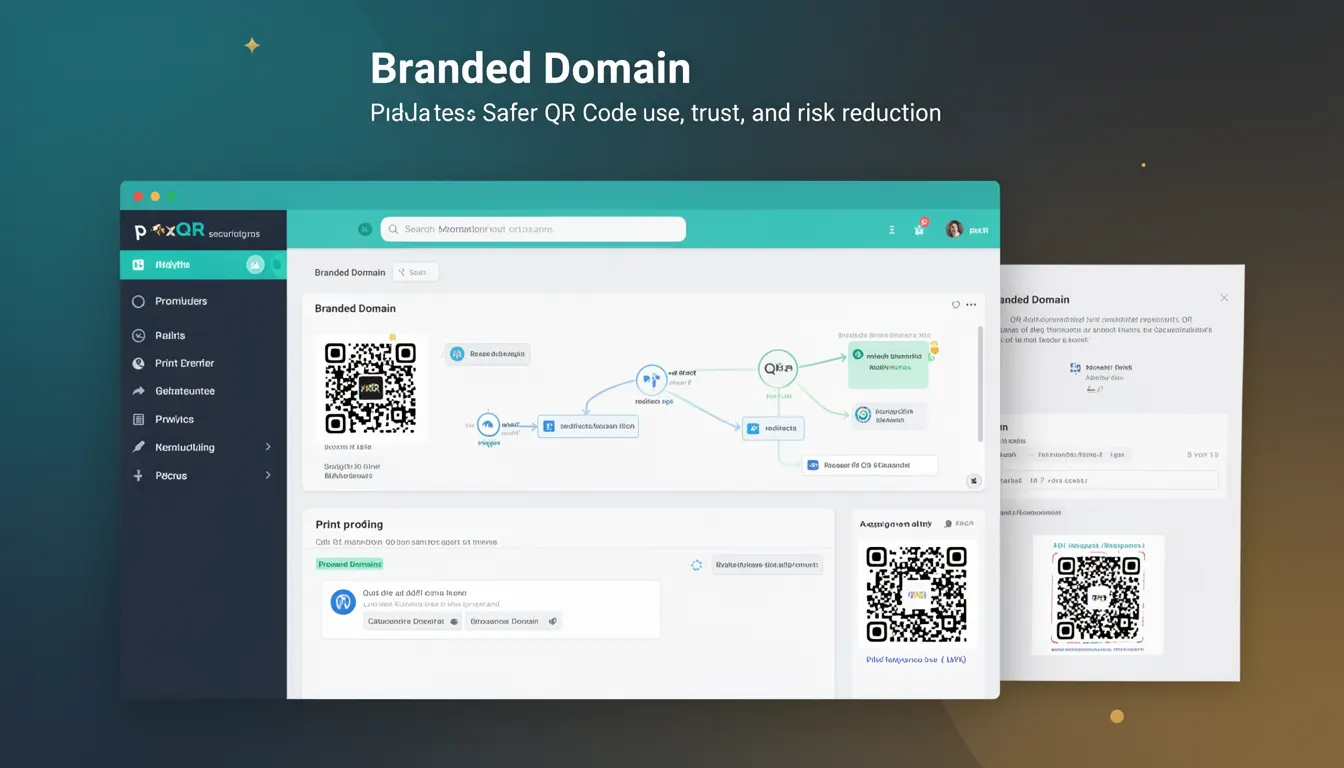
A Branded Domain in the context of PixQR refers to a custom domain used for generating QR codes that point to dynamic redirect URLs. This domain is associated with a specific brand or organization and allows for consistent, trustworthy, and secure redirections when users scan the QR code. Instead of using generic or third-party domains, a Branded Domain helps maintain brand integrity and enhances trust in the QR code experience.
Developers and product teams working with PixQR use Branded Domains to ensure that QR code redirects are associated with a known, reputable source. This is especially important in marketing campaigns, loyalty programs, or physical product labeling where users need to trust the destination URL. Branded Domains are managed through PixQR’s API or dashboard, and they can be configured with specific security and analytics settings.
Why It Matters
For developers and site operators, Branded Domains provide a secure and professional way to manage QR code redirects. Using a custom domain helps reduce phishing risks and increases user confidence when scanning QR codes. It also allows for better analytics, tracking, and branding alignment. Without a Branded Domain, QR codes may point to generic or untrusted URLs, which can lead to user hesitation, decreased engagement, or security warnings.
In production environments, Branded Domains are essential for maintaining a consistent user experience and ensuring that QR code links are recognized and trusted by end users. They also support advanced features such as A/B testing, custom redirects, and privacy controls, which are critical for enterprise-grade deployments.
How It Works
Branded Domains are implemented as custom subdomains or top-level domains associated with a PixQR account. When a QR code is generated, it uses a URL from this domain to redirect users. The redirect URL is typically a short, dynamic link that can be updated or tracked without changing the QR code itself.
- Branded Domains are configured via the PixQR dashboard or API, requiring domain ownership verification.
- They support HTTPS and are integrated with PixQR's analytics and tracking infrastructure.
- Each Branded Domain can be assigned specific security policies, such as IP restrictions or redirect limits.
- Branded Domains are often used with dynamic QR code generation to ensure consistent branding and tracking.
- They support advanced features like custom URL paths, redirect timeouts, and campaign tagging for analytics.
Quick Reference
| Item | Purpose | Notes |
|---|---|---|
| Domain Configuration | Assigns a custom domain to a PixQR account | Must be verified via DNS records |
| HTTPS Support | Ensures secure redirects | Required for enterprise and compliance use cases |
| Redirect Policies | Controls behavior of redirect URLs | Can include timeouts and IP restrictions |
| Analytics Integration | Tracks QR code scans and redirects | Provides data on user behavior and campaign performance |
| Dynamic URL Generation | Creates flexible, updateable redirect links | Allows updates without modifying QR code content |
Basic Example
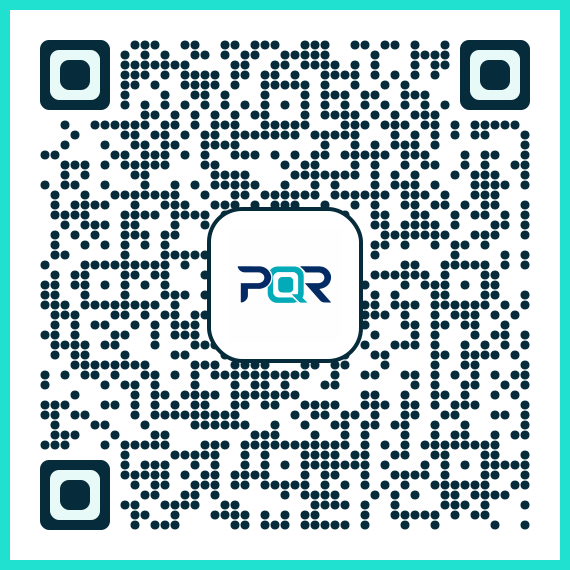
PixQR Example QR
This QR links directly to this glossary page, so printed notes, onboarding docs, and support material can bring scanners back to the current reference.
This example demonstrates how to set up a basic Branded Domain for a QR code redirect using the PixQR API. It shows a simple configuration for a domain and a URL that will be used in a QR code.
curl -X POST "https://api.pixqr.com/v1/domains" \
  -H "Authorization: Bearer YOUR_API_TOKEN" \
  -H "Content-Type: application/json" \
  -d '{
    "domain": "qr.yourbrand.com",
    "redirect_url": "https://yourbrand.com/landing"
  }'
The key line is the "domain" parameter, which sets the Branded Domain to qr.yourbrand.com. This domain will be used for all QR code redirects generated under this account. The "redirect_url" specifies the default destination for the QR code.
Production Example
This example illustrates a more robust setup involving domain verification, HTTPS, and analytics integration. It is suitable for enterprise environments where security and tracking are paramount.
curl -X POST "https://api.pixqr.com/v1/domains" \
  -H "Authorization: Bearer YOUR_API_TOKEN" \
  -H "Content-Type: application/json" \
  -d '{
    "domain": "qr.yourbrand.com",
    "redirect_url": "https://yourbrand.com/landing",
    "secure": true,
    "analytics": {
      "campaign": "Summer2024",
      "tags": ["promo", "mobile"]
    },
    "redirect_policies": {
      "max_redirects": 100,
      "timeout": 30
    }
  }'
This version includes HTTPS enforcement, campaign tagging, and redirect limits. These settings ensure that the Branded Domain is both secure and trackable, making it suitable for production use in marketing or operational workflows.
Common Mistakes
- Not verifying domain ownership before using a Branded Domain, leading to failed redirects or security warnings.
- Using generic or untrusted domains instead of a custom Branded Domain, which can reduce user trust and engagement.
- Ignoring HTTPS enforcement, which can cause browser warnings and reduce QR code reliability.
- Not configuring analytics or tracking, resulting in missed opportunities for campaign performance analysis.
- Setting overly permissive redirect policies, which can expose the system to abuse or unauthorized redirections.
Security And Production Notes
- Branded Domains must be verified via DNS records to prevent misuse and ensure authenticity.
- HTTPS should always be enabled for Branded Domains to maintain secure redirects and user trust.
- Redirect policies, such as timeouts and maximum redirects, help mitigate abuse and ensure system stability.
- Analytics integration should be enabled to track QR code performance and user behavior.
- Branded Domains should be configured with IP restrictions or authentication if used in sensitive or enterprise environments.
Related Concepts
Branded Domains are closely related to several other developer and security concepts:
- Dynamic Redirects: Branded Domains are often used with dynamic redirects to allow URL updates without changing QR code content.
- Domain Verification: The process of proving ownership of a domain is essential for setting up a Branded Domain.
- HTTPS Enforcement: Ensures that all redirects are secure and trusted by browsers and users.
- QR Code Analytics: Analytics integration allows developers to track QR code usage and performance.
- API Security: Branded Domains are managed via secure API endpoints that require authentication and access controls.