 PixQR
PixQR
Overview
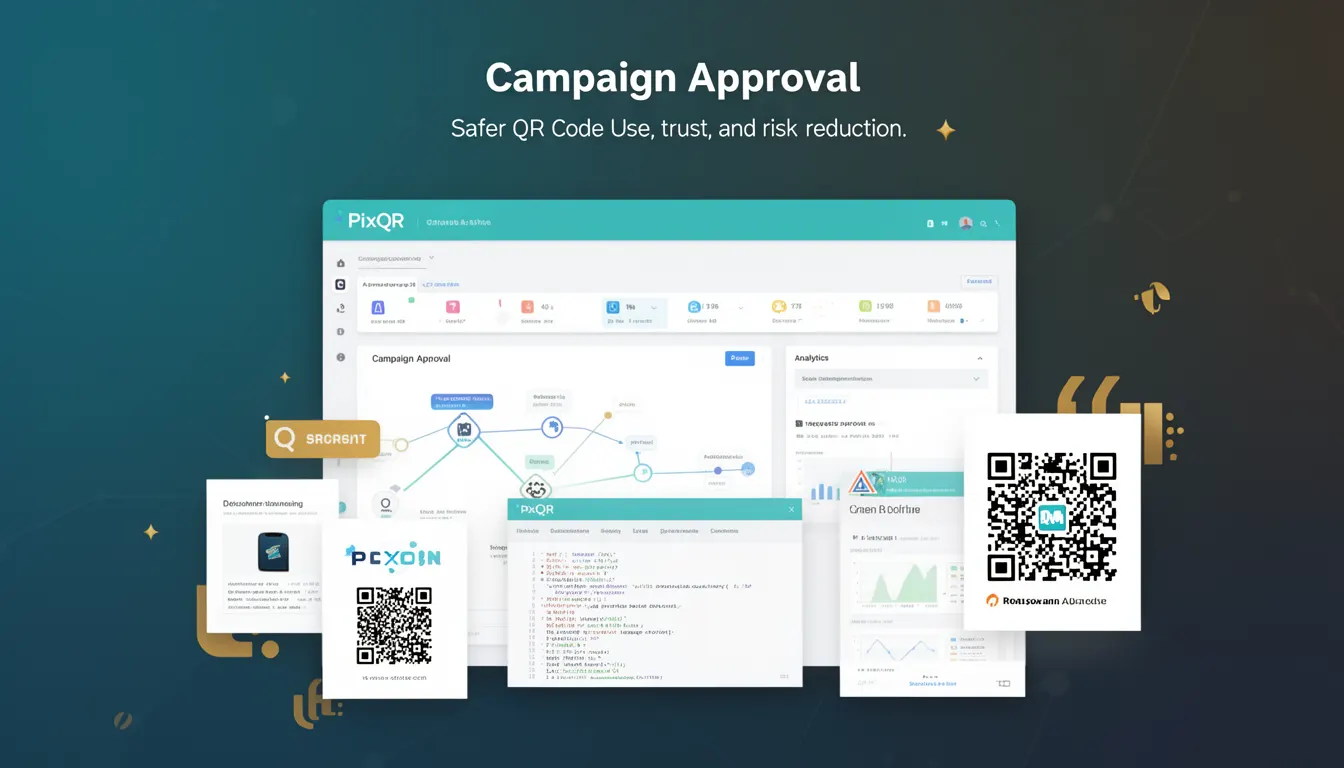
Campaign Approval in the context of PixQR refers to a security workflow that ensures QR codes and their associated redirects are reviewed, validated, and authorized before deployment. This process is designed to reduce the risk of unauthorized, malicious, or incorrect redirects that could compromise user safety or brand integrity.
Developers and operators using PixQR for dynamic QR code generation or redirect management must understand that Campaign Approval is not a single-step action but a structured process involving multiple stages. It typically includes pre-approval checks, access control, and audit logging. This mechanism is especially critical when managing large-scale QR code deployments or when integrating with external systems that depend on QR code reliability.
Why It Matters
Campaign Approval is essential in QR code systems because of the potential for abuse or error in dynamic redirect environments. A QR code that redirects to an unapproved destination can be used for phishing, malware delivery, or brand misuse. Without a robust approval workflow, even a secure platform like PixQR can become a vector for attack.
For developers, Campaign Approval ensures that all QR code links are vetted before they are live, reducing the risk of unintended exposure. It also supports compliance with internal policies, audit requirements, and brand safety standards. In production environments, it can prevent costly mistakes or security incidents that arise from uncontrolled deployments.
How It Works
The Campaign Approval process in PixQR is typically managed through a centralized dashboard or API system. It involves several key steps and components that must be implemented correctly to maintain system integrity.
- Each QR code or redirect must be associated with a campaign identifier that tracks its lifecycle and approval status.
- Access controls are enforced at the campaign level, restricting who can submit, modify, or approve a campaign.
- Approval status is usually represented as a boolean flag or a discrete state (e.g., pending, approved, rejected, in review).
- Automated checks can be triggered during submission, such as URL format validation, domain reputation checks, or content filtering.
- Once a campaign is approved, it can be deployed to production, and the associated QR code is enabled for scanning.
Quick Reference
| Item | Purpose | Notes |
|---|---|---|
| Campaign ID | Unique identifier for a QR code campaign | Used for tracking and audit |
| Approval Status | Current state of a campaign (pending, approved, rejected) | Controls QR code deployment |
| Submission Timestamp | Time when campaign was submitted | Used for audit trails |
| Approver User ID | Identifier of the user who approved the campaign | Enables accountability |
| URL Validation | Checks if target URL is valid and safe | Prevents malicious redirects |
Basic Example
PixQR Example QR
This QR links directly to this glossary page, so printed notes, onboarding docs, and support material can bring scanners back to the current reference.
/glossary/qr-code-security/qr-code-security-campaign-approval

This basic example shows how a campaign might be submitted for approval in a PixQR system using a simplified API call structure.
POST /api/campaigns
{
  "url": "https://example.com/redirect",
  "campaign_name": "Summer Sale 2024",
  "status": "pending"
}
The status field is set to pending to indicate that the campaign requires approval. The campaign_name and url fields are required for tracking and validation purposes.
Production Example
In a production environment, a campaign submission includes validation, user context, and logging. The following example illustrates a more complete workflow.
POST /api/campaigns
{
  "url": "https://secure.example.com/redirect",
  "campaign_name": "Product Launch Event",
  "status": "pending",
  "submitted_by": "user-12345",
  "created_at": "2024-05-10T10:00:00Z",
  "validation": {
    "url_format": true,
    "domain_reputation": "safe",
    "content_filter": "pass"
  }
}
This version includes additional fields like submitted_by and created_at for auditability, and validation to show automated checks. It is more suitable for production as it provides traceability and reduces risk of human error.
Common Mistakes
- Skipping URL validation during campaign submission, leading to potentially unsafe redirects.
- Using a generic campaign name or identifier, making audit trails difficult to follow.
- Not setting a clear approval workflow, causing delays or accidental deployments.
- Allowing unauthenticated access to the campaign approval API, which can lead to abuse.
- Ignoring the status of a campaign after approval, resulting in outdated or broken QR codes.
Security And Production Notes
- Ensure that only authorized users can approve campaigns to prevent unauthorized access.
- Log all campaign submissions and approvals for compliance and forensic purposes.
- Use HTTPS for all API endpoints involved in campaign approval to prevent interception.
- Implement rate limiting on campaign submission endpoints to avoid abuse or denial of service.
- Validate all campaign metadata, including URL format and domain reputation, before allowing approval.
Related Concepts
Campaign Approval is closely related to several other developer and operational concepts:
- Access Control: Defines who can submit or approve campaigns.
- Redirect Safety: Ensures that the target of a QR code is safe and trusted.
- QR Code Lifecycle: Campaign Approval is part of the full QR code workflow from creation to deployment.
- API Security: Campaign Approval systems must be protected from unauthorized API calls.
- Brand Safety: Ensures that QR codes do not promote or link to content that could harm brand reputation.