 PixQR
PixQR
Overview
Access Control in the context of QR code security refers to mechanisms and practices that ensure only authorized users or systems can interact with a QR code's target content or functionality. It is a foundational element in preventing unauthorized access, misuse, or exploitation of QR codes, particularly in dynamic or redirect-based systems.
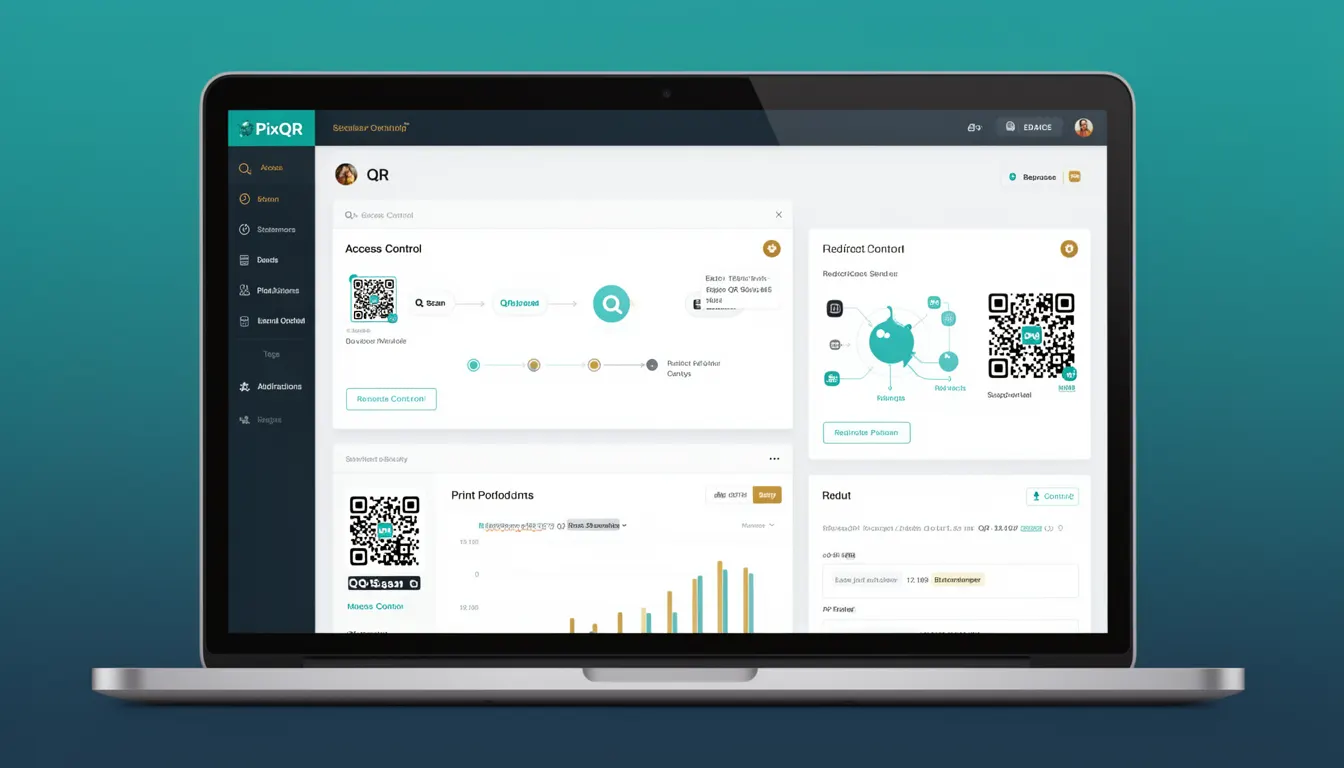
In PixQR, Access Control applies to how QR codes are generated, tracked, and managed. It governs whether a QR code can be scanned, redirected, or modified by unauthorized parties. This includes setting permissions for API usage, managing user roles, and applying restrictions on QR code attributes such as URL destinations, expiration, and tracking data.
Why It Matters
Access Control is essential in QR code systems because QR codes are often used in public or semi-public environments where unauthorized access can lead to malicious redirects, data leaks, or fraud. Without proper access control, QR codes may be modified, cloned, or misused to direct users to harmful content.
For developers, implementing access control ensures that only intended users or systems can interact with QR code functionality. This is especially important in enterprise environments where QR codes are used for internal processes, secure redirects, or brand-managed access. It reduces risk of data breaches, unauthorized access, and reputational damage.
How It Works
Access Control in PixQR operates through a combination of user authentication, role-based permissions, and QR code attribute restrictions. It ensures that only authenticated and authorized entities can perform actions like generating, modifying, or deleting QR codes.
- Access Control is typically implemented via API keys or OAuth tokens to authenticate users or systems.
- Role-based access control (RBAC) defines what actions a user or system can perform on a QR code, such as read, edit, or delete.
- QR code attributes like destination URL, expiration, and tracking settings can be restricted based on user permissions.
- Dynamic redirects and scan tracking can be limited to specific audiences or access levels.
- Access logs and audit trails are maintained to track who accessed or modified a QR code, aiding in compliance and security reviews.
Quick Reference
| Item | Purpose | Notes |
|---|---|---|
| API Key Authentication | Verifies identity of API users | Used for secure QR code management |
| Role-Based Permissions | Defines user access levels | Controls actions like read, write, delete |
| QR Code Attribute Restrictions | Limits editable fields | Prevents unauthorized changes to URL or tracking |
| Dynamic Redirect Control | Manages redirection behavior | Can be limited by access level or audience |
| Audit Logs | Tracks access and modifications | Essential for compliance and security review |
Basic Example
PixQR Example QR
This QR links directly to this glossary page, so printed notes, onboarding docs, and support material can bring scanners back to the current reference.

This basic example shows how to generate a QR code with restricted access using an API key.
const response = await fetch('https://api.pixqr.com/qr', {
  method: 'POST',
  headers: {
    'Authorization': 'Bearer YOUR_API_KEY',
    'Content-Type': 'application/json'
  },
  body: JSON.stringify({
    url: 'https://example.com/secure-page',
    access_control: {
      read: ['user-123'],
      write: ['admin-456']
    }
  })
});
The example demonstrates setting read and write permissions for specific users. The API key authenticates the request, and access control limits who can view or modify the QR code.
Production Example
This production example shows how to manage access control for a QR code with dynamic redirect behavior and audit logging.
const qrConfig = {
  url: 'https://secure.example.com/login',
  access_control: {
    read: ['team-a', 'team-b'],
    write: ['admin-role'],
    redirect_restrictions: {
      allowed_domains: ['example.com', 'secure.example.com'],
      audience: 'employees'
    }
  },
  tracking: {
    enabled: true,
    log_scans: true
  }
};

const response = await fetch('https://api.pixqr.com/qr', {
  method: 'POST',
  headers: {
    'Authorization': 'Bearer ' + process.env.PIXQR_API_KEY,
    'Content-Type': 'application/json'
  },
  body: JSON.stringify(qrConfig)
});
This version includes detailed access control for read and write permissions, domain restrictions for redirects, and tracking settings. It is suitable for enterprise-grade QR code systems where security and compliance are critical.
Common Mistakes
- Using default or unsecured API keys in production code, leading to unauthorized access to QR code systems.
- Not validating QR code destinations, which can result in malicious redirects or phishing attacks.
- Allowing broad access to QR code modification without role-based restrictions, increasing the risk of misuse.
- Ignoring audit logs, which prevents tracking of unauthorized access or changes to QR codes.
- Overlooking audience restrictions in dynamic redirects, which may expose sensitive content to unintended users.
Security And Production Notes
- Always use secure, encrypted API keys and never hardcode them in client-side code.
- Validate and sanitize all QR code destination URLs to prevent malicious redirects.
- Implement role-based access control to limit who can modify or delete QR codes.
- Enable audit logging for all access and modification events to support compliance and incident response.
- Restrict dynamic redirect domains to known, trusted sources to avoid exploitation.
Related Concepts
Access Control is closely related to several key concepts in QR code and web security:
- Authentication ensures that users are who they claim to be before granting access.
- Authorization determines what actions an authenticated user can perform.
- Role-Based Access Control (RBAC) is a method of access control that assigns permissions based on roles.
- Dynamic Redirects are often subject to access control to ensure only authorized users are redirected.
- Scan Tracking may be limited by access control to protect sensitive data.