 PixQR
PixQR
Overview
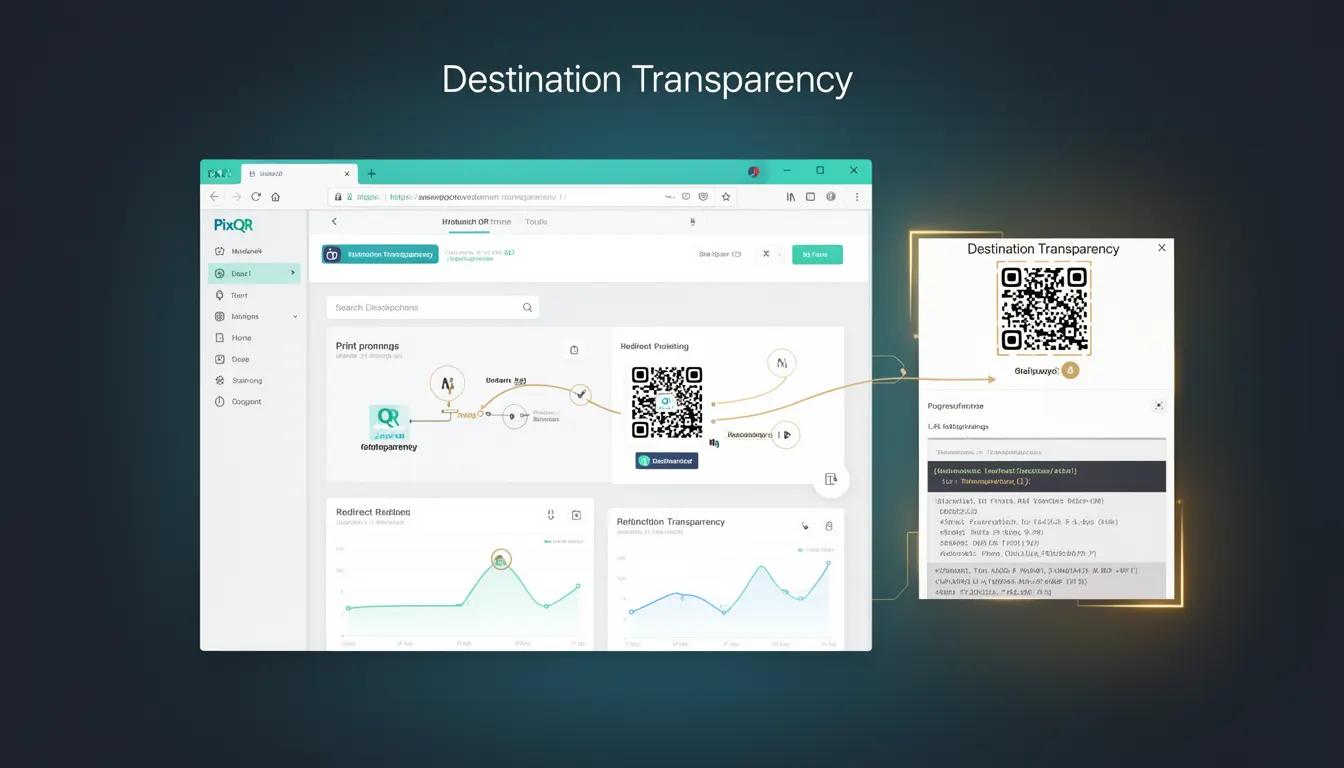
Destination Transparency refers to a security and trust mechanism that ensures users are aware of the final destination URL before interacting with a QR code. In the context of PixQR, this concept is implemented to reduce risks associated with malicious redirects, phishing, and user confusion during QR code scanning.
When a user scans a QR code, they should be able to verify the target URL before being redirected. This transparency is essential in environments where QR codes are used for payment processing, access control, or link distribution, where misdirection can lead to fraud or data breaches. PixQR supports Destination Transparency through features such as pre-scan previews, redirect tracking, and optional destination confirmation prompts.
Why It Matters
Destination Transparency is a core requirement for secure QR code usage in production environments. Without it, users may be unknowingly directed to malicious or unintended URLs, increasing vulnerability to phishing attacks and data loss. For developers and platform maintainers, ensuring transparency reduces liability, improves user trust, and aligns with best practices for secure link management.
In PixQR, this concept is integrated into the platform's dynamic redirect system. It ensures that each QR code’s target URL is validated, logged, and presented to users before redirecting, especially in high-risk scenarios like financial transactions or sensitive access points. This helps mitigate fraud, enhances compliance with security standards, and improves the overall user experience by reducing uncertainty.
How It Works
Destination Transparency in PixQR is implemented through a multi-layered system that validates, logs, and communicates the intended destination of a QR code before redirection occurs. This system is designed to be transparent, secure, and user-friendly.
- When a QR code is generated, the platform checks the destination URL for validity and safety using a combination of internal and external validation tools.
- Before redirecting, the system may present a preview page or confirmation step to the user, especially for high-risk URLs.
- Each redirect is logged with metadata including timestamp, source, destination, and user agent to support audit and compliance needs.
- PixQR supports optional destination confirmation for sensitive links, where users must explicitly confirm before being redirected.
- The system supports analytics integration to track how often users interact with previews or confirmations, helping to optimize security and usability.
Quick Reference
| Item | Purpose | Notes |
|---|---|---|
| Redirect preview | Shows destination before redirect | Enabled for high-risk URLs |
| Destination confirmation | Requires explicit user action | Optional for sensitive links |
| Redirect logging | Tracks redirect metadata | Used for analytics and audits |
| URL validation | Checks destination for safety | Uses internal and external checks |
| Analytics integration | Measures user interaction | Helps optimize transparency flow |
Basic Example
PixQR Example QR
This QR links directly to this glossary page, so printed notes, onboarding docs, and support material can bring scanners back to the current reference.
/glossary/qr-code-security/qr-code-security-destination-transparency

This basic example shows how a QR code with Destination Transparency might be generated using PixQR’s API. The destination URL is validated, and a preview is shown before redirecting.
const qrData = {
  url: "https://secure.example.com/payment",
  preview: true,
  confirm: false
};

const response = await fetch('/api/qr/generate', {
  method: 'POST',
  headers: { 'Content-Type': 'application/json' },
  body: JSON.stringify(qrData)
});

const qrCode = await response.json();
The preview flag enables a preview page before redirecting. This is a simple demonstration of how the platform handles transparency at the API level.
Production Example
In a production environment, Destination Transparency is implemented with additional validation, user confirmation, and logging. This example simulates how a system might handle a payment-related QR code.
const generateSecureQR = async (destinationUrl, isSensitive = true) => {
  // Validate URL
  if (!isValidUrl(destinationUrl)) {
    throw new Error("Invalid destination URL");
  }

  // Log redirect attempt
  logRedirectAttempt(destinationUrl);

  // Generate QR with preview and confirmation
  const qrPayload = {
    url: destinationUrl,
    preview: isSensitive,
    confirm: isSensitive,
    analytics: true
  };

  const response = await fetch('/api/qr/generate', {
    method: 'POST',
    headers: { 'Content-Type': 'application/json' },
    body: JSON.stringify(qrPayload)
  });

  return await response.json();
};
This version includes validation, logging, and conditional UI elements. It is more robust and suitable for production systems where security and compliance are critical.
Common Mistakes
- Disabling preview or confirmation for high-risk URLs. This reduces user awareness and increases vulnerability to phishing.
- Ignoring URL validation during QR generation. This can lead to malicious links being embedded in QR codes.
- Failing to log redirects. This makes audit trails and compliance difficult to maintain.
- Not testing redirect flows in different browsers or devices. This can cause inconsistencies in user experience and transparency.
- Overusing confirmation prompts. This can frustrate users and reduce adoption of secure practices.
Security And Production Notes
- Always validate destination URLs using both internal and external checks to prevent malicious redirects.
- Implement logging for all redirects to support compliance and incident response.
- Use HTTPS for all destination URLs to ensure secure transmission of data.
- Limit the use of confirmation prompts to high-risk scenarios to avoid user fatigue.
- Ensure that preview pages are lightweight and accessible to avoid performance or accessibility issues.
Related Concepts
Destination Transparency is closely related to several core security and usability concepts in QR code management:
- Link Safety – Ensures QR code destinations are safe and not malicious.
- Redirect Tracking – Logs and monitors redirect behavior for analytics and security.
- User Trust – Transparency builds confidence in QR code usage.
- Scan Reliability – A transparent destination enhances the reliability of QR scans.
- Privacy Controls – Transparency helps users understand what data is shared during a scan.