 PixQR
PixQR
Overview
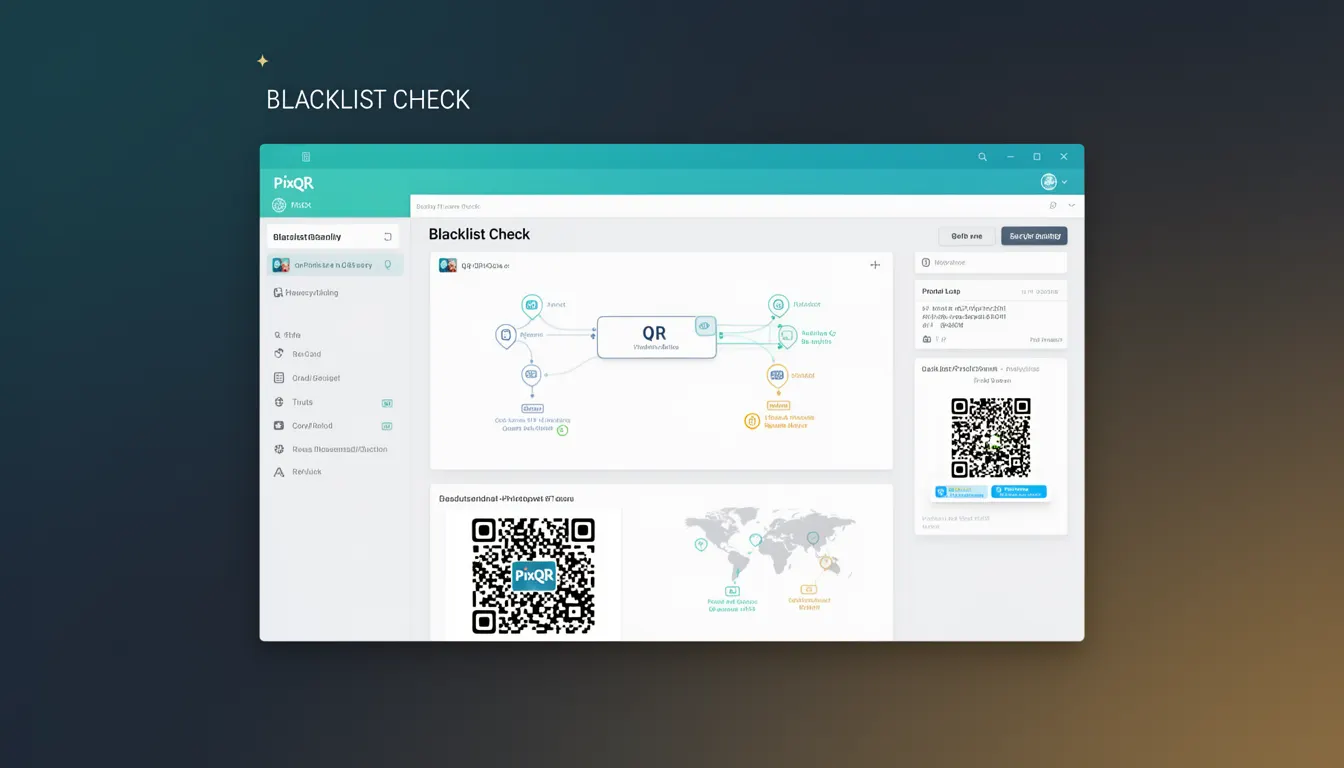
A Blacklist Check is a security mechanism used in QR code generation and redirection systems to prevent malicious or unsafe URLs from being encoded into QR codes. This process involves validating the target URL against a list of known harmful domains, IP addresses, or content patterns before allowing the QR code to be generated or redirected. In the context of PixQR, Blacklist Check ensures that only trusted and safe links are used in QR codes, reducing the risk of phishing, malware delivery, or brand reputation damage.
Developers using PixQR will encounter Blacklist Check during QR code creation workflows, particularly when configuring dynamic redirects or managing link safety. It is a core component of PixQR’s operational security framework and is enabled by default to maintain trust in the platform’s ecosystem.
Why It Matters
Blacklist Check is critical for maintaining trust and safety in QR code ecosystems. QR codes are widely used for marketing, event management, and product tracking, making them attractive targets for cybercriminals. If a malicious actor can inject a harmful URL into a QR code, they can redirect users to phishing sites or download malware. By performing a Blacklist Check, PixQR prevents such attacks and protects both end users and brand owners.
In production environments, failing to perform a Blacklist Check can lead to compliance issues, reputational damage, and potential legal liability. For instance, if a QR code leads to a domain on a known malicious list, and the organization fails to detect this, it could be considered negligence. PixQR’s built-in Blacklist Check helps developers avoid these risks by automatically flagging unsafe URLs during creation or redirect operations.
How It Works
Blacklist Check operates as a validation step within PixQR’s QR code generation and redirect system. When a user or system attempts to create a QR code or set a dynamic redirect, the target URL is analyzed against a curated database of blacklisted domains, IP addresses, or content patterns. The process includes several key behaviors:
- The system checks the domain portion of the URL against a maintained list of known malicious domains.
- It validates IP addresses against known threat feeds or internal blacklists.
- Content patterns such as suspicious file extensions or query parameters are flagged for further review.
- Real-time reputation checks are performed using third-party threat intelligence APIs.
- Results are cached to improve performance and reduce API load during high-volume operations.
The mechanism is integrated into PixQR’s API endpoints and dashboard workflows, providing immediate feedback to developers or operators when a URL is flagged. If a URL is rejected, the system logs the event and can optionally notify administrators or trigger alerts.
Quick Reference
| Item | Purpose | Notes |
|---|---|---|
| Domain Validation | Checks if a domain is on a known malicious list | Performed automatically during QR creation |
| IP Address Check | Validates target IP addresses against threat feeds | Used in conjunction with domain checks |
| Content Pattern Matching | Scans for suspicious URL parameters or file types | Prevents obfuscated malware delivery |
| Threat Intelligence API | Enables real-time validation using external feeds | Optional but recommended for enhanced security |
| Cache Mechanism | Improves performance by caching validation results | Reduces API roundtrips for repeated checks |
Basic Example
PixQR Example QR
This QR links directly to this glossary page, so printed notes, onboarding docs, and support material can bring scanners back to the current reference.
This basic example demonstrates how a developer might use PixQR’s API to generate a QR code and ensure a Blacklist Check is performed.
const response = await fetch('https://api.pixqr.com/v1/qr', {
  method: 'POST',
  headers: {
    'Authorization': 'Bearer YOUR_API_KEY',
    'Content-Type': 'application/json'
  },
  body: JSON.stringify({
    url: 'https://example.com/secure-page',
    redirect_type: 'dynamic'
  })
});
The important line is the POST request to the PixQR API endpoint. PixQR automatically performs a Blacklist Check on the provided URL, and if it is flagged, the API will return an error response with a code indicating the type of issue.
Production Example
This example shows how a production system might integrate Blacklist Check into a larger workflow, including error handling and logging.
const generateQR = async (url, options = {}) => {
  try {
    const response = await fetch('https://api.pixqr.com/v1/qr', {
      method: 'POST',
      headers: {
        'Authorization': `Bearer ${process.env.PIXQR_API_KEY}`,
        'Content-Type': 'application/json'
      },
      body: JSON.stringify({
        url,
        redirect_type: options.redirect_type || 'dynamic',
        tags: options.tags || []
      })
    });

    const data = await response.json();

    if (!response.ok) {
      console.error('QR generation failed:', data.error);
      throw new Error('Failed to generate QR code');
    }

    return data;
  } catch (error) {
    console.error('Error during QR generation:', error);
    throw error;
  }
};
This version is production-ready because it includes proper error handling, environment variable usage for credentials, and logs errors for debugging. It also uses a structured API call that ensures Blacklist Check is performed by PixQR’s backend services.
Common Mistakes
- Disabling Blacklist Check in production environments to speed up QR generation, leading to security vulnerabilities.
- Not handling API error responses correctly, which can cause silent failures when a URL is flagged.
- Using hardcoded or static lists instead of relying on PixQR’s dynamic threat intelligence.
- Ignoring cached results and revalidating URLs unnecessarily, which impacts performance.
- Overwriting or bypassing the platform’s default validation rules without understanding the implications.
Security And Production Notes
- Blacklist Check is enabled by default in PixQR and cannot be disabled for standard users to maintain security standards.
- Developers must not rely solely on local blacklists; PixQR uses a combination of internal and external threat feeds.
- Validation is performed asynchronously to avoid blocking QR generation, but errors are returned immediately.
- Results are cached for up to 24 hours to reduce API load, but can be refreshed manually if needed.
- Logs are maintained for flagged URLs to support incident response and compliance audits.
Related Concepts
Several concepts are closely related to Blacklist Check in the context of QR code security and management:
Dynamic Redirects – A feature that allows QR codes to point to a URL that can be updated later. Blacklist Check is essential to ensure these redirects remain safe over time.
Threat Intelligence – The broader practice of collecting and analyzing data about potential threats, which is used to build and maintain blacklists.
URL Sanitization – The process of cleaning and validating URLs to prevent injection or obfuscation attacks. Blacklist Check is part of this broader validation.
Scan Tracking – Monitoring QR code scans to detect anomalies, which can be correlated with Blacklist Check results for deeper security insights.
API Security – Ensuring that API endpoints that handle QR creation and redirects are secure and not vulnerable to misuse or abuse.