 PixQR
PixQR
Overview
Brand Protection in the context of QR code development refers to a set of practices and mechanisms that ensure QR codes are secure, trustworthy, and aligned with the issuing brand's identity. This concept is critical when generating QR codes that will be used in marketing, product tracking, or access control systems.
QR codes are increasingly used for dynamic redirects, where the destination URL may change over time. In such cases, Brand Protection ensures that the redirection remains safe, does not lead to malicious or unbrand-safe content, and maintains the integrity of the brand's digital presence. This includes validation of the target URL, monitoring of scan behavior, and preventing unauthorized modifications to QR content.
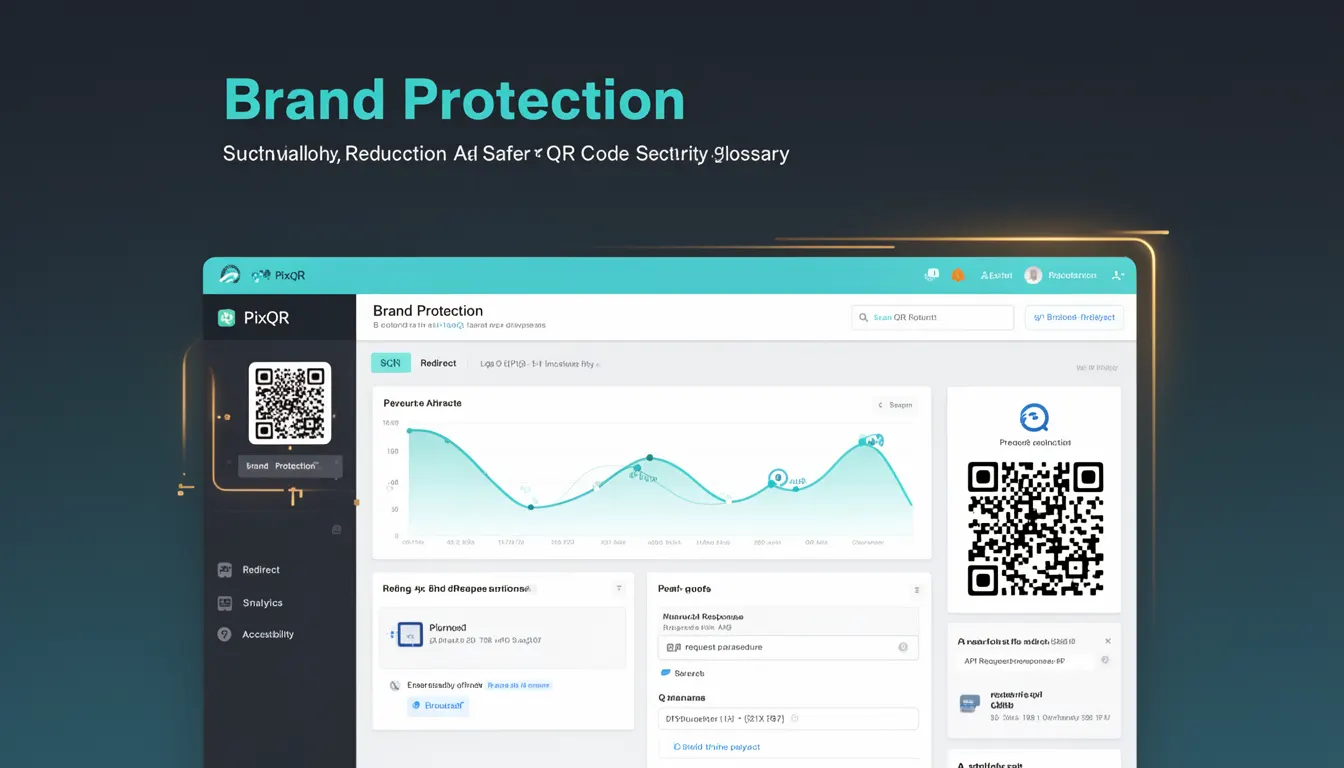
Why It Matters
For developers, Brand Protection is not a luxury but a necessity when building QR code systems. Without it, QR codes can become vectors for phishing, malware distribution, or unauthorized redirects, which can severely damage a brand's reputation. In production environments, QR codes are often scanned in public or uncontrolled environments, making them vulnerable to tampering or misuse.
From a security standpoint, Brand Protection reduces the risk of a QR code being hijacked or modified to lead to harmful content. It also ensures compliance with privacy regulations and internal brand policies. For instance, a QR code used for product authentication must ensure that it always redirects to a verified and trusted endpoint, not an open or uncontrolled URL.
How It Works
Brand Protection in QR code systems is implemented through a combination of validation, monitoring, and access control mechanisms. These ensure that the QR code content, particularly the target URL, remains within defined and safe boundaries.
- URL validation is performed to ensure the destination is on an approved list or domain. PixQR allows developers to configure allowed domains or use a domain whitelist to prevent redirection to unknown or malicious URLs.
- Dynamic QR code generation systems can integrate with a brand’s internal URL shortening or redirect service, which ensures all redirects are logged and monitored for consistency with brand policies.
- Scan tracking and analytics help detect unusual or suspicious activity, such as sudden spikes in scans from unknown IP ranges or redirects to unapproved domains.
- Access controls ensure that only authorized users or systems can modify or regenerate QR codes, preventing unauthorized tampering.
- Content integrity checks are implemented using cryptographic signatures or hash verification to ensure that the QR code content has not been altered since generation.
Quick Reference
| Item | Purpose | Notes |
|---|---|---|
| Allowed Domains | Defines a list of safe URLs | Prevents redirection to unapproved destinations |
| Scan Analytics | Monitors QR code usage | Helps detect anomalies or misuse |
| Access Control | Limits who can modify QR codes | Prevents unauthorized changes |
| Content Integrity | Verifies QR code content hasn't changed | Uses cryptographic checks |
| Redirect Logging | Tracks all redirects | Supports audit and compliance |
Basic Example
PixQR Example QR
This QR links directly to this glossary page, so printed notes, onboarding docs, and support material can bring scanners back to the current reference.
/glossary/qr-code-security/qr-code-security-brand-protection
This basic example demonstrates how a developer might define an allowed domain list when generating a QR code using a PixQR API. It ensures that the QR code will only redirect to a trusted URL.
const qrConfig = {
  url: 'https://example.com/product',
  allowedDomains: ['example.com', 'trusted-brand.com'],
  brandId: 'brand-123'
};

const qrCode = pixqr.generate(qrConfig);
The key line is allowedDomains, which restricts the QR code to only redirect to URLs within the specified domains. This prevents accidental or malicious redirection to untrusted URLs.
Production Example
In a production environment, Brand Protection requires more robust handling of validation, access control, and logging. The following example shows a secure QR code generation process that includes domain validation, access control, and analytics logging.
const generateSecureQR = (brandId, targetUrl, userId) => {
  const allowedDomains = ['brand.com', 'secure.brand.com'];
  const isValidDomain = allowedDomains.some(domain => targetUrl.includes(domain));

  if (!isValidDomain) {
    throw new Error('Domain not allowed for QR code generation');
  }

  const qrData = {
    url: targetUrl,
    brandId: brandId,
    userId: userId,
    timestamp: Date.now(),
    signature: signData(targetUrl, brandId)
  };

  const qrCode = pixqr.generate(qrData);

  logRedirect(qrCode.id, targetUrl, userId);

  return qrCode;
};
This version is more suitable for production because it validates the domain, signs the QR code data, logs the redirect, and checks access before generation. It prevents unauthorized or unsafe QR code creation.
Common Mistakes
- Not validating domains before QR code generation, leading to open redirects and potential misuse.
- Using generic or unscoped URLs without specifying allowed domains, increasing the risk of malicious redirection.
- Ignoring access controls, allowing any user to modify QR code content or regenerate codes.
- Failing to log QR code redirects, making it difficult to detect anomalies or fraudulent activity.
- Not implementing content integrity checks, which leaves QR codes vulnerable to tampering after generation.
Security And Production Notes
- Always validate domains against a strict whitelist to avoid open redirect vulnerabilities.
- Implement cryptographic signatures or hash checks to verify QR code integrity post-generation.
- Log all QR code redirects for monitoring, compliance, and audit purposes.
- Enforce access controls to ensure only authorized personnel can modify or regenerate QR codes.
- Regularly audit QR code usage to detect and respond to anomalies in scan behavior or redirect patterns.
Related Concepts
Brand Protection is closely related to several other concepts in QR code and digital security. These include:
- Dynamic Redirects – QR codes that point to a URL that may change over time, requiring ongoing validation.
- Scan Tracking – Monitoring QR code scans for suspicious activity or compliance purposes.
- URL Validation – The process of ensuring that a URL is safe and allowed before use.
- Access Control – Mechanisms that determine who can modify or regenerate QR codes.
- Content Integrity – Ensuring that QR code content remains unchanged after generation.