 PixQR
PixQR
Overview
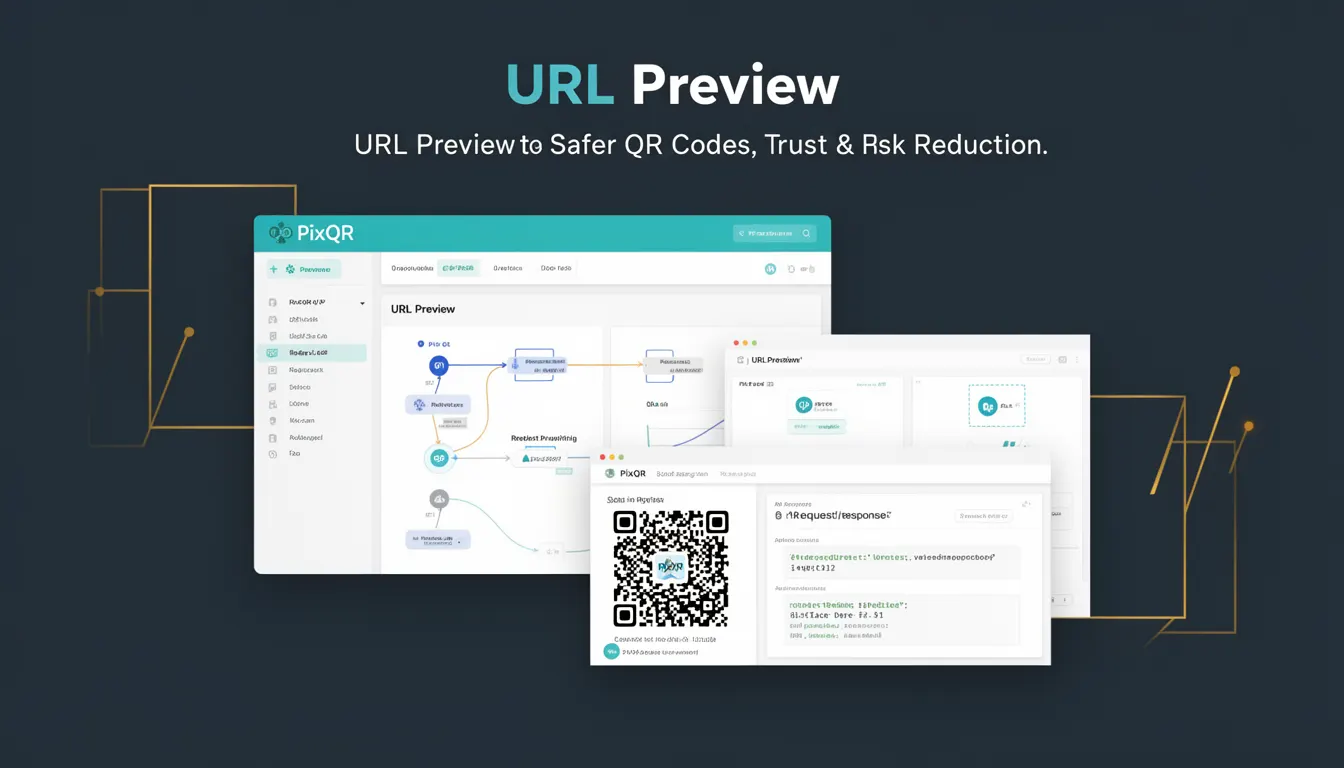
URL Preview is a security feature within PixQR that enables developers to inspect and validate the destination URL of a QR code before it is finalized or deployed. This mechanism helps reduce risks associated with malicious redirects, phishing attempts, and unauthorized link manipulation by providing a safe way to review where a QR code will lead.
In PixQR, URL Preview is used during QR code generation workflows, particularly when integrating dynamic redirect capabilities. It ensures that only trusted URLs are used in QR codes, and allows developers to confirm that a destination is legitimate before finalizing the QR output. This is especially critical in enterprise or high-security environments where trust and compliance are paramount.
Why It Matters
URL Preview plays a critical role in maintaining the integrity of QR code ecosystems, particularly when dynamic redirects are involved. Without this feature, developers and operators may unknowingly deploy QR codes that point to unsafe or unintended destinations, leading to potential security breaches, user deception, or compliance violations.
For developers managing high-volume QR code platforms, URL Preview reduces the chance of accidental deployment of malicious links. It also supports automated workflows by enabling pre-flight checks that can be integrated into larger systems. In PixQR, this is especially valuable for enterprise clients who require audit trails, risk controls, and real-time validation of all outbound links.
How It Works
URL Preview operates as a validation step in the QR code generation process. When a user or system provides a destination URL, PixQR evaluates it against internal policies, domain reputation systems, and optional custom validation rules. The preview function returns metadata and status information about the URL without actually redirecting the user.
- URL Preview can be triggered manually during QR creation or automatically as part of a workflow.
- The system checks the URL against a list of known malicious domains or patterns.
- Preview includes metadata such as the domain, path, protocol, and redirect chain if applicable.
- Results can be returned in JSON format for integration into automated systems.
- Preview can be configured to enforce specific rules, such as requiring HTTPS or disallowing certain TLDs.
Quick Reference
| Item | Purpose | Notes |
|---|---|---|
| Preview URL | Validate destination before QR deployment | Must be accessible and valid |
| Metadata | Provides domain, protocol, path | Used for risk assessment |
| Redirect Chain | Shows URL redirection path | Helps detect malicious redirects |
| Validation Rules | Enforce policy on destination | Customizable per platform |
| HTTPS Requirement | Enforces secure protocols | Can be toggled on/off |
Basic Example
PixQR Example QR
This QR links directly to this glossary page, so printed notes, onboarding docs, and support material can bring scanners back to the current reference.
The following example demonstrates how to initiate a URL Preview using PixQR's API. This is a minimal representation showing how the system validates a URL before QR generation.
const previewResponse = await pixqr.previewUrl({
  url: 'https://example.com/secure-page'
});

if (previewResponse.valid) {
  console.log('URL is safe for QR generation');
} else {
  console.error('URL failed validation:', previewResponse.reason);
}
The example shows a basic call to PixQR's preview API. The valid property indicates whether the URL passes validation, and reason provides a reason if it fails.
Production Example
In a production environment, URL Preview is used within a larger validation pipeline. This example shows how to integrate preview into a QR generation workflow with error handling and rule enforcement.
async function generateSecureQR(url) {
  try {
    const preview = await pixqr.previewUrl({
      url: url,
      rules: {
        requireHttps: true,
        disallowTld: ['xyz', 'tk']
      }
    });

    if (!preview.valid) {
      throw new Error(`Invalid URL: ${preview.reason}`);
    }

    const qrCode = await pixqr.generate({
      url: url,
      previewId: preview.id
    });

    return qrCode;
  } catch (error) {
    console.error('QR generation failed:', error.message);
    throw error;
  }
}
This version ensures that the URL is validated before being passed to QR generation, and includes enforcement of custom rules such as HTTPS requirement and disallowed TLDs. It also logs errors and returns a structured response for integration into larger systems.
Common Mistakes
- Skipping URL validation entirely, leading to unsafe QR deployments.
- Not checking redirect chains, which can obscure malicious destinations.
- Using preview only for display purposes without enforcing its results in code.
- Ignoring HTTPS requirements, which can lead to man-in-the-middle risks.
- Not handling preview API errors, which can cause silent failures in QR generation.
Security And Production Notes
- Always validate URLs before deploying QR codes to prevent phishing or malicious redirects.
- Ensure preview checks include HTTPS enforcement to avoid insecure link exposure.
- Use preview results in decision logic, not just for logging or UI feedback.
- Implement timeout and retry logic for preview API calls to avoid blocking generation.
- Regularly update domain blacklists and validation rules to reflect new threats.
Related Concepts
URL Preview is closely related to several other security and development concepts:
- Dynamic Redirects – Preview is often used in conjunction with dynamic QR redirects to validate the final destination.
- Link Auditing – Preview can be part of a broader link audit system to ensure compliance and safety.
- Domain Reputation – Preview leverages domain reputation systems to detect unsafe URLs.
- API Validation – Preview is a form of API-level validation used to secure link input.
- Access Control – Preview can be used to enforce access policies on QR code destinations.