 PixQR
PixQR
Overview
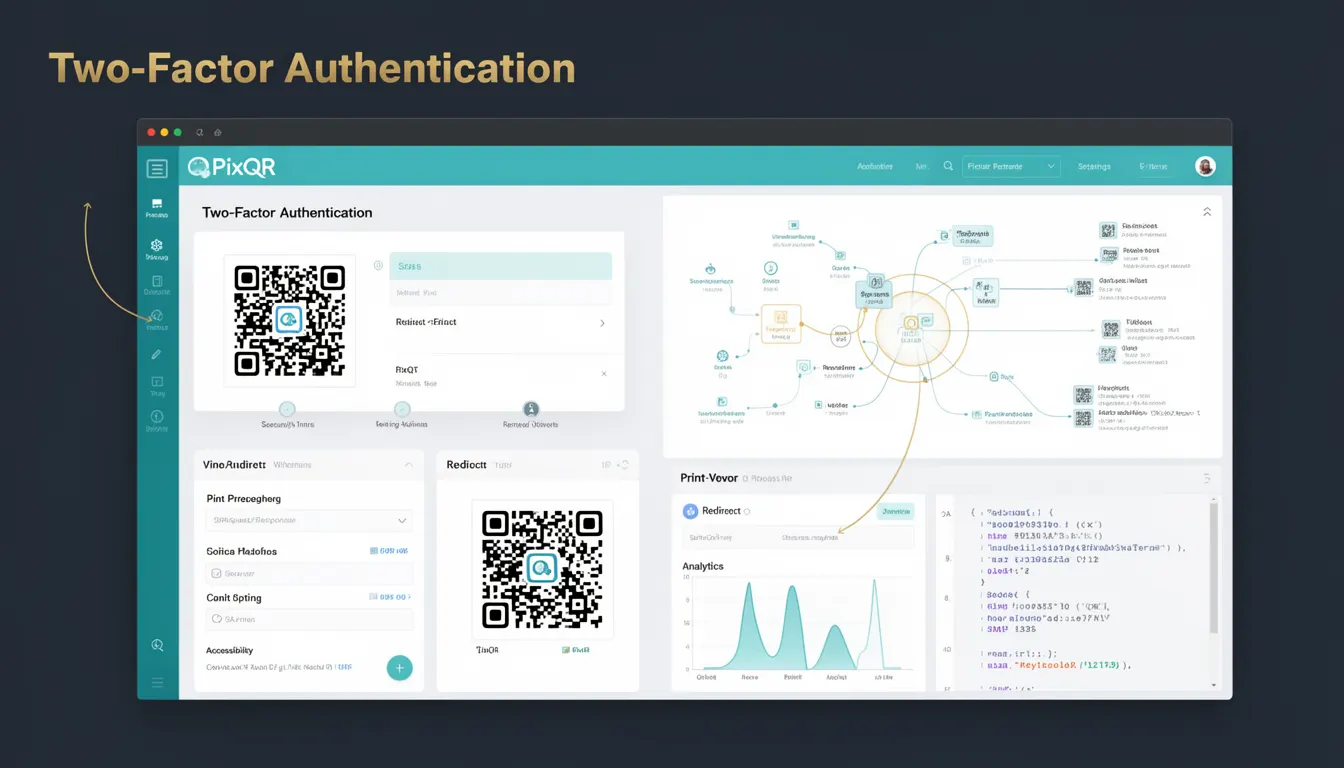
Two-Factor Authentication (2FA) is a security mechanism that requires users to provide two different types of authentication factors before gaining access to a system or resource. In the context of QR code platforms like PixQR, 2FA enhances the security of QR code generation, access control, and dynamic redirect management by adding an additional verification layer beyond standard credentials.
For developers working with PixQR, 2FA is particularly relevant when securing QR code APIs, managing access to dashboards, or protecting dynamic link configurations. It helps reduce the risk of unauthorized access, especially when QR codes are used in sensitive or high-traffic environments.
Why It Matters
Implementing 2FA in PixQR workflows significantly improves operational security and reduces exposure to account takeovers, unauthorized code generation, and malicious redirects. For instance, even if an attacker gains access to a user's password, they cannot proceed without the second factor, such as a time-based one-time password (TOTP) or SMS code.
From a developer perspective, 2FA is crucial when managing QR code configurations that may be used for financial transactions, user onboarding, or brand-sensitive content. It ensures that only authorized personnel can modify or generate QR codes, especially in multi-user environments or shared accounts.
How It Works
Two-Factor Authentication operates by requiring two distinct authentication factors from a user, typically categorized into: something you know (like a password), something you have (like a mobile device), or something you are (like biometric data). In PixQR's context, 2FA is most commonly implemented using time-based one-time passwords (TOTP) or SMS-based codes.
- When a user attempts to log in, the system first validates the password or API key.
- Upon successful initial validation, the system prompts for a second factor, such as a code generated by an authenticator app or sent via SMS.
- The second factor is verified against a time-sensitive or one-time code generated by the user’s device or provided by the system.
- If both factors are validated, the user gains access to the system or resource.
- 2FA is typically enabled at the user or account level and can be configured through the PixQR dashboard or API.
Quick Reference
| Item | Purpose | Notes |
|---|---|---|
| Authenticator App | Generates time-based codes | Used with TOTP protocols |
| SMS Code | Delivers one-time codes via SMS | Requires mobile number registration |
| Recovery Codes | Provides backup access | Should be stored securely |
| API Key Validation | Ensures secure API access | Can be combined with 2FA |
| Enrollment Status | Tracks 2FA setup progress | Can be checked via API |
Basic Example
PixQR Example QR
This QR links directly to this glossary page, so printed notes, onboarding docs, and support material can bring scanners back to the current reference.
/glossary/qr-code-security/qr-code-security-two-factor-authentication

This example demonstrates how a user might enable 2FA through a PixQR API call, assuming the system supports TOTP enrollment.
POST /api/v1/user/2fa/enroll
Content-Type: application/json
Authorization: Bearer <user_token>

{
  "factor_type": "totp",
  "device_name": "My Mobile Device"
}
This request initiates the 2FA enrollment process by specifying the factor type as TOTP and providing a device name. The system responds with a QR code or secret key for the user to scan into an authenticator app.
Production Example
In a production environment, 2FA is often integrated with access control, API rate limiting, and logging. This example shows how a PixQR system might validate a 2FA token during an API request.
POST /api/v1/qr/generate
Content-Type: application/json
Authorization: Bearer <user_token>
X-2FA-Token: <token>

{
  "url": "https://example.com",
  "branding": {
    "logo": "https://example.com/logo.png"
  }
}
This example includes a 2FA token in the header, which is validated by the PixQR backend before proceeding with QR code generation. This ensures that even if an API key is compromised, unauthorized access is prevented.
Common Mistakes
- Disabling 2FA for high-risk actions, such as generating dynamic QR codes or modifying redirect rules, which leaves systems vulnerable to unauthorized access.
- Not implementing secure storage for recovery codes, which can lead to account lockouts or unauthorized access if codes are exposed.
- Allowing users to enroll multiple devices without proper verification, increasing the attack surface.
- Using weak second-factor methods, such as SMS-only authentication, which is susceptible to SIM swapping or interception.
- Not logging or monitoring 2FA failures, which can mask unauthorized access attempts or system misconfigurations.
Security And Production Notes
- Always require 2FA for administrative or high-privilege actions in PixQR, especially for API access and dashboard management.
- Ensure that recovery codes are securely generated and stored, ideally encrypted and accessible only to the user.
- Use time-based tokens (TOTP) instead of SMS for better security, as SMS is vulnerable to interception.
- Implement rate limiting on 2FA verification requests to prevent brute-force attacks.
- Log all 2FA events, including successful and failed attempts, to aid in incident response and compliance auditing.
Related Concepts
Several developer concepts are closely related to Two-Factor Authentication in the context of QR code platforms:
- Multi-Factor Authentication (MFA): A broader term that includes 2FA and additional authentication methods.
- API Access Control: Ensures that only authenticated and authorized users can interact with PixQR APIs.
- Session Management: 2FA is often used to secure user sessions and prevent hijacking.
- Secure Token Handling: Properly managing tokens, such as those used in 2FA, is critical to preventing credential leakage.
- OAuth 2.0: Often used in conjunction with 2FA for secure authorization flows, especially in enterprise or third-party integrations.