 PixQR
PixQR
Overview
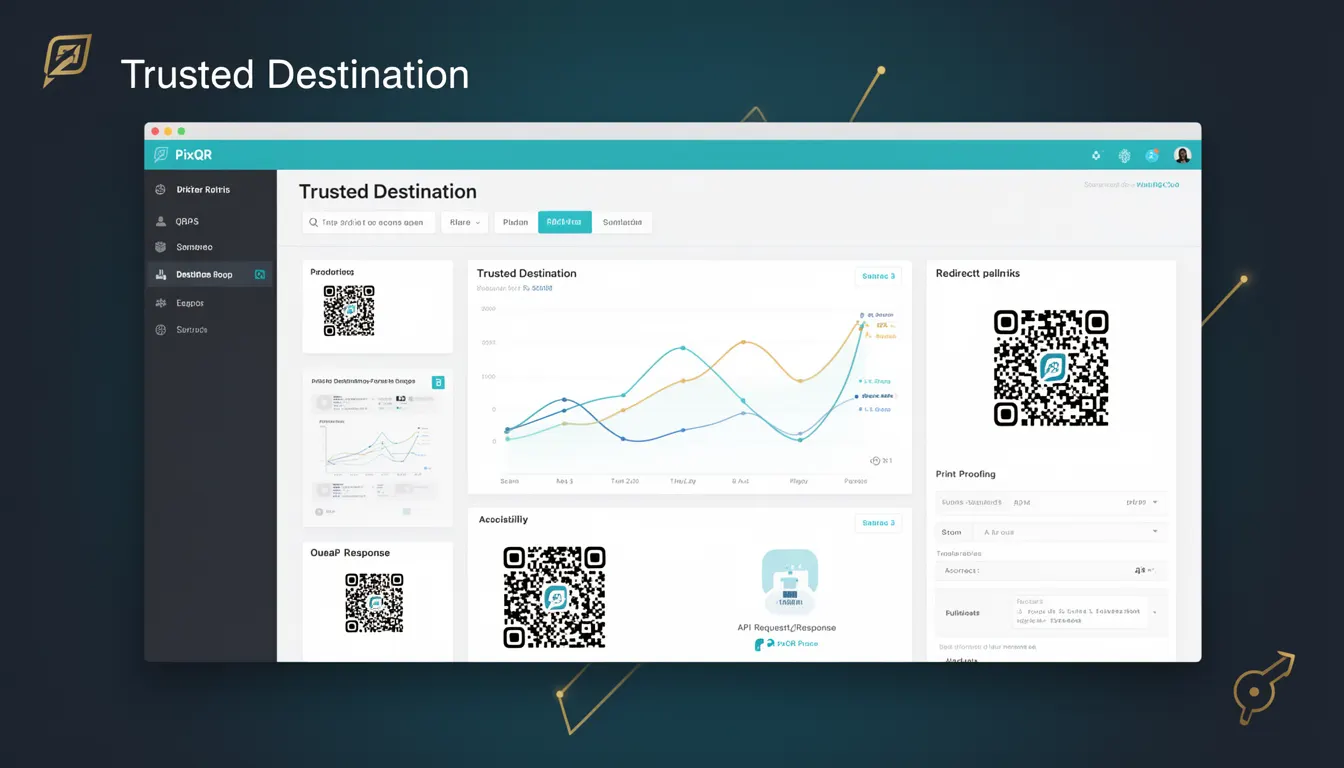
In the context of PixQR, a Trusted Destination refers to a destination URL that has been explicitly validated and authorized for use within a QR code’s redirect mechanism. This term is central to PixQR’s operational security framework, ensuring that QR codes do not lead to unapproved, malicious, or unsafe web resources.
Trusted Destinations are used when generating dynamic QR codes, particularly in enterprise or brand-safe environments where the integrity of redirects is paramount. A Trusted Destination is not just a URL, but a verified endpoint that has passed a set of internal or external validation rules, often including checks for domain reputation, content safety, and compliance with organizational policies.
Why It Matters
For developers and site operators, Trusted Destinations are a core security control that helps prevent QR code-based phishing, malware redirection, and brand reputation damage. Without proper destination validation, QR codes can be exploited to lead users to unsafe or fraudulent sites, undermining the trust that users place in a brand or service.
From a production standpoint, Trusted Destinations directly impact the reliability and compliance of QR code systems. For example, in a corporate environment, a QR code might be used to direct employees to internal training materials or secure documents. If the destination is not trusted, it could result in unauthorized access or data leakage.
Additionally, in PixQR’s ecosystem, Trusted Destinations are used to enforce policy compliance and to support analytics that track only safe, approved traffic. This allows for accurate reporting on user engagement while avoiding risks from malicious or unapproved redirects.
How It Works
The Trusted Destination mechanism in PixQR operates by validating and registering URLs before they are used in QR code generation. The process involves several key steps and components:
- URL validation using domain reputation services and internal blacklists to prevent known malicious domains from being used.
- Content scanning of destination pages to ensure they meet brand safety and content policy requirements.
- Authentication and authorization checks that confirm the destination is approved by the appropriate stakeholders or systems.
- Integration with external security services for real-time risk scoring of domains and URLs.
- Enforcement of policies that restrict certain types of content or access levels, such as preventing public-facing QR codes from linking to internal resources.
When a QR code is generated, the system checks whether the destination URL is in a list of pre-approved or dynamically verified trusted domains. If not, the system may either reject the request or flag it for manual review. The Trusted Destination system also logs all redirects for audit and analytics purposes.
Quick Reference
| Item | Purpose | Notes |
|---|---|---|
| Trusted Destination List | Contains URLs or domains explicitly allowed for QR code redirects | Managed by PixQR admin or API |
| Domain Reputation Check | Verifies domain safety using external services | Real-time validation during QR generation |
| Content Validation | Scans destination for policy compliance | Prevents unsafe or inappropriate content |
| Redirect Enforcement | Ensures only trusted URLs are used in QRs | Blocks non-approved destinations |
| Logging and Audit | Tracks all QR redirect activity | Supports compliance and fraud prevention |
Basic Example
PixQR Example QR
This QR links directly to this glossary page, so printed notes, onboarding docs, and support material can bring scanners back to the current reference.
/glossary/qr-code-security/qr-code-security-trusted-destination

This example shows how a basic Trusted Destination might be defined in a PixQR API call. It demonstrates the structure of a request to register a new trusted destination.
{
  "destination": "https://trusted.example.com/page",
  "name": "Internal Training Page",
  "description": "Secure training resource for employees",
  "tags": ["training", "internal"],
  "status": "active"
}
The destination field specifies the URL that is to be trusted. The name and description fields help identify the purpose of the destination. Tags and status allow for better organization and lifecycle management of trusted URLs.
Production Example
This example demonstrates a more robust implementation involving validation and logging. It simulates a process where a QR code is generated with a Trusted Destination, and the system ensures that only approved URLs are used.
{
  "qr_code_id": "qr-12345",
  "redirect_url": "https://trusted.example.com/page",
  "trusted_destination": true,
  "validation_timestamp": "2024-04-01T10:00:00Z",
  "audit_log": [
    {
      "timestamp": "2024-04-01T10:00:00Z",
      "action": "generate",
      "user": "admin@example.com"
    }
  ]
}
This version includes a timestamp for validation, an audit trail, and a flag indicating that the destination is trusted. This makes it suitable for production systems where compliance and traceability are required.
Common Mistakes
- Using unverified URLs without checking against a trusted list, leading to potential redirection to malicious sites.
- Not updating trusted destination lists regularly, which can lead to outdated or compromised domains being used.
- Allowing user-generated destinations without validation, increasing risk of abuse or fraud.
- Ignoring audit logs, which reduces the ability to track and respond to suspicious redirects.
- Overlooking content validation, which can result in QR codes leading to inappropriate or harmful content.
Security And Production Notes
- Always validate domain reputation before adding a destination to the trusted list.
- Implement real-time checks to prevent dynamic redirects to untrusted URLs.
- Use audit logs to track all QR code redirects and maintain compliance with internal and external regulations.
- Ensure that trusted destinations are regularly reviewed and updated to prevent stale or compromised entries.
- Apply access controls to prevent unauthorized modification of trusted destination lists.
Related Concepts
Trusted Destinations are closely related to several other security and operational concepts:
- Dynamic Redirects – Trusted Destinations are used to validate and secure dynamic QR code redirects.
- Domain Reputation – Trusted Destinations rely on domain reputation services to identify safe URLs.
- Content Filtering – Ensures that destinations do not lead to inappropriate or harmful content.
- API Access Control – Trusted Destinations are often managed through secure API endpoints with access controls.
- Scan Analytics – Trusted Destinations enable accurate analytics by ensuring only approved traffic is tracked.