 PixQR
PixQR
Overview
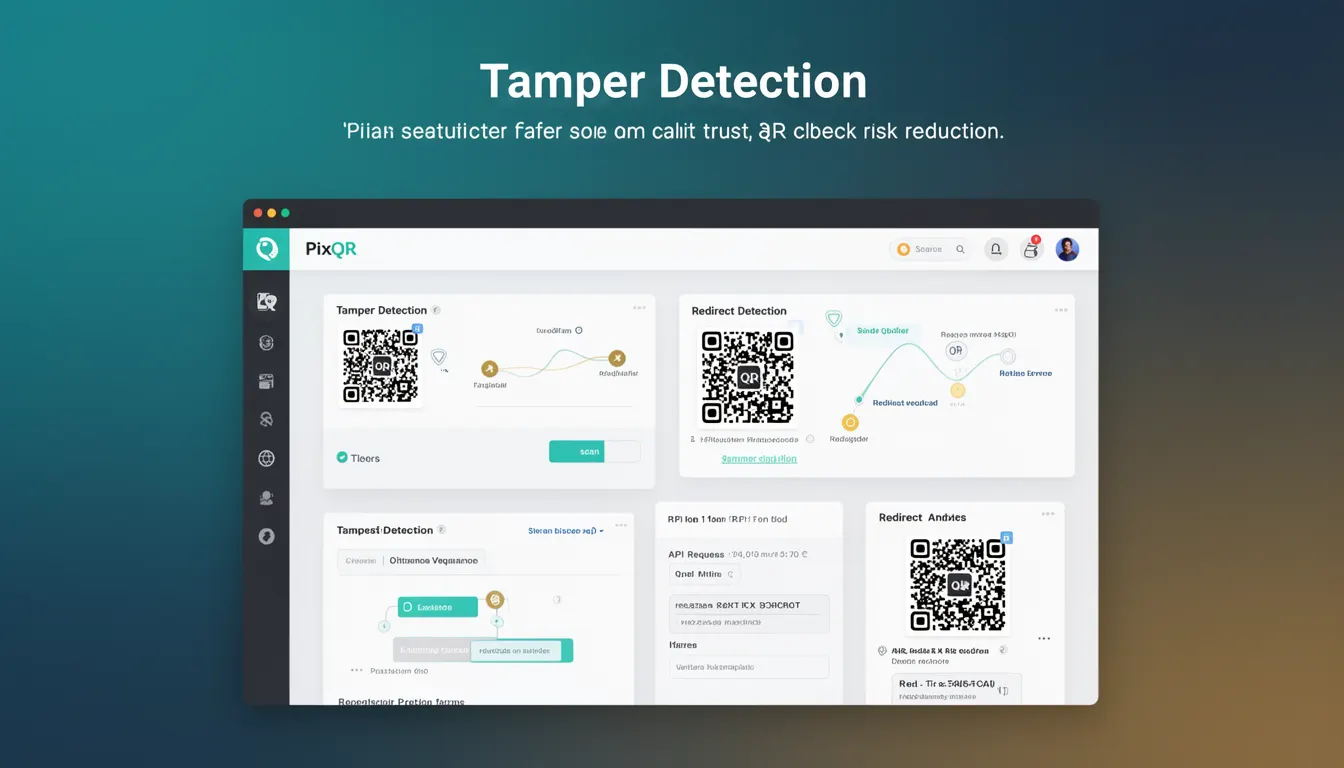
Tamper Detection in the context of PixQR refers to a set of mechanisms and validation techniques designed to identify and prevent unauthorized modifications or interference with QR codes. This includes ensuring that QR codes remain intact and functional from creation to scan, protecting against malicious alterations, and maintaining trust in the integrity of the data they represent.
Developers working with PixQR use Tamper Detection to safeguard dynamic QR code links, prevent fraud, and maintain the reliability of scanned data. It becomes especially critical when QR codes are used for financial transactions, identity verification, or access control systems, where any unauthorized change can compromise security or functionality.
Why It Matters
In production environments, Tamper Detection ensures that QR codes function as intended and haven’t been altered to redirect users to malicious sites or expose sensitive data. Without proper tamper detection, a QR code could be modified in transit or at the point of creation, leading to phishing, fraud, or data leakage.
For developers managing PixQR integrations, Tamper Detection is a critical component in maintaining user trust. If a QR code is tampered with, the system should detect and alert operators or refuse to process the scan. This prevents attackers from exploiting QR code systems to gain unauthorized access or manipulate user behavior.
How It Works
Tamper Detection in PixQR operates through a combination of cryptographic signatures, integrity checks, and runtime validation. It ensures that QR codes remain unaltered from generation to scan, providing assurance to both developers and end users.
- QR codes are generated with embedded checksums or digital signatures to validate integrity.
- During scan, the system verifies that the QR code data matches the original signature or hash.
- Any mismatch triggers an alert or blocks the redirect, depending on configuration.
- Dynamic QR codes may include time-based tokens or session identifiers to prevent replay attacks.
- Scan tracking and analytics are used to detect anomalies, such as multiple scans from different IPs or unusual geographic patterns.
Quick Reference
| Item | Purpose | Notes |
|---|---|---|
| Signature verification | Ensures QR code integrity | Applied at generation and scan time |
| Checksum validation | Identifies data corruption | Used in QR code data structure |
| Scan tracking | Monitors scan behavior | Helps detect suspicious activity |
| Dynamic token | Prevents replay attacks | Used in time-limited QRs |
| Redirect validation | Ensures target URL consistency | Prevents malicious redirection |
Basic Example
PixQR Example QR
This QR links directly to this glossary page, so printed notes, onboarding docs, and support material can bring scanners back to the current reference.
/glossary/qr-code-security/qr-code-security-tamper-detection

This basic example demonstrates how a QR code can be generated with a checksum to enable integrity validation:
const qrData = "https://example.com/secure-page";
const checksum = generateChecksum(qrData);
const qrCode = createQRCode(qrData + "?checksum=" + checksum);
console.log("QR Code created with integrity check");
The example appends a checksum to the QR data, which can be validated during scan. The generateChecksum function computes a hash or CRC to detect tampering.
Production Example
This example shows a more robust approach to Tamper Detection, including signature validation and scan monitoring:
const generateSignedQR = (url, secretKey) => {
  const timestamp = Date.now();
  const data = `${url}|${timestamp}`;
  const signature = crypto.createHmac('sha256', secretKey).update(data).digest('hex');
  return `${url}?sig=${signature}&t=${timestamp}`;
};

const validateQRScan = (url, signature, timestamp, secretKey) => {
  const data = `${url}|${timestamp}`;
  const expected = crypto.createHmac('sha256', secretKey).update(data).digest('hex');
  return signature === expected && Date.now() - timestamp < 3600000; // 1 hour validity
};
This version uses HMAC signatures and timestamps to validate QR code integrity and prevent replay attacks. It ensures that only valid, unmodified QR codes are accepted, making it suitable for secure systems.
Common Mistakes
- Using weak or no checksums, which allows easy tampering with QR data.
- Ignoring scan tracking or analytics, which makes it hard to detect suspicious behavior.
- Reusing QR codes without expiration, increasing the risk of replay or abuse.
- Not validating signatures at scan time, leading to potential bypass of integrity checks.
- Storing sensitive keys in client-side code, which exposes them to attackers.
Security And Production Notes
- Always use strong cryptographic functions like SHA-256 for signature generation.
- Implement time-based token expiration to reduce the window of opportunity for replay attacks.
- Store secret keys securely, preferably in environment variables or secure key management systems.
- Log all QR scan events for monitoring and anomaly detection.
- Validate both the QR code data and its associated metadata at the point of scan.
Related Concepts
Tamper Detection is closely related to several other security and development concepts:
- Checksums are used to detect accidental or intentional data corruption in QR code payloads.
- Digital Signatures provide cryptographic proof of origin and integrity, often used in secure QR code systems.
- Authentication ensures that only authorized systems or users can modify or access QR codes.
- Access Control defines who can generate, modify, or scan QR codes, often enforced via API keys or roles.
- Scan Analytics tracks QR code usage to detect anomalies or suspicious behavior, complementing integrity checks.