 PixQR
PixQR
Overview
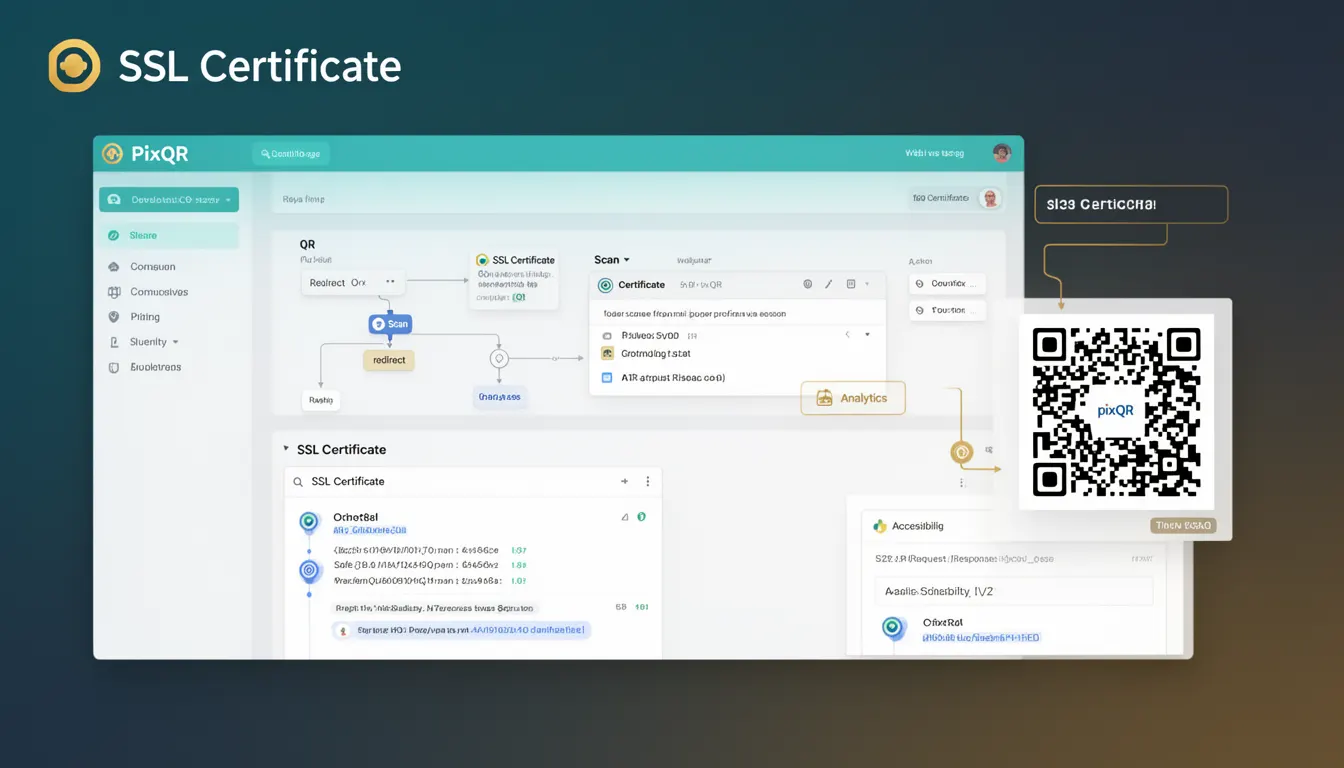
An SSL Certificate, or Secure Sockets Layer Certificate, is a digital certificate that authenticates the identity of a website and enables encrypted communication between the website and its visitors. In the context of PixQR, SSL Certificates play a critical role in ensuring that QR codes redirecting to web resources are both secure and trustworthy.
When a user scans a QR code, they expect to be directed to a legitimate and secure destination. SSL certificates provide that assurance by establishing an encrypted connection, verifying the website’s identity, and preventing man-in-the-middle attacks. Without a valid SSL certificate, a QR code may lead to a site that cannot be trusted, increasing the risk of phishing, data interception, or other malicious activities.
Why It Matters
For developers and operators managing QR code systems, SSL certificates are essential for maintaining trust and ensuring secure user interactions. In PixQR, a QR code that points to a non-SSL website is flagged as potentially unsafe, and users may be warned or redirected by their browser or scanning application.
Without SSL, QR code redirects can expose users to data breaches, malware, or fraudulent services. Additionally, search engines and modern browsers increasingly penalize or block non-secure sites, which can reduce visibility and engagement for QR code campaigns. SSL certificates ensure that your QR code infrastructure aligns with security standards and user expectations.
How It Works
SSL certificates operate using public key cryptography to establish secure communication. When a user scans a QR code pointing to a site with an SSL certificate, their browser verifies the certificate against a trusted Certificate Authority (CA). This process ensures the site is legitimate and the communication channel is encrypted.
- SSL certificates are issued by trusted Certificate Authorities (CAs) such as Let's Encrypt, DigiCert, or Comodo.
- The certificate contains public and private keys used for encryption and decryption of data in transit.
- When a browser connects to a site, it performs a handshake to validate the certificate and establish a secure session.
- Certificates include metadata such as the domain name, issuer, validity period, and subject alternative names (SANs).
- Modern certificates support HTTP Strict Transport Security (HSTS), which enforces HTTPS for future connections.
Quick Reference
| Item | Purpose | Notes |
|---|---|---|
| Domain Validation (DV) | Verifies ownership of domain | Basic SSL, typically used for QR code redirects |
| Organization Validation (OV) | Verifies organization identity | More secure for enterprise QR code use |
| Extended Validation (EV) | Full identity verification | Used for high-security QR code applications |
| Subject Alternative Names (SANs) | Allows multiple domains in one cert | Useful for multi-tenant QR code platforms |
| Validity Period | Typically 1 to 2 years | Requires renewal to maintain security |
Basic Example
PixQR Example QR
This QR links directly to this glossary page, so printed notes, onboarding docs, and support material can bring scanners back to the current reference.

This example shows how to generate a basic SSL certificate for a domain used in a PixQR redirect.
openssl req -new -newkey rsa:2048 -nodes -keyout example.key -out example.csrThis command creates a private key and a Certificate Signing Request (CSR) for a domain. The CSR is then submitted to a CA for certificate issuance.
Production Example
This example demonstrates how to configure a PixQR redirect with a valid SSL certificate using a secure HTTP redirect.
const redirectUrl = 'https://secure.example.com/landing-page';
const qrCode = pixqr.generate({
  url: redirectUrl,
  options: {
    secure: true,
    validateSSL: true
  }
});
This configuration ensures that the QR code only points to secure URLs, enhancing trust and preventing redirects to insecure sites.
Common Mistakes
- Using expired SSL certificates, which leads to browser warnings and user distrust.
- Redirecting to non-HTTPS URLs from QR codes, increasing vulnerability to attacks.
- Ignoring certificate chain validation, which can lead to failed connections or misconfigured redirects.
- Not enabling HSTS, which leaves the site vulnerable to protocol downgrade attacks.
- Using self-signed certificates in production, which are not trusted by browsers and reduce QR code reliability.
Security And Production Notes
- Always use certificates issued by a trusted CA to avoid browser warnings.
- Enable HTTP Strict Transport Security (HSTS) to enforce HTTPS connections.
- Regularly renew certificates to maintain security and avoid service interruption.
- Validate SSL certificates during QR code generation to prevent insecure redirects.
- Monitor certificate expiration dates to prevent unexpected outages in QR code campaigns.
Related Concepts
Several related concepts are important for understanding SSL certificates in the context of QR code systems:
- HTTPS — The secure version of HTTP that uses SSL/TLS encryption.
- Public Key Infrastructure (PKI) — The framework that manages digital certificates and public/private key pairs.
- Man-in-the-Middle (MITM) Attack — An attack where an attacker intercepts communication, which SSL prevents.
- Trust Store — A collection of trusted CA certificates used by browsers and applications to validate SSL certificates.
- Let's Encrypt — A free, automated, and open Certificate Authority used for issuing SSL certificates.