 PixQR
PixQR
Overview
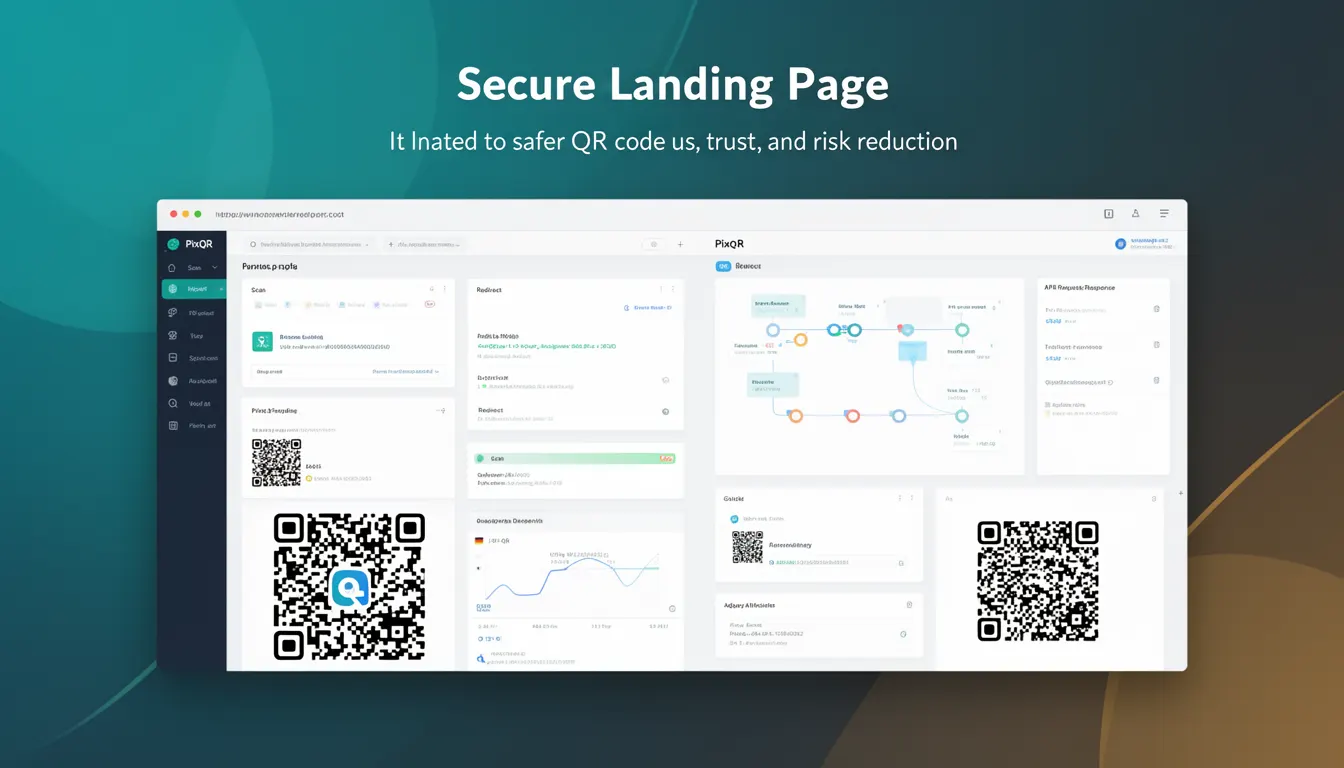
A Secure Landing Page in the context of PixQR refers to a designated destination URL that is explicitly configured to be safe, trusted, and compliant with brand and security policies. When a user scans a QR code, the redirect leads to this secure landing page, which is designed to reduce risk, prevent phishing, and ensure the user’s experience aligns with the intended brand identity.
Secure Landing Pages are used in QR code workflows where the destination content must be vetted, monitored, and protected against malicious redirections. They are especially critical in enterprise, e-commerce, and marketing contexts where brand reputation and user trust are paramount.
Why It Matters
Secure Landing Pages are essential for maintaining user trust and preventing fraudulent use of QR codes. Without a secure landing page, a QR code could redirect to a malicious or unbranded destination, leading to potential loss of user data, brand damage, or security breaches.
For developers and site operators, Secure Landing Pages help in enforcing policy compliance, reducing liability, and ensuring analytics and tracking data are accurate. In PixQR, these pages are managed through a secure configuration workflow that ensures only pre-approved URLs are used for dynamic QR code redirects.
How It Works
A Secure Landing Page is part of a broader QR code redirect system where the QR code itself does not contain the destination URL but instead points to a PixQR-managed redirect service. This service then determines the final destination, which is validated against a list of pre-approved URLs.
- The landing page must be hosted on a secure domain with HTTPS enabled to comply with modern browser security policies.
- PixQR maintains an internal policy engine that validates all landing page URLs against a configured allowlist or domain whitelist.
- When a QR code is scanned, the PixQR redirect service checks the destination URL against security rules before allowing the redirect.
- Analytics and tracking are enabled only for approved landing pages, ensuring data integrity and preventing unauthorized tracking.
- Secure Landing Pages are typically configured through an API or dashboard interface, where domain and URL parameters are validated and stored.
Quick Reference
| Item | Purpose | Notes |
|---|---|---|
| HTTPS requirement | Ensures secure transport | Required for all secure landing pages |
| Domain allowlist | Controls valid destinations | Configured in PixQR dashboard |
| Redirect validation | Checks landing page URL | Performed before redirect |
| Analytics control | Restricts tracking data | Only for approved pages |
| Scan tracking | Logs QR scan activity | Enabled only for secure pages |
Basic Example
PixQR Example QR
This QR links directly to this glossary page, so printed notes, onboarding docs, and support material can bring scanners back to the current reference.
/glossary/qr-code-security/qr-code-security-secure-landing-page

This basic example demonstrates a QR code configuration that uses a Secure Landing Page. The QR code points to a PixQR redirect endpoint, which then forwards to a known, secure URL.
const qrConfig = {
  redirectUrl: "https://api.pixqr.com/redirect/abc123",
  landingPage: "https://example.com/secure-page",
  allowlist: ["example.com", "trusted-domain.com"]
};
The redirectUrl is a PixQR-managed endpoint that ensures the final destination is safe. The landingPage is the actual URL where the user is directed after scanning. The allowlist ensures only trusted domains are allowed.
Production Example
This example shows a production-grade configuration where multiple validations and security checks are in place. It includes domain verification, HTTPS enforcement, and analytics control.
const secureLandingPage = {
  domain: "secure.example.com",
  url: "https://secure.example.com/product-page",
  isHttps: true,
  analyticsEnabled: true,
  trackingId: "TRK-12345",
  policy: {
    allowlist: ["secure.example.com", "trusted.example.com"],
    blocklist: ["malicious.com", "phishing.net"]
  }
};
This version is more suitable for production because it includes domain validation, HTTPS enforcement, and explicit policy controls to ensure only trusted URLs are used for redirects.
Common Mistakes
- Using HTTP instead of HTTPS for landing pages, which violates modern browser security policies and may block redirects.
- Allowing arbitrary domains in the redirect list, which can lead to malicious redirections and security breaches.
- Disabling analytics or tracking for secure pages, which reduces the ability to monitor QR code performance and user behavior.
- Not validating the landing page URL against a strict allowlist, which can open the system to unauthorized or untrusted domains.
- Ignoring scan tracking data, which can result in incomplete or inaccurate analytics and poor decision-making.
Security And Production Notes
- Always enforce HTTPS for Secure Landing Pages to prevent man-in-the-middle attacks and ensure secure data transmission.
- Use strict allowlists to restrict which domains can be used as landing pages, reducing the risk of phishing or malicious redirections.
- Validate landing page URLs at runtime to ensure they match expected patterns and are compliant with brand and security policies.
- Ensure that analytics and tracking are only enabled for approved landing pages to prevent unauthorized data collection.
- Regularly audit landing page configurations to identify and remove outdated or compromised entries from the allowlist.
Related Concepts
Secure Landing Pages are closely related to several other concepts in QR code management and web security:
- Dynamic Redirects – Secure Landing Pages are often used as the final destination in dynamic redirect chains managed by PixQR.
- Domain Whitelisting – A key mechanism for enforcing which domains are allowed as landing page destinations.
- Scan Analytics – Secure Landing Pages are often configured to support detailed tracking and analytics for marketing and performance monitoring.
- Brand Safety – Ensuring that QR code redirects lead to brand-compliant and trusted destinations is a core part of brand safety.
- Privacy Controls – Secure Landing Pages must comply with privacy regulations and ensure user data is handled securely.