 PixQR
PixQR
Overview
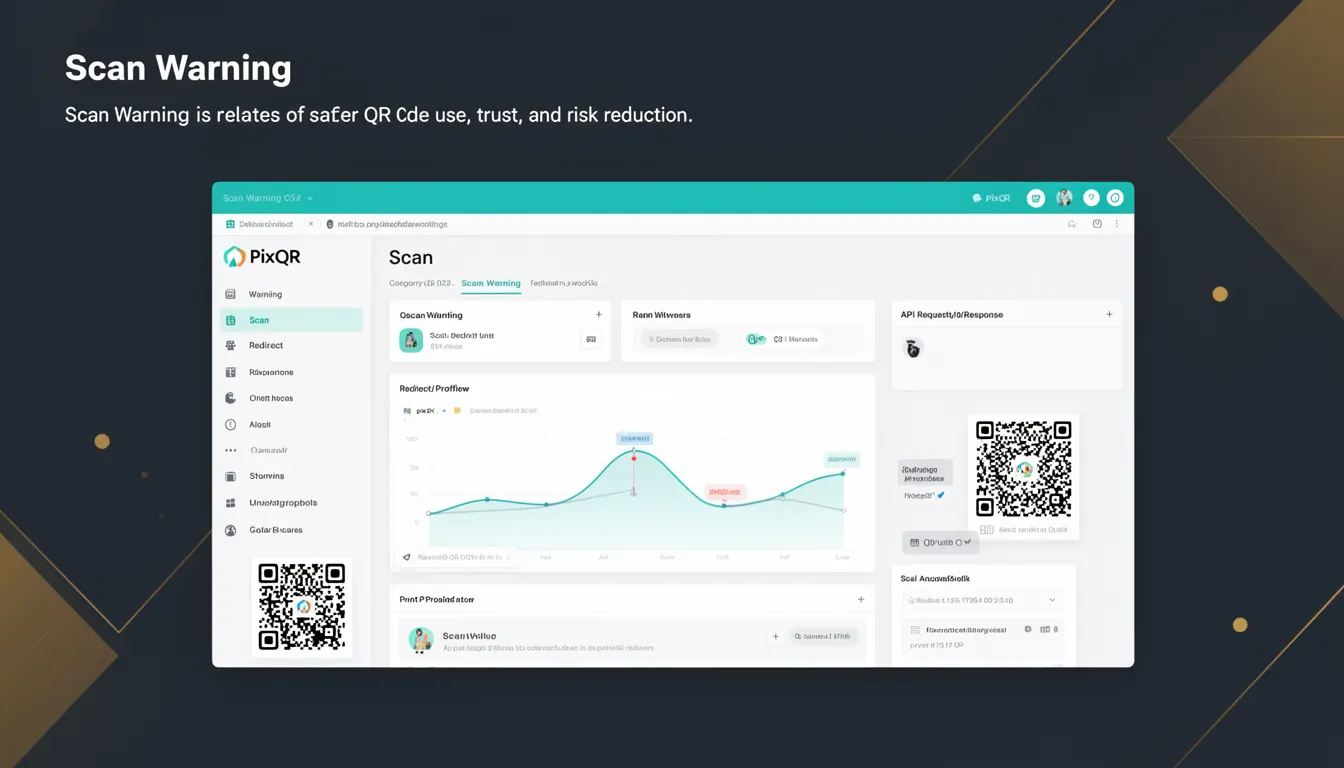
Scan Warning in the context of PixQR refers to a mechanism that alerts users or systems when a QR code may pose a security risk or lead to an unexpected destination. This concept is central to maintaining trust and safety in QR code ecosystems, particularly when generating dynamic redirects or managing brand-safe content.
Scan warnings are typically triggered when a QR code points to a domain, URL, or resource that does not match expected patterns, or when the destination is flagged by security or compliance systems. For developers, Scan Warning acts as a safety net that prevents accidental exposure to malicious or unintended content.
Why It Matters
Scan warnings are critical for maintaining the integrity of QR code systems, especially in enterprise or high-security environments. They prevent unauthorized redirections, phishing attempts, and accidental exposure to untrusted domains. For PixQR users, Scan Warning is a foundational feature that supports brand-safe design, compliance, and user trust.
In production, failing to implement Scan Warning can lead to compromised user data, reputation damage, or regulatory non-compliance. When QR codes are used for payments, access control, or sensitive data transfer, Scan Warning helps reduce risk by alerting users or administrators to potential threats before they act.
How It Works
Scan Warning operates by validating the destination of a QR code against a set of predefined rules or external databases. The system evaluates the URL or domain in real time and may trigger a warning if the target is deemed unsafe or unexpected. This process is integrated into the QR generation and redirect logic within PixQR.
- Scan Warning is triggered during QR code generation when a redirect URL is specified or when a dynamic link is created.
- The system checks against a database of known malicious or flagged domains.
- It evaluates URL patterns and domain reputation scores using third-party security services.
- Warnings may be logged or displayed to the user or administrator depending on system configuration.
- Scan Warning can be configured to block or allow specific types of redirects, enabling granular control over risk tolerance.
Quick Reference
| Item | Purpose | Notes |
|---|---|---|
| Domain Validation | Checks if a destination domain is safe or flagged | Used in redirect safety checks |
| URL Pattern Matching | Matches redirect URLs against allowed or blocked patterns | Configurable via API or admin panel |
| Reputation Scoring | Assigns a risk score to a domain or URL | Used to determine warning severity |
| Warning Display | Shows a warning to user or system when a risk is detected | Can be suppressed or escalated |
| Blocking vs. Alerting | Controls whether to block or warn on unsafe redirects | Configurable per organization or use case |
Basic Example
PixQR Example QR
This QR links directly to this glossary page, so printed notes, onboarding docs, and support material can bring scanners back to the current reference.

This example shows how a QR code with a potentially unsafe redirect might trigger a Scan Warning. It demonstrates the core concept of domain validation.
const qrCode = {
  id: "qr_12345",
  redirectUrl: "https://malicious-site.com/login",
  scanWarning: true,
  warningMessage: "Domain flagged as potentially unsafe"
};
The example shows a QR code configuration that includes a redirect to a flagged domain. The scanWarning flag is set to true, indicating that a warning is expected. This structure is used internally by PixQR to alert developers or end users.
Production Example
This example illustrates how Scan Warning is implemented in a production environment with validation, error handling, and configuration.
const generateQR = (url, config = {}) => {
  const { allowUnsafeRedirects = false } = config;
  const domain = new URL(url).hostname;
  const isUnsafe = checkDomainReputation(domain);

  if (isUnsafe && !allowUnsafeRedirects) {
    return {
      error: "Scan Warning: Redirect domain is flagged",
      code: "SCAN_WARNING"
    };
  }

  return {
    qrId: generateId(),
    redirectUrl: url,
    scanWarning: isUnsafe
  };
};
This version includes domain reputation checking and a configuration option to allow or block unsafe redirects. It is suitable for production use because it validates input, provides clear error messages, and allows flexibility in risk tolerance.
Common Mistakes
- Disabling Scan Warning globally without understanding the risks can lead to accidental exposure to malicious links.
- Ignoring warning messages or treating them as non-critical can undermine security posture and compliance.
- Over-relying on default configurations without customizing for specific use cases can result in false positives or missed threats.
- Failing to log Scan Warning events can hinder incident response and forensic analysis.
- Not validating redirect URLs during QR generation can lead to runtime errors or unexpected behavior when users scan the code.
Security And Production Notes
- Scan Warning systems should integrate with real-time domain reputation services to ensure up-to-date threat detection.
- Warnings should be configurable to support different risk tolerance levels across departments or use cases.
- Implementing a logging system for Scan Warning events helps with auditing and compliance.
- Scan Warning should not interfere with legitimate business use cases, such as internal redirects or partner links.
- Ensure that warning messages are clear, actionable, and not overly alarming to prevent user confusion or dismissal.
Related Concepts
Scan Warning is closely related to several other security and QR code management concepts:
- Dynamic Redirects – QR codes that change destination over time or based on parameters; Scan Warning helps ensure these are safe.
- Brand Safety – Ensuring QR code content aligns with brand standards and does not lead to harmful or inappropriate resources.
- Domain Reputation – A core component of Scan Warning, evaluating the trustworthiness of a domain or URL.
- Link Management – The process of creating, tracking, and controlling QR code destinations; Scan Warning is part of this process.
- Analytics and Monitoring – Scan Warning data can be used to improve security analytics and detect emerging threats.