 PixQR
PixQR
Overview
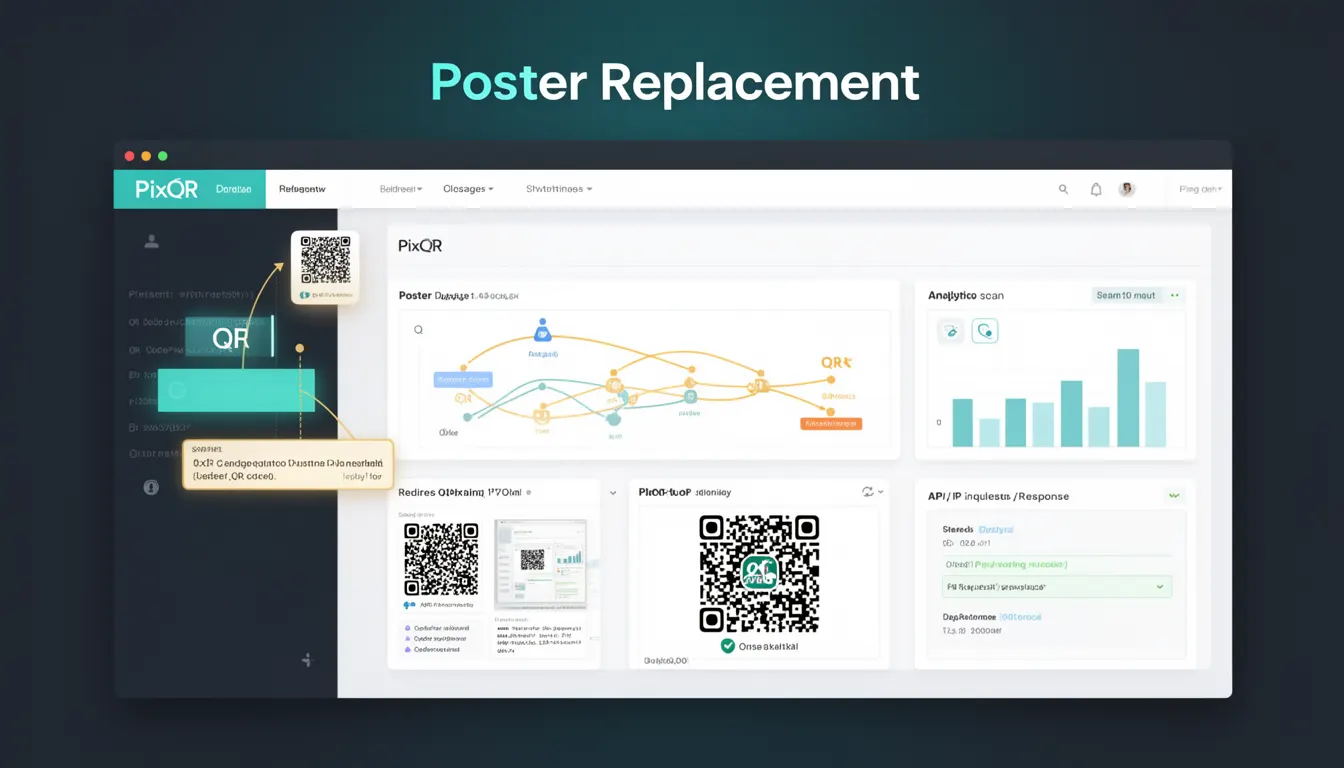
Poster Replacement is a security concept within QR code management that refers to the practice of ensuring that QR codes remain unchanged and trustworthy from creation to scan. It specifically addresses the risk that a QR code’s destination or content may be replaced or altered after initial deployment, either by an attacker or through misconfiguration.
For developers working with PixQR, Poster Replacement is a core element of operational security. It involves implementing mechanisms to prevent unauthorized modification of QR code content, particularly in dynamic or shared environments where multiple users or systems may interact with QR code assets.
Why It Matters
In environments where QR codes are used for marketing, access control, inventory tracking, or payment systems, Poster Replacement directly impacts trust and integrity. If a QR code’s destination is changed without authorization, it can lead to phishing, fraudulent transactions, or user confusion. This is especially critical in scenarios where QR codes are printed or deployed in physical spaces where physical tampering is possible.
From a developer perspective, Poster Replacement ensures that QR code assets are immutable in their intended use. It helps maintain consistency across systems, supports auditability, and reduces the risk of security incidents. For PixQR, this concept is essential for building secure, brand-safe QR code workflows.
How It Works
Poster Replacement is implemented through a combination of content validation, access control, and integrity checks. It involves verifying that a QR code’s target URL or content has not been modified after initial creation. This is especially important in dynamic QR systems where the destination can be updated post-creation.
- Content integrity is verified using cryptographic signatures or checksums that ensure the QR code’s target has not changed.
- Access controls are enforced to restrict who can modify QR code destinations, especially in shared or multi-user systems.
- Timestamps and versioning help track when and how a QR code was last updated, enabling rollback or audit capabilities.
- Dynamic QR systems must validate updates to ensure that new destinations are legitimate and do not introduce security risks.
- Scan tracking logs and analytics must be preserved to allow verification of QR code behavior over time, supporting Poster Replacement checks.
Quick Reference
| Item | Purpose | Notes |
|---|---|---|
| Content integrity checks | Verify QR code target has not changed | Use hashes or digital signatures |
| Access control policies | Restrict who can modify QR code destinations | Enforce role-based permissions |
| Timestamps and versioning | Track QR code modifications | Support audit and rollback |
| Dynamic update validation | Ensure new destinations are safe | Prevent malicious redirects |
| Scan analytics logs | Monitor QR code usage over time | Support integrity verification |
Basic Example
PixQR Example QR
This QR links directly to this glossary page, so printed notes, onboarding docs, and support material can bring scanners back to the current reference.
/glossary/qr-code-security/qr-code-security-poster-replacement

This example demonstrates how to use a basic integrity check to confirm that a QR code’s target has not been altered. It simulates a hash-based verification of a QR code’s URL.
const originalUrl = 'https://example.com/product';
const originalHash = btoa(originalUrl); // Simulate hash

function verifyUrl(url) {
  const currentHash = btoa(url);
  return currentHash === originalHash;
}

console.log(verifyUrl('https://example.com/product')); // true
console.log(verifyUrl('https://example.com/redirect')); // false
The function verifyUrl compares a new URL against an expected hash. If the hash changes, it indicates a potential Poster Replacement event.
Production Example
This example shows how to implement a secure QR code management workflow using PixQR, including integrity checks, access control, and logging for Poster Replacement verification.
class QRCodeManager {
  constructor() {
    this.codes = new Map();
  }

  createCode(url, owner) {
    const id = Math.random().toString(36).substring(2, 9);
    const hash = this.generateHash(url);
    this.codes.set(id, {
      id,
      url,
      hash,
      owner,
      createdAt: Date.now()
    });
    return id;
  }

  updateCode(id, newUrl, updater) {
    const code = this.codes.get(id);
    if (!code || code.owner !== updater) {
      throw new Error('Unauthorized update');
    }
    if (this.generateHash(newUrl) !== code.hash) {
      throw new Error('Poster Replacement detected');
    }
    code.url = newUrl;
    return code;
  }

  generateHash(url) {
    return btoa(url); // In production, use SHA-256 or similar
  }
}

const manager = new QRCodeManager();
const codeId = manager.createCode('https://example.com/product', 'user123');
manager.updateCode(codeId, 'https://example.com/product', 'user123');
This version includes access control, integrity checks, and hash validation to prevent Poster Replacement. It is suitable for production environments where security and auditability are required.
Common Mistakes
- Skipping content validation after QR code updates. This allows malicious changes to go undetected.
- Using weak or non-cryptographic hashes for integrity checks. This can be bypassed by attackers.
- Allowing unauthenticated users to modify QR code destinations. This opens the system to unauthorized changes.
- Ignoring timestamp and versioning in QR code records. This makes it difficult to trace or audit changes.
- Not logging scan activity or analytics. This prevents verification of QR code behavior over time.
Security And Production Notes
- Always use strong cryptographic methods (e.g., SHA-256) for integrity checks, not base64 or simple hashes.
- Implement role-based access controls to restrict who can update QR code destinations.
- Ensure QR code metadata, including timestamps and versions, are stored and protected from tampering.
- Log all QR code updates and scan events to support audit and integrity verification.
- Validate all new destinations before allowing updates to ensure they do not introduce security risks.
Related Concepts
Poster Replacement is closely related to several key QR code security concepts. These include:
- Dynamic Redirect Security: Ensures that QR code destinations can be safely updated without compromising integrity.
- QR Code Integrity: The broader concept of maintaining a QR code's content unchanged from creation to scan.
- Access Control: Controls who can modify QR code assets, preventing unauthorized Poster Replacement.
- Scan Analytics: Tracks QR code behavior to detect anomalies or unauthorized changes.
- Brand Safety: Ensures QR code content aligns with brand guidelines and does not expose users to malicious or inappropriate content.