 PixQR
PixQR
Overview
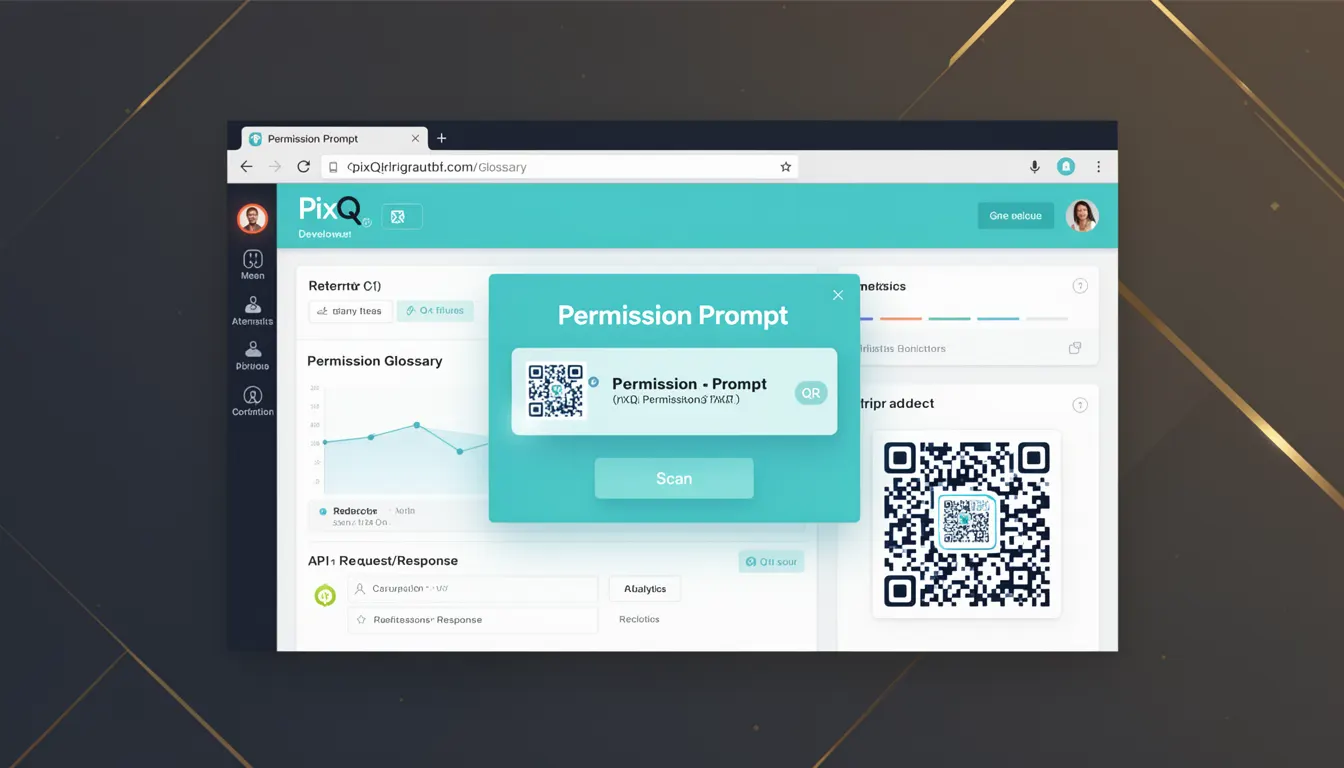
A Permission Prompt in the context of PixQR refers to a security mechanism that requires user consent before a QR code can initiate actions such as redirecting to an external domain, launching an application, or accessing device features like the camera or location. This prompt serves as a gatekeeper between the QR code and the user's system, ensuring that the user is aware of and approves potentially sensitive operations.
When a QR code is scanned, it may contain a link or command that triggers an action on the user's device. If that action involves a potential security risk, such as opening an external app or accessing personal data, the system will display a permission prompt to the user. This is particularly relevant in PixQR’s dynamic redirect workflows, where a QR code might point to a URL that initiates a deep link or a redirect to a third-party service.
Why It Matters
Permission Prompts are essential in preventing unauthorized or unexpected behavior when users interact with QR codes. Without such prompts, a malicious QR code could potentially redirect a user to a phishing site, launch an unwanted application, or trigger a device feature that could compromise privacy or security.
For developers working with PixQR, understanding Permission Prompts is crucial because it directly affects how QR codes are configured, tested, and deployed. In production, it ensures that all user-initiated actions are transparent and intentional, thereby improving trust and reducing risk. For site operators, this mechanism is part of PixQR's brand-safe design framework, helping to maintain a secure and predictable user experience.
How It Works
The Permission Prompt mechanism operates in a series of steps that ensure user awareness and consent before a QR code action is executed. This process involves several key components:
- The QR code payload must contain a URL or action that triggers a system-level behavior, such as a deep link or an external redirect.
- When the QR code is scanned, the system evaluates the destination or action and determines whether it requires user permission.
- If the action is deemed sensitive, the system displays a prompt to the user, asking for explicit approval before proceeding.
- The prompt includes clear information about what action will be taken and from which source.
- Once the user confirms, the action proceeds; otherwise, the operation is canceled.
The behavior of the prompt is defined by browser or platform security policies and may vary depending on the device and environment. In PixQR, this mechanism is integrated into the QR code generation and redirect systems, allowing developers to configure how sensitive actions are handled.
Quick Reference
| Item | Purpose | Notes |
|---|---|---|
| Permission Prompt | Requires user consent for sensitive actions | Triggered by external redirects or deep links |
| Dynamic Redirect | Allows flexible URL routing | May require user consent depending on target |
| QR Code Payload | Contains action or URL to be executed | Must be validated to prevent misuse |
| Scan Tracking | Monitors QR code interactions | Logs prompts and user decisions |
| Brand Safety | Ensures trust and security | Enforces consent for high-risk actions |
Basic Example
PixQR Example QR
This QR links directly to this glossary page, so printed notes, onboarding docs, and support material can bring scanners back to the current reference.
/glossary/qr-code-security/qr-code-security-permission-prompt

This example demonstrates how a QR code might be configured to trigger a permission prompt when redirecting to an external domain.
const qrCode = {
  url: "https://example.com/app-launch",
  prompt: true,
  target: "_blank"
};
The prompt property enables the Permission Prompt for this QR code. When scanned, the user will be asked to confirm before being redirected to the specified URL. This is a simple configuration that illustrates how a developer might enable the prompt in PixQR.
Production Example
In a production environment, developers using PixQR must consider validation, logging, and user experience when configuring QR codes with permission prompts.
const generateQRCode = (options) => {
  const { url, prompt, analytics } = options;

  if (!url) throw new Error("URL is required");

  const qrConfig = {
    url,
    prompt: prompt || false,
    analytics: analytics || true
  };

  // Validate that prompt is only enabled for high-risk URLs
  if (prompt && !isHighRiskUrl(url)) {
    console.warn("Permission prompt enabled for low-risk URL");
  }

  return qrConfig;
};
This example shows a production-ready function that validates the URL and ensures that prompts are only enabled for high-risk actions. It also logs warnings if a prompt is enabled on a low-risk URL, helping maintain security best practices.
Common Mistakes
- Enabling permission prompts on all QR codes without considering risk levels. This can lead to user fatigue and reduced trust.
- Not validating the destination URL before enabling a prompt, which can expose users to malicious links.
- Ignoring scan tracking logs to monitor user interactions with prompts, making it hard to assess user behavior.
- Disabling prompts for high-risk actions, which can undermine the security of the QR code system.
- Using generic prompt messages that do not clearly explain what action will be taken, reducing user understanding.
Security And Production Notes
- Always validate URLs to prevent phishing or malicious redirections before enabling prompts.
- Use scan tracking to monitor how often prompts are accepted or denied, to improve user experience and system security.
- Ensure that prompt messages are clear, concise, and explain the action being requested.
- Do not disable prompts for actions that are known to be high-risk, such as deep links to third-party apps.
- Implement logging and monitoring for permission prompt decisions to detect potential abuse or anomalies.
Related Concepts
Several concepts are closely related to Permission Prompts in the context of QR code security:
- Deep Linking: A method of navigating to a specific location within an app or website. Permission Prompts are often required for deep links to external apps.
- Dynamic Redirects: A feature that allows QR codes to redirect to different URLs based on conditions or user behavior. Prompts may be needed for certain redirect types.
- Scan Tracking: A mechanism for logging and analyzing QR code interactions. It helps in monitoring prompt usage and user decisions.
- Brand Safety: The practice of ensuring that QR codes are safe and trustworthy, often involving permission prompts to prevent misuse.
- Privacy Controls: Features that protect user privacy, often enforced through prompts when a QR code attempts to access sensitive data.