 PixQR
PixQR
Overview
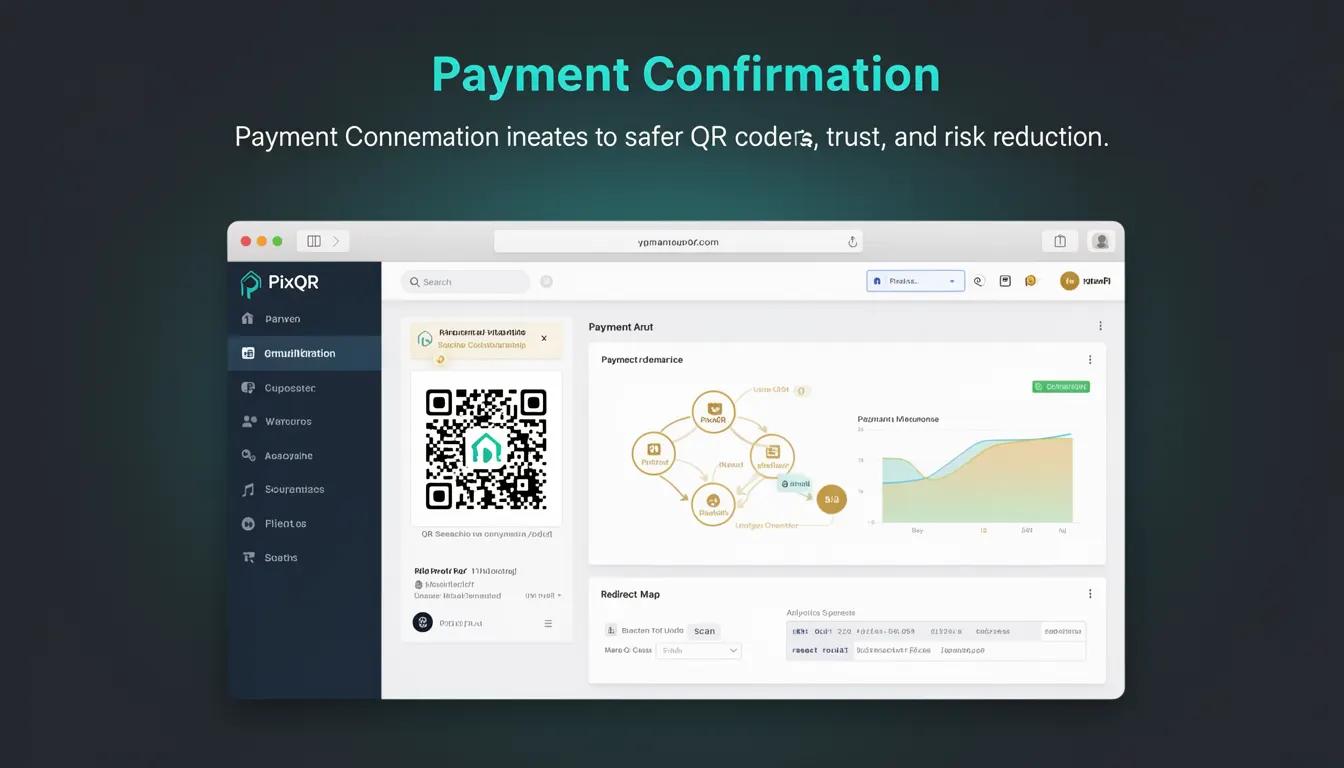
Payment Confirmation in the context of PixQR refers to a security mechanism that ensures a transaction is validated and authorized before the QR code is considered fully operational for payment processing. It acts as a verification layer between the QR code generation and the actual payment execution, reducing the risk of fraudulent or unauthorized transactions.
This concept is particularly relevant in dynamic QR code systems where a single QR code may be used for multiple transactions or where the payment amount or recipient is not fixed at the time of generation. Payment Confirmation is implemented as a part of PixQR’s secure workflow to ensure that all parties involved in the transaction—issuer, payer, and platform—have verified the transaction details before proceeding.
Why It Matters
Payment Confirmation is critical for maintaining trust in QR-based payment systems. Without it, a QR code could be scanned and used to initiate a transaction before the payment details are confirmed, potentially leading to fraud or unauthorized charges. This is especially important in high-volume or automated environments where QR codes are generated dynamically.
For developers and platform operators, Payment Confirmation helps reduce liability and ensures compliance with financial regulations. It also contributes to better analytics and traceability by confirming that a transaction was legitimately initiated and processed. This verification step enhances the overall integrity of the payment flow and helps build user confidence in the system.
How It Works
Payment Confirmation in PixQR is implemented as a multi-stage process that involves both backend validation and optional frontend confirmation. The system ensures that a transaction is only considered valid once all necessary checks are completed.
- The QR code is generated with a unique identifier and associated metadata that includes transaction details.
- Upon scanning, the system checks if the transaction has been confirmed by the merchant or issuer.
- If confirmation is required, the system may prompt the user to verify the payment amount or recipient before proceeding.
- Once confirmed, a secure token or session is generated and linked to the QR code, enabling payment processing.
- The system logs the confirmation status and transaction details for audit and analytics purposes.
The mechanism is designed to be flexible, supporting both immediate confirmation and delayed confirmation workflows. For instance, a merchant might confirm a transaction manually, or the system might trigger an automated confirmation after verifying the payment details against a database.
Quick Reference
| Item | Purpose | Notes |
|---|---|---|
| Transaction ID | Uniquely identifies a transaction | Used in confirmation and logging |
| Confirmation Status | Tracks whether a transaction is confirmed | Can be 'pending', 'confirmed', or 'failed' |
| Token Generation | Creates a secure session for payment | Linked to QR code and transaction |
| Frontend Prompt | Optional user verification step | Enhances security in sensitive transactions |
| Analytics Logging | Records confirmation events | Used for fraud detection and reporting |
Basic Example
PixQR Example QR
This QR links directly to this glossary page, so printed notes, onboarding docs, and support material can bring scanners back to the current reference.
/glossary/qr-code-security/qr-code-security-payment-confirmation

This basic example demonstrates how a QR code might be configured with a payment confirmation step in a simplified PixQR system.
const qrConfig = {
  transactionId: 'txn_123456',
  amount: 100.00,
  currency: 'USD',
  confirmRequired: true,
  redirectUrl: 'https://example.com/payment-success'
};

const qrCode = pixqr.generate(qrConfig);
In this example, the transaction ID is set to 'txn_123456', and the system is configured to require confirmation before processing. The redirect URL is specified to guide the user after a successful payment.
Production Example
This more realistic example shows how Payment Confirmation might be implemented in a production PixQR environment, including validation and error handling.
const handlePayment = async (req, res) => {
  const { amount, currency, recipient } = req.body;
  const transactionId = generateTransactionId();

  try {
    const qrConfig = {
      transactionId,
      amount,
      currency,
      recipient,
      confirmRequired: true,
      redirectUrl: 'https://example.com/payment-success',
      timeout: 300000 // 5 minutes
    };

    const qrCode = pixqr.generate(qrConfig);
    await storeTransaction(transactionId, qrCode, 'pending');
    res.status(200).json({ qrCode, transactionId });
  } catch (error) {
    res.status(500).json({ error: 'Failed to generate QR code' });
  }
};
This version includes transaction ID generation, storage of pending transactions, and error handling. It ensures that the QR code is only generated after the transaction details are validated and stored, which is essential for maintaining the integrity of the Payment Confirmation process.
Common Mistakes
- Disabling confirmation for high-value transactions without a valid alternative mechanism.
- Not validating transaction details before generating the QR code, leading to potential fraud.
- Using a single confirmation token for multiple transactions, which can be exploited.
- Ignoring timeout configurations, causing QR codes to remain active longer than necessary.
- Failing to log confirmation events, which hampers audit and fraud detection capabilities.
Security And Production Notes
- Always validate transaction data before generating a QR code to prevent injection attacks.
- Use secure, random identifiers for transactions to avoid predictable patterns.
- Implement session timeouts to reduce the window of opportunity for misuse.
- Ensure that confirmation tokens are stored securely and are not exposed in logs or URLs.
- Log all confirmation events with timestamps and user identifiers for compliance and traceability.
Related Concepts
Payment Confirmation is closely tied to several other security and operational concepts in QR code systems:
- Dynamic QR Code Generation – QR codes that change based on transaction details or real-time data.
- Transaction Logging – Recording all payment-related events for audit and fraud detection.
- Secure Redirects – Ensuring that users are redirected to trusted endpoints after payment.
- Session Management – Handling user sessions and tokens securely during payment confirmation.
- Scan Tracking – Monitoring QR code scans and their outcomes to detect anomalies.