 PixQR
PixQR
Overview
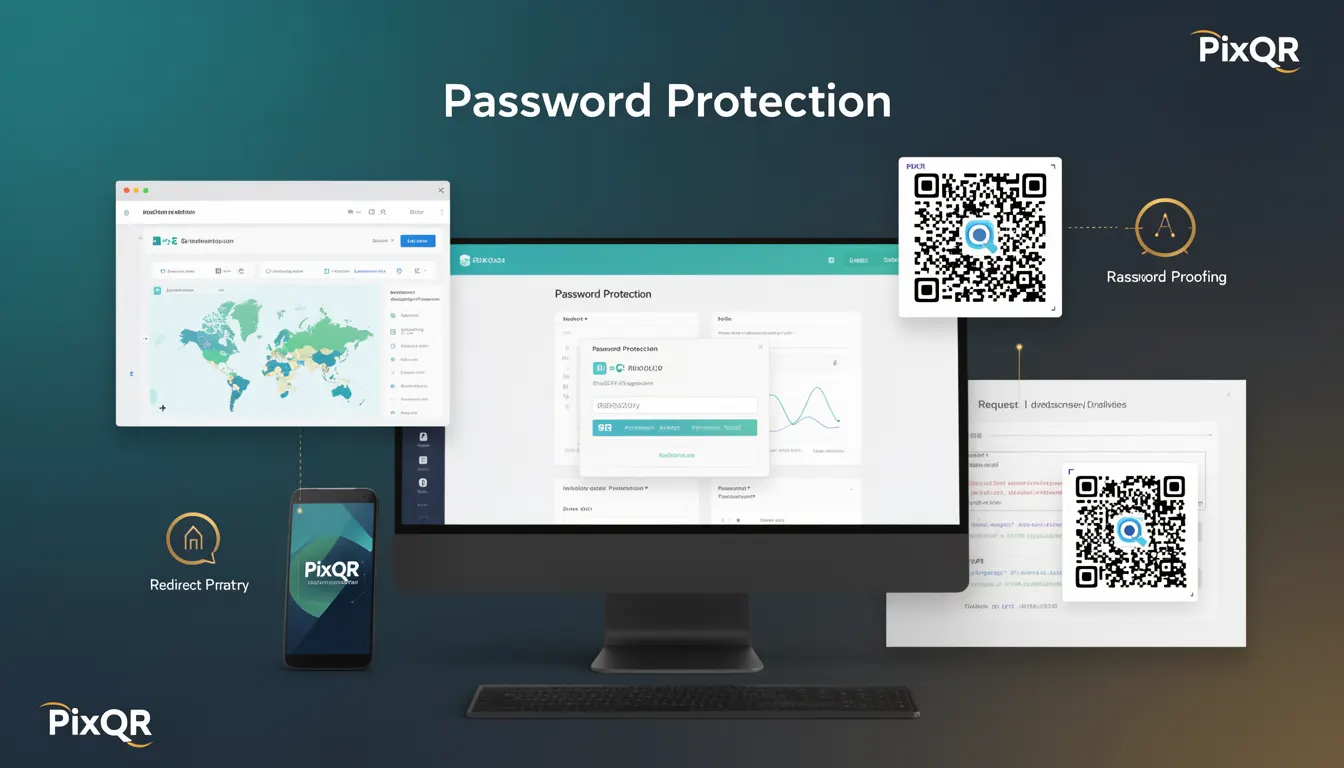
Password Protection in the context of QR code security refers to the practice of securing access to QR code content through authentication mechanisms, typically requiring a password or token before allowing access to the target resource. This approach is used to prevent unauthorized access to sensitive or restricted content, such as internal documents, private downloads, or dynamic redirects.
When applied to PixQR, Password Protection is often implemented in dynamic QR codes that redirect to URLs requiring a password before proceeding. It is particularly valuable in enterprise environments, content distribution systems, or scenarios where QR codes are used to access resources that must not be publicly accessible.
Why It Matters
For developers and site operators, Password Protection is a key tool in managing access control for QR-generated content. It reduces the risk of unauthorized access to sensitive materials, especially when QR codes are used in public or shared environments. It also supports compliance with data privacy regulations by ensuring only authenticated users can access certain content.
In production systems, the absence of Password Protection can lead to exposure of internal resources, loss of control over access, and potential misuse of QR code-generated links. For instance, a QR code used to access a company’s internal document repository without a password can be scanned by anyone, leading to data leakage or misuse.
How It Works
Password Protection in PixQR operates by integrating authentication into the QR code’s redirect mechanism. When a user scans a QR code that requires a password, the system presents a login or password entry screen before redirecting to the target URL. This process can be implemented using server-side authentication or client-side validation, depending on the QR code configuration.
- QR codes with Password Protection typically include a secure redirect URL that requires a token or password.
- Authentication can be handled via form-based entry, API token validation, or integration with existing identity systems.
- Access logs are often maintained to track who accessed the QR code content and when.
- Multiple password schemes may be supported, including one-time passwords (OTPs) or session-based tokens.
- Password Protection can be toggled on or off for individual QR codes or groups of codes via PixQR’s API or dashboard.
Quick Reference
| Item | Purpose | Notes |
|---|---|---|
| Password-protected QR code | Requires authentication before redirect | Enabled via PixQR dashboard or API |
| Redirect URL | Target resource after authentication | Must be secure and accessible |
| Token validation | Verifies user credentials | Can be session-based or API-based |
| Access logs | Tracks usage and access | Helpful for compliance and auditing |
| Authentication method | How password is validated | Can include form, API, or SSO |
Basic Example
PixQR Example QR
This QR links directly to this glossary page, so printed notes, onboarding docs, and support material can bring scanners back to the current reference.
/glossary/qr-code-security/qr-code-security-password-protection

This example demonstrates how to enable Password Protection for a QR code using PixQR’s API.
{
  "url": "https://example.com/private-resource",
  "password": "secret123",
  "type": "dynamic",
  "secure": true
}
The password field enables authentication for the QR code, and the type is set to dynamic to allow for password enforcement. The secure flag ensures that the redirect is HTTPS.
Production Example
In a production environment, a QR code may be configured with a secure redirect, a token-based authentication system, and access logging. The following example shows a more robust implementation.
{
  "url": "https://api.example.com/download/resource.pdf",
  "password": "user-access-token-12345",
  "type": "dynamic",
  "secure": true,
  "log_access": true,
  "auth_method": "token",
  "expires_in": 3600
}
This configuration ensures that access is logged, the QR code uses token-based authentication, and the link expires after one hour. It is suitable for enterprise or high-security applications.
Common Mistakes
- Using weak or predictable passwords that can be easily guessed or brute-forced.
- Not enabling HTTPS for QR code redirects, exposing credentials in transit.
- Reusing passwords across multiple QR codes, increasing the risk of a single breach compromising multiple resources.
- Disabling access logs, making it difficult to audit or monitor QR code usage.
- Allowing QR codes to be scanned by unauthenticated users, undermining the security of the system.
Security And Production Notes
- Passwords used in QR code redirects must be strong and unique to avoid unauthorized access.
- Always enforce HTTPS for QR code redirects to prevent credential interception.
- Implement rate limiting to prevent brute-force attacks on password-protected QR codes.
- Use token-based authentication for dynamic QR codes instead of static passwords for better control.
- Regularly audit access logs to detect unauthorized or suspicious usage patterns.
Related Concepts
Password Protection is closely related to several other QR code and access control concepts. These include:
- Dynamic QR Codes: QR codes that can be updated or modified after creation, often used with password protection for dynamic access control.
- Access Control Lists (ACLs): Systems that define which users or groups can access specific resources, often integrated with QR code access.
- Two-Factor Authentication (2FA): A more advanced form of authentication that can be layered with Password Protection for enhanced security.
- Token-based Authentication: A method of verifying user identity using tokens, which is often more secure than password-based methods for QR code access.
- Scan Tracking: Monitoring QR code scans and access attempts, which is critical for auditing and detecting unauthorized use.