 PixQR
PixQR
Overview
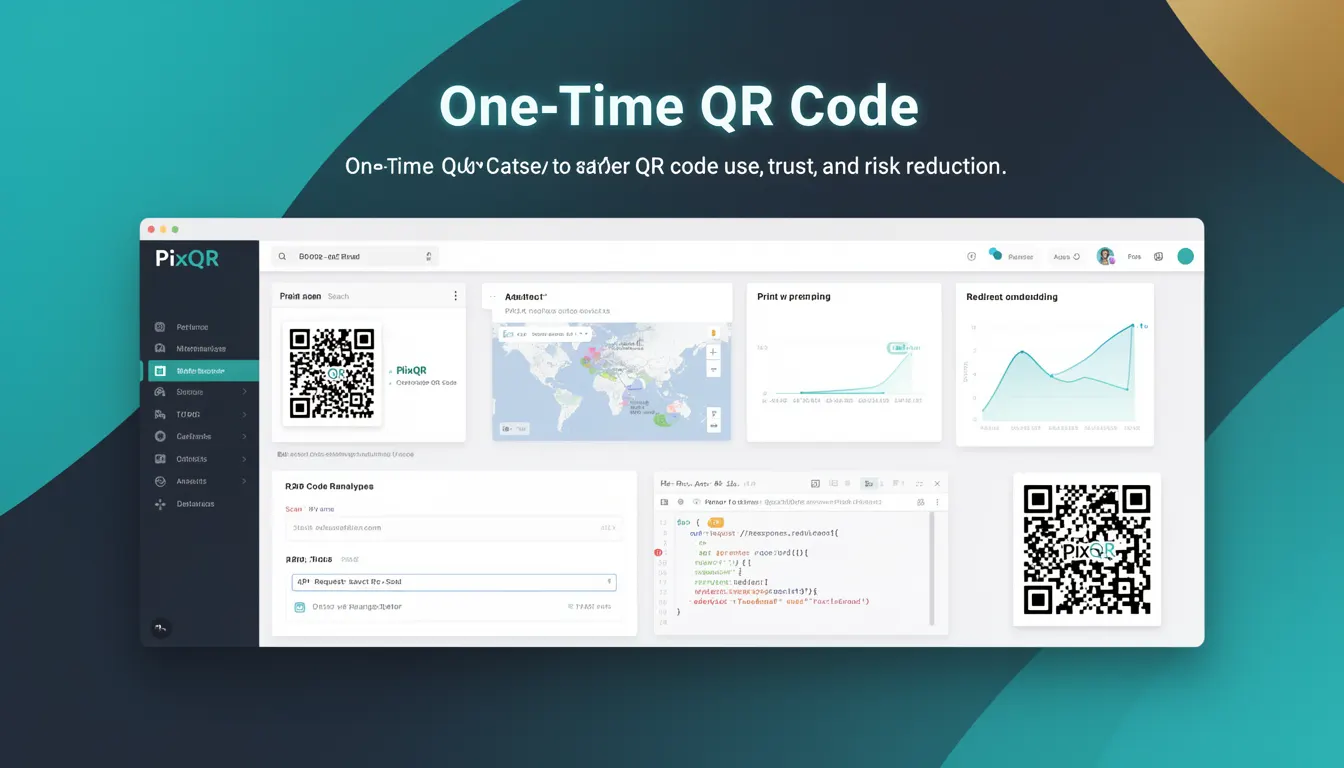
A One-Time QR Code (OTQR) is a dynamically generated QR code that is valid for a single use only. Once scanned, the QR code becomes invalid and cannot be reused for subsequent scans. This mechanism is part of a broader set of security practices aimed at reducing risks associated with QR code usage, such as unauthorized access, replay attacks, or fraud.
OTQRs are commonly used in scenarios where access control or authentication is required, such as for secure login tokens, event entry, access to restricted content, or transaction confirmations. In the context of PixQR, OTQRs are generated with a unique identifier that is invalidated upon the first successful scan, ensuring that each code can only be consumed once.
Why It Matters
For developers and system maintainers, OTQRs are a critical component in building secure and trustworthy QR-based workflows. In production environments, QR codes can be targets for abuse, particularly when used for authentication or access control. Without OTQRs, an attacker who intercepts a QR code can reuse it multiple times, potentially gaining unauthorized access or performing fraudulent actions.
From a user experience standpoint, OTQRs ensure that a code's intended use is respected. A user scans a code to access a one-time event ticket, and that code cannot be used again, reducing confusion and preventing misuse. From a privacy perspective, OTQRs help ensure that sensitive data or actions tied to a QR code are not inadvertently exposed or replayed by others.
How It Works
The generation and validation of a One-Time QR Code involves several technical components and mechanisms:
- Each OTQR is associated with a unique cryptographic token or identifier that is stored in the PixQR backend database.
- Upon first scan, the system validates the token against its database and marks it as used or expired.
- Subsequent attempts to scan the same QR code will fail with an error, typically returning a status code such as 403 Forbidden or 410 Gone.
- The token is often time-bound, adding an additional layer of security by ensuring that even if a code is intercepted, it may only be valid for a limited time window.
- OTQRs are typically generated with a secure random number generator to prevent predictability and reduce the risk of brute-force attacks.
When a QR code is scanned, PixQR performs a lookup against a database of valid tokens. If the token is valid, it is marked as consumed, and the system returns a success response. If the token has already been consumed or is expired, the system returns an error response. This process ensures that the QR code can only be used once, and that its usage is tracked for analytics and security purposes.
Quick Reference
| Item | Purpose | Notes |
|---|---|---|
| Token identifier | Uniquely identifies the QR code | Generated using a secure random number generator |
| Consumption status | Tracks whether the QR code has been scanned | Set to consumed after first successful scan |
| Expiry timestamp | Defines validity window of the QR code | Optional, but recommended for enhanced security |
| Scan analytics | Records scan events for tracking and reporting | Includes timestamp, IP, and user agent |
| Error response codes | Indicates invalid or expired QR code | Typically 403 or 410 status codes |
Basic Example
PixQR Example QR
This QR links directly to this glossary page, so printed notes, onboarding docs, and support material can bring scanners back to the current reference.
/glossary/qr-code-security/qr-code-security-one-time-qr-code

This basic example demonstrates how a QR code might be generated with a one-time token in a PixQR workflow.
const qrCode = pixqr.generate({
  type: 'one-time',
  payload: 'https://example.com/access',
  token: 'abc123xyz'
});
This example initializes a one-time QR code with a payload URL and a unique token. The token ensures that the code can only be used once, and the payload defines what happens when the code is scanned.
Production Example
In a production environment, generating a one-time QR code involves more robust handling of tokens, expiry, and validation.
const generateOTQR = (payload, ttl = 3600) => {
  const token = crypto.randomBytes(32).toString('hex');
  const expiry = Date.now() + ttl * 1000;

  pixqr.create({
    type: 'one-time',
    payload: payload,
    token: token,
    expiry: expiry
  });

  return `https://pixqr.com/scan/${token}`;
};
This version includes a time-to-live (TTL) for the token, adds cryptographic randomness, and returns a URL that can be scanned. It ensures that the QR code is both secure and traceable, suitable for production use in access control or authentication workflows.
Common Mistakes
- Reusing tokens or QR codes after the first scan. This undermines the one-time nature and opens security vulnerabilities.
- Not implementing expiry times for tokens, which can lead to long-lived codes that are more susceptible to misuse.
- Using predictable or weak random number generators for token creation, increasing the risk of token collisions or brute-force attacks.
- Failing to log or track QR code scans, which makes it difficult to detect misuse or analyze usage patterns.
- Not handling error responses properly on the client side, which can result in misleading or unhelpful feedback to users upon failed scans.
Security And Production Notes
- Use cryptographically secure random number generators when creating tokens to prevent predictability.
- Implement token expiry to ensure that even if a QR code is intercepted, it is only valid for a limited time.
- Track all scan events for audit purposes, including timestamps, IP addresses, and user agents.
- Ensure that error responses are not overly revealing, to avoid leaking information about the system's internal state.
- Validate all QR code payloads before generating them to prevent injection or redirection to malicious sites.
Related Concepts
Several related concepts are foundational to understanding and implementing OTQRs:
- Dynamic QR Code – A QR code whose content is generated at runtime, often used in conjunction with OTQRs for dynamic access control.
- Access Token – A credential used to authenticate and authorize access to a resource, often stored in a QR code's payload or token.
- Replay Attack – An attack where an attacker intercepts and reuses a valid data transmission, which OTQRs help prevent.
- Token-Based Authentication – A method of authentication where a token is used instead of a username and password, often used in OTQR implementations.
- QR Code Analytics – The collection and analysis of data from QR code scans, which is essential for monitoring usage and detecting anomalies in OTQR systems.