 PixQR
PixQR
Overview
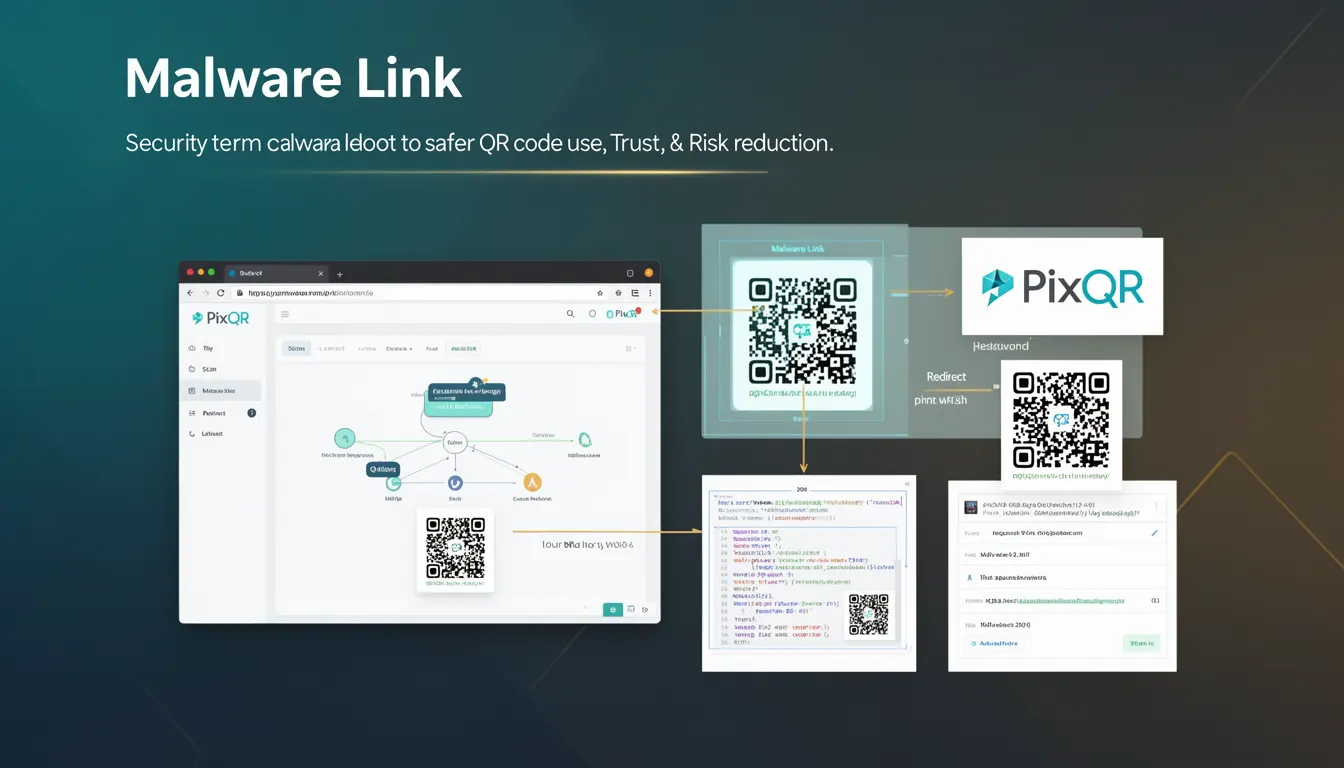
A Malware Link in the context of QR code security refers to a URL or destination that leads to malicious content, including but not limited to malware downloads, phishing pages, or other harmful resources. In the PixQR platform, understanding and mitigating Malware Links is essential for maintaining trust, scan reliability, and operational security.
When a QR code points to a Malware Link, it poses a direct risk to users who scan it. This risk extends beyond individual security to broader brand reputation and compliance concerns. PixQR's systems are designed to detect, flag, and prevent access to such links through various backend and API-based mechanisms.
Why It Matters
For developers working with QR code platforms like PixQR, recognizing Malware Links is critical for preventing user exposure to harmful content. A QR code that leads to a malicious destination can result in loss of user trust, legal liability, and platform reputation damage. In production environments, failure to detect such links can lead to compromised user data, system breaches, or regulatory penalties.
From a technical standpoint, Malware Link detection helps ensure that generated QR codes are safe for distribution across platforms, physical media, or digital channels. It also contributes to PixQR’s compliance with security standards and best practices in link management and digital safety.
How It Works
Malware Link detection within PixQR is a multi-layered process involving real-time scanning, reputation checks, and behavioral analysis. When a user submits a URL to be embedded in a QR code, the system performs the following checks:
- URL validation using regular expressions and domain reputation services to identify known malicious domains.
- Content inspection of the target page to detect suspicious scripts or file downloads.
- Integration with threat intelligence feeds to cross-reference submitted URLs against known malware sources.
- Dynamic redirect tracking to ensure that the final destination is safe and not altered during transit.
- Behavioral analysis of user interaction with the QR code to detect anomalies that might indicate a phishing attempt.
Each of these mechanisms is implemented through secure backend APIs and integrated into the PixQR platform’s operational workflows. The system returns a safety score or status flag for each URL, which is used to either approve or block QR code generation for that link.
Quick Reference
| Item | Purpose | Notes |
|---|---|---|
| Malware detection API | Scans URLs for malicious content | Used during QR code generation |
| Safety score | Quantifies risk level of a URL | Values range from 0 (safe) to 100 (high risk) |
| Domain reputation | Checks against known malicious domains | Updated in real time |
| Redirect tracking | Ensures destination integrity | Prevents link hijacking |
| Threat intelligence integration | Uses external security feeds | Provides real-time updates |
Basic Example
PixQR Example QR
This QR links directly to this glossary page, so printed notes, onboarding docs, and support material can bring scanners back to the current reference.
This example demonstrates how a basic QR code generation process might include a Malware Link check. The system validates a URL before generating the QR code.
const url = 'https://example.com';
const safetyCheck = pixqr.validateUrl(url);
if (safetyCheck.isSafe) {
  const qrCode = pixqr.generateQR(url);
  console.log('QR code generated successfully');
} else {
  console.log('Malware link detected. QR code not generated.');
}
The important lines in this example are the validateUrl call and the conditional logic that prevents QR code generation if the URL is flagged as unsafe. This ensures that only trusted links are embedded in QR codes.
Production Example
In a production environment, the process of handling Malware Links involves robust error handling, logging, and user feedback. Here’s an example of how a QR code service might implement this:
async function createSecureQR(url) {
  try {
    const safetyCheck = await pixqr.checkMalware(url);
    if (safetyCheck.score > 80) {
      throw new Error('Malware link detected');
    }
    const qrData = await pixqr.generateQR(url);
    return { success: true, data: qrData };
  } catch (error) {
    return { success: false, error: error.message };
  }
}
This version includes asynchronous handling, a safety score threshold, and proper error propagation. It is more suitable for production because it prevents unsafe QR codes from being generated, logs the incident, and provides clear feedback to the user or system.
Common Mistakes
- Skipping Malware Link checks entirely, leading to unsafe QR code generation and potential user harm.
- Using outdated or static domain lists instead of real-time threat intelligence.
- Not implementing a safety score threshold, causing false positives or negatives in risk detection.
- Ignoring redirect tracking, which allows attackers to hijack the final destination of a QR code.
- Reusing URLs without revalidation, potentially allowing previously safe links to become malicious.
Security And Production Notes
- Always validate URLs against real-time threat intelligence feeds to ensure up-to-date protection.
- Implement a safety score threshold to balance detection accuracy with false positives.
- Use secure redirect tracking to ensure that the final destination of a QR code is not altered.
- Log all Malware Link detection events for audit and compliance purposes.
- Regularly update and test Malware Link detection logic to adapt to new threats.
Related Concepts
Malware Link detection is closely related to several other QR code security and operational concepts:
- Dynamic Redirects: Ensures that QR codes point to safe and consistent destinations.
- Link Integrity: Protects QR code destinations from tampering or hijacking.
- Threat Intelligence: Provides real-time data on malicious URLs and domains.
- Scan Reliability: Ensures QR codes are scannable and lead to expected destinations.
- Brand Safety: Protects brand reputation by preventing association with malicious content.