 PixQR
PixQR
Overview
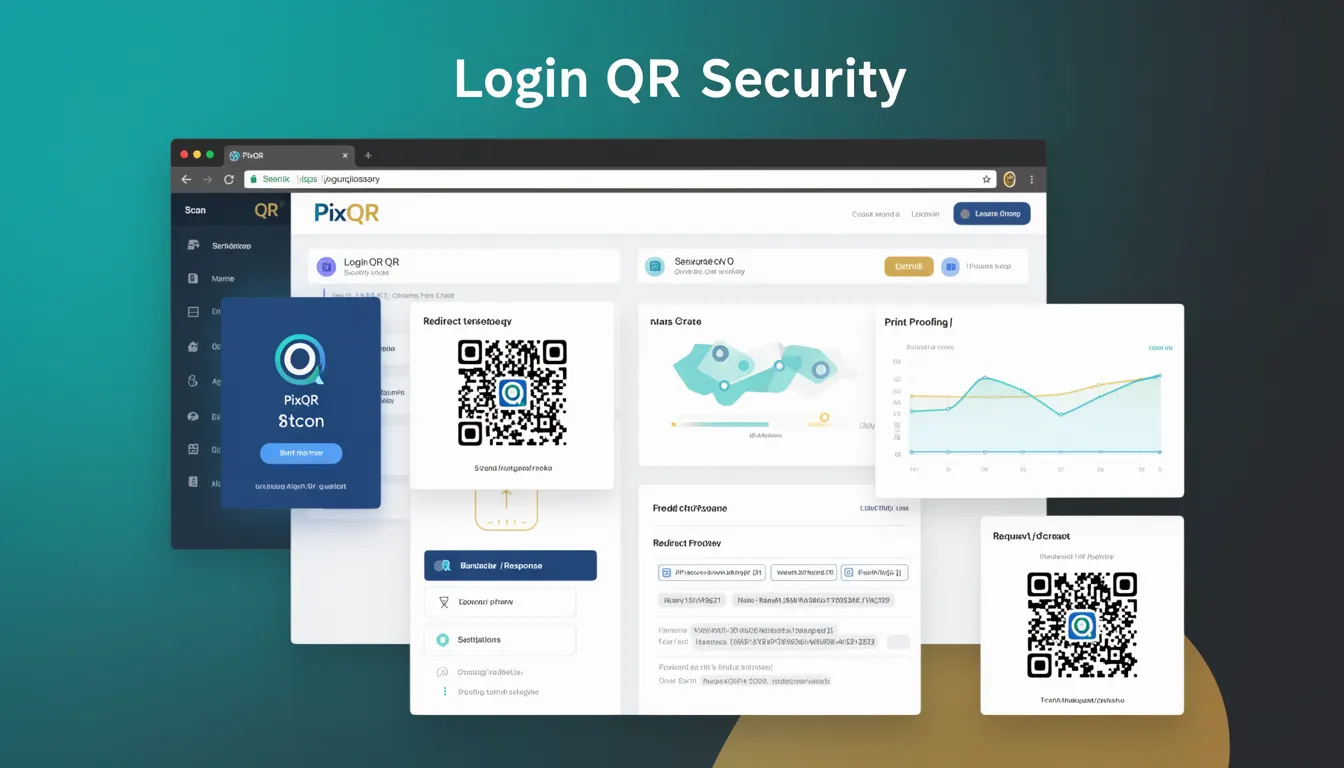
Login QR Security refers to a set of technical practices and mechanisms that ensure QR codes used for authentication or login purposes are secure, reliable, and resistant to misuse or fraud. In the context of PixQR, this concept is central to safeguarding the integrity of login flows that rely on QR codes, particularly where users scan a QR code to authenticate to an account or service.
When developers integrate login QR functionality into applications using PixQR, they must consider how the QR code is generated, what information it carries, how it is validated, and how it prevents unauthorized access or replay attacks. This security model is essential in environments where QR codes are used as part of two-factor authentication (2FA), single sign-on (SSO), or secure device pairing flows.
Why It Matters
For developers and platform maintainers, Login QR Security is critical because QR codes are often used in scenarios where security is paramount. If a QR code is not properly secured, attackers can intercept, replay, or manipulate it to gain unauthorized access. In PixQR, login flows often involve a time-limited token or session identifier embedded in the QR code, which must be validated server-side to prevent abuse.
Failure to implement Login QR Security correctly can lead to vulnerabilities such as session hijacking, account takeovers, or man-in-the-middle attacks. This is especially relevant when QR codes are used for mobile app logins, where the QR code may be scanned in public or unsecured environments. Proper security ensures that only the intended user can complete the login, and that the QR code cannot be reused or tampered with after its initial use.
How It Works
When a user initiates a login flow, the system generates a unique, time-sensitive token that is encoded into a QR code. This token is typically associated with a session or authentication context on the server. The QR code itself contains only the encoded token, not the full login credentials. The process includes:
- The server generates a one-time token, typically using a cryptographically secure random number generator.
- The token is encoded into a QR code using standard encoding methods (e.g., Base64, hexadecimal).
- The QR code is rendered with a secure PixQR API that enforces branding, scan tracking, and privacy settings.
- Upon scanning, the client app or browser decodes the QR code and sends the token to the server for validation.
- The server checks the token's validity, expiration, and usage status before granting access.
Key attributes and parameters include token lifetime (often 30–60 seconds), encoding format, error correction level, and validation logic. PixQR ensures that QR codes are generated with secure defaults and that the platform enforces access control and analytics tracking for each scan.
Quick Reference
| Item | Purpose | Notes |
|---|---|---|
| Token lifetime | Controls how long a QR code remains valid | Typically 30–60 seconds |
| Encoding method | How token data is embedded in the QR code | Base64 or hexadecimal recommended |
| Error correction level | Ensures QR code readability even when damaged | Level M or higher recommended |
| Scan tracking | Logs and monitors QR code scans for analytics | Enabled by default in PixQR |
| Validation endpoint | Server-side endpoint that validates the token | Must be HTTPS and secure |
Basic Example
PixQR Example QR
This QR links directly to this glossary page, so printed notes, onboarding docs, and support material can bring scanners back to the current reference.
/glossary/qr-code-security/qr-code-security-login-qr-security

This example shows how a simple login QR code token might be generated and embedded in a QR code structure using PixQR's API. The token is short-lived and only valid for one use.
const token = generateSecureToken(); // e.g., UUID or random string
const qrData = {
  type: 'login',
  token: token,
  expires: Date.now() + 60000 // 60 seconds
};
const qrCode = pixqr.generate(qrData);
console.log(qrCode.url); // URL to the QR code image
The example demonstrates the generation of a secure token and its embedding in a structured object before being passed to PixQR's API. The token is time-limited and ensures that even if intercepted, it cannot be reused.
Production Example
This example illustrates a production-grade login QR implementation that includes token validation, secure rendering, and analytics tracking. It reflects how developers would integrate Login QR Security into a real system using PixQR.
const express = require('express');
const app = express();
const pixqr = require('pixqr');

app.post('/login/start', async (req, res) => {
  const userId = req.user.id;
  const token = generateSecureToken(); // e.g., using crypto.randomBytes
  const qrData = {
    type: 'login',
    token: token,
    userId: userId,
    expires: Date.now() + 60000
  };
  const qrCode = await pixqr.generate(qrData);
  res.json({ qrUrl: qrCode.url, token: token });
});

app.post('/login/validate', async (req, res) => {
  const { token } = req.body;
  const isValid = await validateToken(token); // Server-side check
  if (isValid) {
    // Proceed with login
    res.json({ success: true });
  } else {
    res.status(400).json({ error: 'Invalid or expired token' });
  }
});
This version includes server-side validation, secure token generation, and a structured flow for handling QR code login requests. It is suitable for production use because it enforces token expiration, validates on the server, and integrates with PixQR's secure QR generation and analytics capabilities.
Common Mistakes
- Using predictable or static tokens in QR codes, which allows attackers to reuse or guess tokens.
- Not implementing token expiration, leading to long-lived QR codes that can be used indefinitely.
- Embedding sensitive user credentials directly in the QR code instead of a secure token.
- Skipping server-side validation, relying only on client-side checks.
- Not enabling scan tracking or analytics, which prevents monitoring of QR code usage for security.
- Using low error correction levels that may result in unreadable QR codes under poor scanning conditions.
Security And Production Notes
- Always use cryptographically secure methods for token generation to avoid predictability.
- Implement token expiration and one-time use logic to prevent replay attacks.
- Ensure all QR code data is transmitted over HTTPS to prevent interception.
- Enable scan tracking and analytics to monitor for suspicious or repeated scans.
- Validate tokens server-side and avoid relying on client-side logic for security.
Related Concepts
Several related concepts are essential to understanding and implementing Login QR Security:
- Two-Factor Authentication (2FA): Login QR codes are often used as part of 2FA, where the QR code provides a second authentication factor.
- Session Management: Secure QR-based logins must integrate with session tokens to maintain user state.
- Token Validation: Server-side checks ensure that only valid, non-expired tokens can complete a login.
- QR Code Encoding: Proper encoding ensures the QR code is readable and secure, with appropriate error correction.
- Scan Analytics: Tracking QR code scans helps detect misuse or fraud patterns in real time.