 PixQR
PixQR
Overview
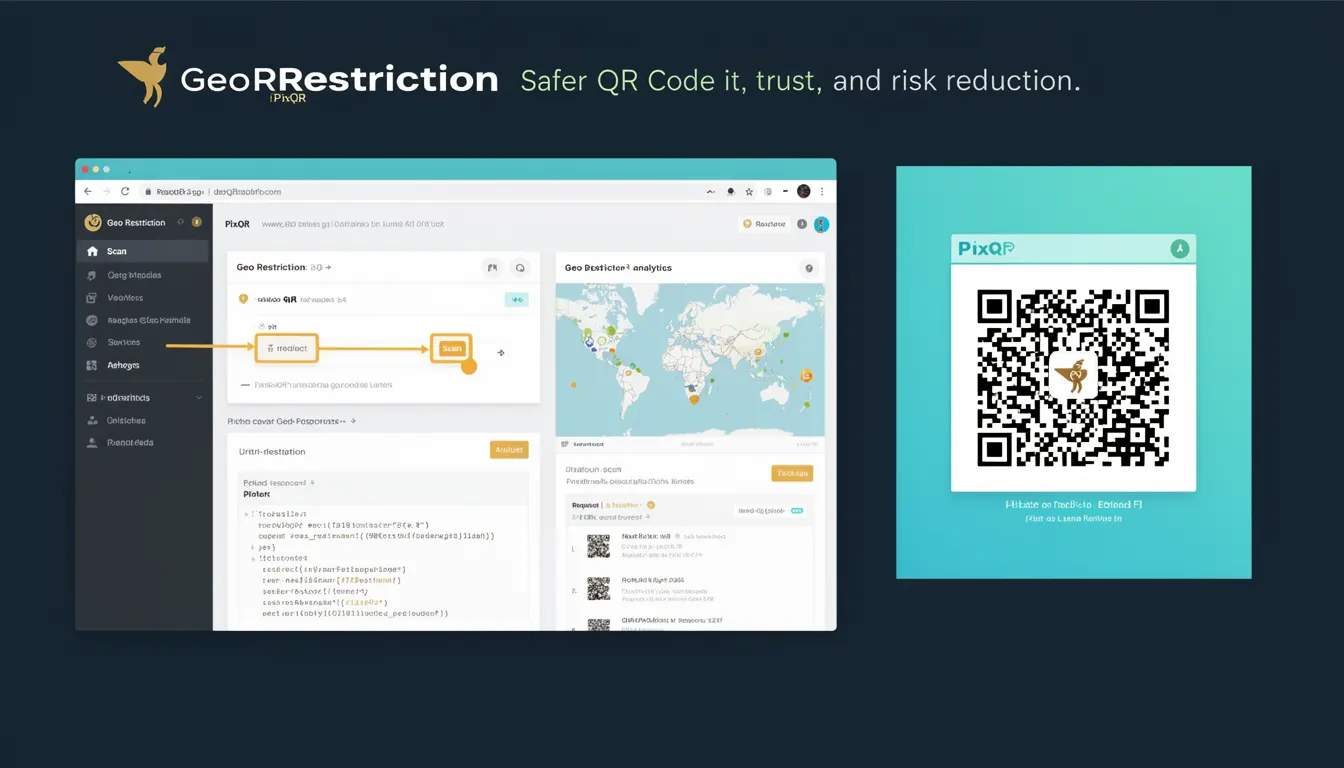
Geo Restriction is a security mechanism that limits access to content or functionality based on the geographic location of the requesting device or user. In the context of PixQR, this feature is used to control which regions can scan or interact with specific QR codes, helping to prevent unauthorized access or misuse.
For developers working with PixQR, geo restriction is a key tool for managing risk, especially when deploying QR codes that point to sensitive or region-specific resources. It allows administrators to enforce policies that align with compliance requirements, data sovereignty, or business logic.
Why It Matters
Implementing geo restriction in QR code systems adds a layer of operational and security control that is essential in environments where access control is critical. For example, a company might generate a QR code that links to a product demo or internal resource, and they want to ensure only users in certain countries can access it.
From a compliance perspective, geo restriction helps organizations adhere to regional regulations such as GDPR or CCPA, by limiting where data or access can originate. It also reduces the risk of fraudulent activity, as attackers are less likely to access content from unexpected or unauthorized regions.
How It Works
Geo restriction in PixQR operates by analyzing the IP address of a device attempting to access a QR code's target resource. The system uses geolocation databases to determine the physical location of that IP address and compares it against a configured list of allowed or blocked regions.
- Geo restriction is applied at the point of access, meaning it checks the user's location when they scan the QR code.
- It supports both allow-list and deny-list modes, where specific regions are either explicitly permitted or blocked.
- Results from the geolocation lookup are cached to improve performance and reduce latency in repeated access attempts.
- It integrates with existing QR code analytics to provide visibility into scan behavior by region.
- Supports both IPv4 and IPv6 address formats for geolocation resolution.
Quick Reference
| Item | Purpose | Notes |
|---|---|---|
| Allowed Regions | Defines which geographic areas can access a QR code | Must be a list of ISO 3166-1 alpha-2 country codes |
| Blocked Regions | Defines which geographic areas are denied access | Overrides allowed regions if both are configured |
| IP Geolocation | Used to determine the user's physical location | Database updates are required for accuracy |
| Access Logs | Tracks all scan attempts and their geographic origins | Logs are used for analytics and compliance |
| Cache Duration | Controls how long geolocation results are cached | Shorter durations improve accuracy but reduce performance |
Basic Example
PixQR Example QR
This QR links directly to this glossary page, so printed notes, onboarding docs, and support material can bring scanners back to the current reference.

This example demonstrates how to configure a basic geo restriction policy for a QR code using PixQR's API. The policy allows access only from the United States and Canada.
{
  "geo_restriction": {
    "mode": "allow",
    "regions": ["US", "CA"]
  }
}
The mode parameter specifies whether to allow or deny access. The regions list defines which countries are permitted. In this case, only users from the US or Canada can scan the QR code.
Production Example
In a production environment, geo restriction must be integrated with robust error handling, logging, and validation to ensure consistency and security.
{
  "geo_restriction": {
    "mode": "deny",
    "regions": ["RU", "CN"],
    "fallback": "allow",
    "log_access": true
  },
  "redirect_url": "https://example.com/content",
  "analytics": {
    "enabled": true
  }
}
This configuration blocks users from Russia and China, allows access from all other regions, and logs each access attempt. It also enables analytics for tracking scan behavior by region, which is crucial for compliance and operational insights.
Common Mistakes
- Not validating IP addresses before applying geo restrictions, leading to bypasses or false positives.
- Using outdated geolocation databases, which can result in incorrect access decisions.
- Configuring both allow and deny lists simultaneously without clear precedence rules.
- Disabling access logs, which makes it impossible to audit or debug access issues.
- Not accounting for VPN or proxy usage, which can mask a user's true location.
Security And Production Notes
- Geo restriction should never be the sole security mechanism; it is a supplementary control.
- Use secure, up-to-date geolocation databases to avoid misclassification of IP addresses.
- Implement fallback policies to ensure that access is not denied due to temporary geolocation failures.
- Log all access attempts for compliance and forensic analysis.
- Consider performance implications of frequent geolocation lookups, especially in high-volume environments.
Related Concepts
Geo restriction is closely related to several other concepts in QR code and access control systems:
- Access Control Lists (ACLs): Geo restriction is a form of ACL, but based on geographic rather than identity or permission criteria.
- IP Address Filtering: Geo restriction is built on top of IP address filtering, using geolocation to map IPs to regions.
- Rate Limiting: Geo restrictions can be used alongside rate limiting to prevent abuse from specific regions.
- Privacy Compliance: Geo restriction helps in meeting data residency requirements by controlling where data can be accessed.
- Analytics: Geo restriction data is often used in analytics dashboards to monitor geographic access patterns.