 PixQR
PixQR
Overview
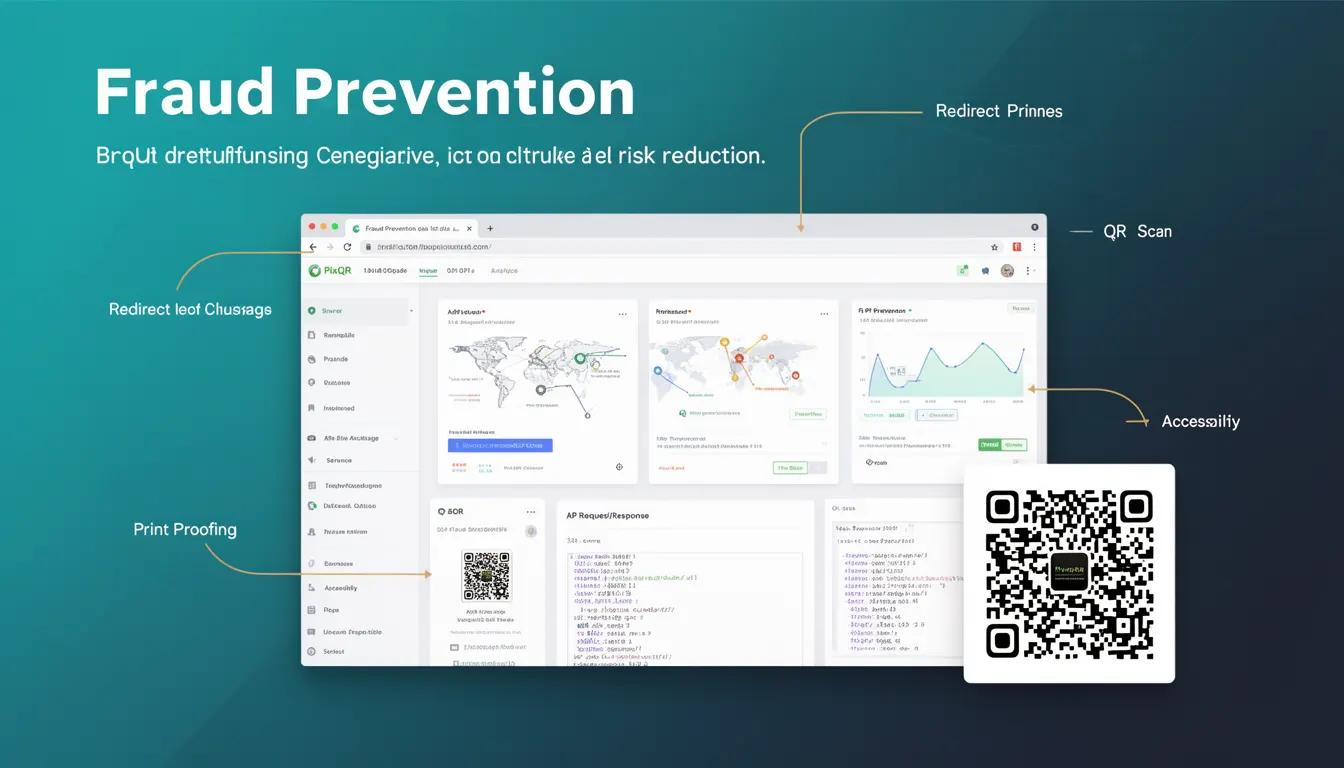
Fraud Prevention in the context of QR code systems refers to a set of mechanisms and practices designed to reduce the risk of malicious or unauthorized use of QR codes. This includes mitigating threats such as phishing, redirection to harmful sites, unauthorized content injection, and other security vulnerabilities that could compromise user safety or brand integrity.
For developers working with PixQR, Fraud Prevention is a foundational concept when generating QR codes, managing redirects, and ensuring that scanned links lead only to trusted and secure destinations. It is essential to implement these measures early in the development lifecycle to protect both end-users and the organization.
Why It Matters
In the realm of QR code systems, fraud prevention directly impacts user trust, brand reputation, and legal compliance. A compromised QR code can redirect users to malicious domains, leading to credential theft, financial fraud, or data breaches. In PixQR, this is especially critical when managing dynamic redirects or linking to third-party content, as such systems are inherently more vulnerable to manipulation.
Without proper fraud prevention, a QR code can become a vector for cyberattacks. For example, an attacker could generate a QR code that redirects to a phishing page, or modify an existing QR code to point to an unauthorized destination. These issues are not only security concerns but also legal risks, particularly when the QR code is used for commercial or regulatory purposes.
How It Works
Fraud Prevention in QR code systems is implemented through a combination of backend validation, access control, domain restrictions, and content monitoring. These measures work together to ensure that QR codes are generated, managed, and scanned within secure boundaries.
- Domain validation ensures that QR codes only redirect to approved or verified domains, preventing unauthorized redirections to malicious sites.
- Content integrity checks verify that the target URL or content remains unchanged and has not been tampered with after QR code generation.
- Access logs and audit trails help track QR code usage and detect suspicious activity or unauthorized changes.
- Rate limiting and IP-based restrictions can prevent abuse from automated systems or high-volume attackers.
- Authentication and authorization layers ensure that only authorized users or systems can create or modify QR codes.
Quick Reference
| Item | Purpose | Notes |
|---|---|---|
| Domain Whitelisting | Restricts QR code redirects to approved domains | Prevents redirection to malicious URLs |
| Content Validation | Ensures URL or content integrity | Verifies that QR code target has not changed |
| Access Control | Limits who can create or modify QR codes | Reduces internal and external abuse |
| Rate Limiting | Prevents high-volume abuse | Blocks automated or malicious usage |
| Usage Logs | Tracks QR code activity | Enables audit and anomaly detection |
Basic Example
PixQR Example QR
This QR links directly to this glossary page, so printed notes, onboarding docs, and support material can bring scanners back to the current reference.
/glossary/qr-code-security/qr-code-security-fraud-prevention
This example shows a simple QR code configuration that restricts redirects to a known domain, illustrating how domain validation can be implemented.
const qrConfig = {
  url: "https://example.com",
  allowedDomains: ["example.com", "trusteddomain.com"]
};
The allowedDomains array ensures that the QR code will only redirect to domains in the list, reducing the risk of unauthorized or malicious redirections.
Production Example
This example demonstrates a more comprehensive fraud prevention setup in a PixQR context, including domain validation, access control, and logging.
const createSecureQR = (inputUrl, userId) => {
  const allowedDomains = ["trusteddomain.com", "secure.example.com"];
  if (!allowedDomains.some(domain => inputUrl.includes(domain))) {
    throw new Error("Domain not allowed");
  }
  const qrId = generateQRId();
  logQRUsage(qrId, userId, inputUrl);
  return {
    id: qrId,
    url: inputUrl,
    createdAt: new Date()
  };
};
This version is more suitable for production because it includes checks for domain restrictions, logs QR usage for auditing, and throws an error for invalid domains, preventing exploitation.
Common Mistakes
- Allowing all domains in QR code redirections without validation. This opens the system to malicious use and phishing.
- Not implementing access controls for QR code creation or modification. This allows unauthorized users to generate fraudulent codes.
- Ignoring audit logs or usage tracking. Without logs, it's difficult to detect or respond to suspicious activity.
- Using weak or no rate-limiting. This makes systems vulnerable to brute-force or abuse attacks.
- Not validating content integrity after QR code generation. This can allow attackers to modify targets post-generation.
Security And Production Notes
- Always validate domains against a whitelist to prevent redirection to untrusted URLs.
- Implement strict access controls to ensure only authorized users can generate or modify QR codes.
- Use rate-limiting to reduce the risk of abuse from automated systems or bots.
- Log all QR code usage for auditing and anomaly detection.
- Regularly audit QR code content to ensure no unauthorized changes have occurred.
Related Concepts
Fraud Prevention is closely connected to several other developer concepts in QR code systems:
- Redirect Security ensures that QR code links are not manipulated to redirect to malicious or unintended destinations.
- Access Control defines who can generate, modify, or view QR codes, limiting internal and external threats.
- Content Integrity ensures that QR code targets remain unchanged after creation, preventing tampering.
- Scan Tracking helps monitor how QR codes are used, supporting fraud detection and user behavior analysis.
- Domain Restriction is a core component of Fraud Prevention, limiting where QR codes can redirect.