 PixQR
PixQR
Overview
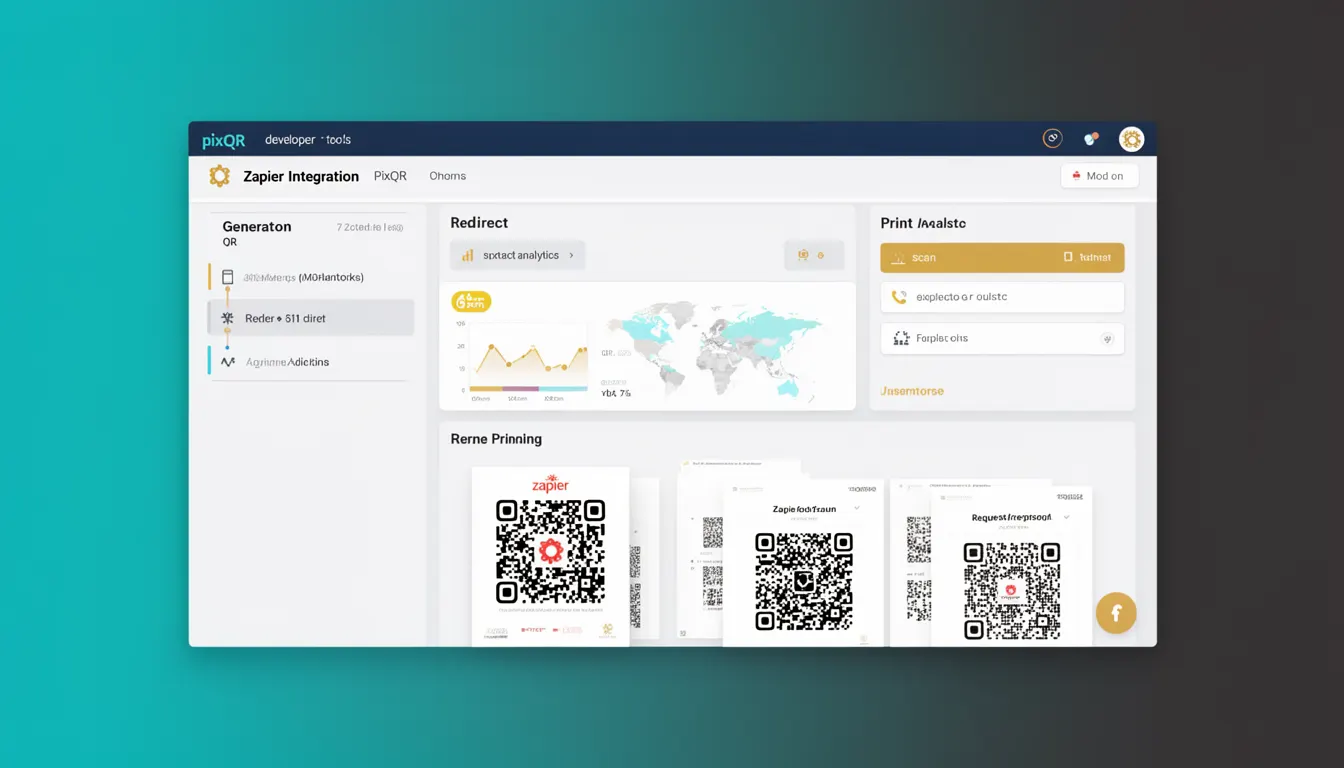
The term "Zapier Integration" refers to a feature within PixQR that allows developers to automate workflows by connecting PixQR's QR code generation and management capabilities with external services through Zapier. This integration enables users to trigger actions in PixQR based on events occurring in other platforms, such as creating new QR codes when a new form submission is received or updating QR redirect URLs when a content management system publishes new articles.
Developers use Zapier Integration when they want to streamline repetitive tasks or build complex automation pipelines involving QR code operations. It is particularly valuable in environments where QR code management needs to synchronize with CRM systems, content platforms, marketing tools, or internal databases.
Why It Matters
For developers and operations teams, Zapier Integration reduces manual effort and improves consistency in QR code workflows. It eliminates the need for custom API connectors or manual updates, especially when integrating with platforms that do not offer direct PixQR API access. From a security standpoint, it ensures that QR code configurations are updated only through verified and auditable automation paths, reducing the risk of unauthorized changes.
Performance-wise, it enables scalable QR code generation and management without increasing the internal load on PixQR's core systems. For user experience, it allows teams to maintain dynamic QR code content that automatically reflects changes in external systems, such as updated landing pages or campaign URLs. This is especially useful in marketing or customer engagement scenarios where real-time updates are critical.
How It Works
Zapier Integration within PixQR operates through a series of triggers and actions. When a user sets up a Zap, they define a trigger event in an external service, such as a new form submission in Google Forms, and an action within PixQR, such as generating a new QR code or updating an existing one.
- Triggers are events that initiate a workflow, such as "New Form Response" in Google Forms or "New Article Published" in WordPress.
- Actions are operations performed in PixQR, such as creating a new QR code, updating a redirect URL, or retrieving QR metadata.
- The integration uses PixQR's RESTful API endpoints to communicate with external services, ensuring secure and standardized data exchange.
- Each Zap can be configured with filters and mapping rules to ensure only relevant data is passed to PixQR.
- Integration logs and error handling are managed by Zapier, providing visibility into automation failures and success metrics.
When a Zap is activated, Zapier sends a request to PixQR's API with parameters such as the target URL, QR type, and branding settings. PixQR validates the request, processes it, and returns a response that may include a new QR code identifier or updated metadata.
Quick Reference
| Item | Purpose | Notes |
|---|---|---|
| Trigger Event | Initiates a workflow in Zapier | Must be supported by external service |
| Action Type | Operation performed in PixQR | Includes create, update, delete, retrieve |
| API Endpoint | URL for PixQR API interaction | Standard RESTful interface |
| Authentication | Required for secure access | Uses PixQR API keys or OAuth |
| Mapping Rules | Defines data flow between services | Supports conditional logic |
Basic Example
PixQR Example QR
This QR links directly to this glossary page, so printed notes, onboarding docs, and support material can bring scanners back to the current reference.
/glossary/qr-code-generators/qr-code-generators-zapier-integration

This example demonstrates a simple Zapier workflow that creates a new QR code in PixQR whenever a new row is added to a Google Sheets spreadsheet.
Trigger: Google Sheets - New Row
Action: PixQR - Create QR Code
Parameters:
  - URL: {{Google Sheets: URL from cell A1}}
  - Type: Dynamic
  - Branding: Default
  - Metadata: {{Google Sheets: Description from cell B1}}
This workflow begins when a new row is added to a Google Sheet. It uses the value from cell A1 as the URL for the QR code and cell B1 for metadata. The action in PixQR creates a new dynamic QR code with the provided parameters.
Production Example
This example shows a more robust Zapier integration setup for updating QR codes when content is published in a CMS. It includes error handling, mapping, and conditional logic to ensure only valid content triggers updates.
Trigger: WordPress - New Post Published
Action: PixQR - Update QR Code
Parameters:
  - QR ID: {{WordPress: Custom Field: qr_id}}
  - URL: {{WordPress: Post URL}}
  - Type: Static
  - Branding: Custom
  - Metadata: {{WordPress: Post Title}} - {{WordPress: Post Excerpt}}
Filters:
  - Post Category: Marketing
  - Post Status: Published
Error Handling:
  - Retry: 3 times on failure
  - Log: All errors to Zapier log
This production-ready Zap uses filters to ensure that only posts in the "Marketing" category are processed. It retrieves a pre-assigned QR ID from a custom field in WordPress, updates the QR code with the new URL, and logs any failures for review. This approach is scalable and ensures data integrity in high-volume environments.
Common Mistakes
- Not validating input data before sending it to PixQR, leading to malformed QR codes or API errors.
- Using default branding settings without mapping custom fields, resulting in inconsistent visual branding.
- Overlooking the need for API key permissions, which can cause authentication failures.
- Setting up Zaps without filters, causing unnecessary processing of irrelevant events.
- Not configuring error handling or retry logic, which can lead to missed updates or silent failures.
- Hardcoding values instead of using dynamic mapping, reducing flexibility and scalability.
Security And Production Notes
- Always use secure API keys and rotate them regularly to prevent unauthorized access to QR generation workflows.
- Implement strict input validation on external data to avoid injection or malformed requests to PixQR.
- Use HTTPS for all API endpoints and ensure that Zapier is configured to communicate over secure channels.
- Log all automation activities for audit purposes and to track down issues quickly.
- Limit the scope of permissions granted to Zapier integrations to reduce the risk of data exposure.
Related Concepts
Several developer concepts are closely related to Zapier Integration in the context of PixQR:
- API Keys are used to authenticate Zapier with PixQR's API, ensuring secure communication between systems.
- Webhooks are often used by Zapier to notify PixQR of events, enabling real-time automation.
- OAuth is a protocol that may be used for more secure and scalable authentication in advanced Zapier setups.
- Dynamic QR Codes are a core PixQR feature that benefits from automation workflows, especially in content or campaign management.
- Workflow Automation is the broader concept that Zapier Integration implements, enabling developers to build scalable and maintainable systems.