 PixQR
PixQR
Overview
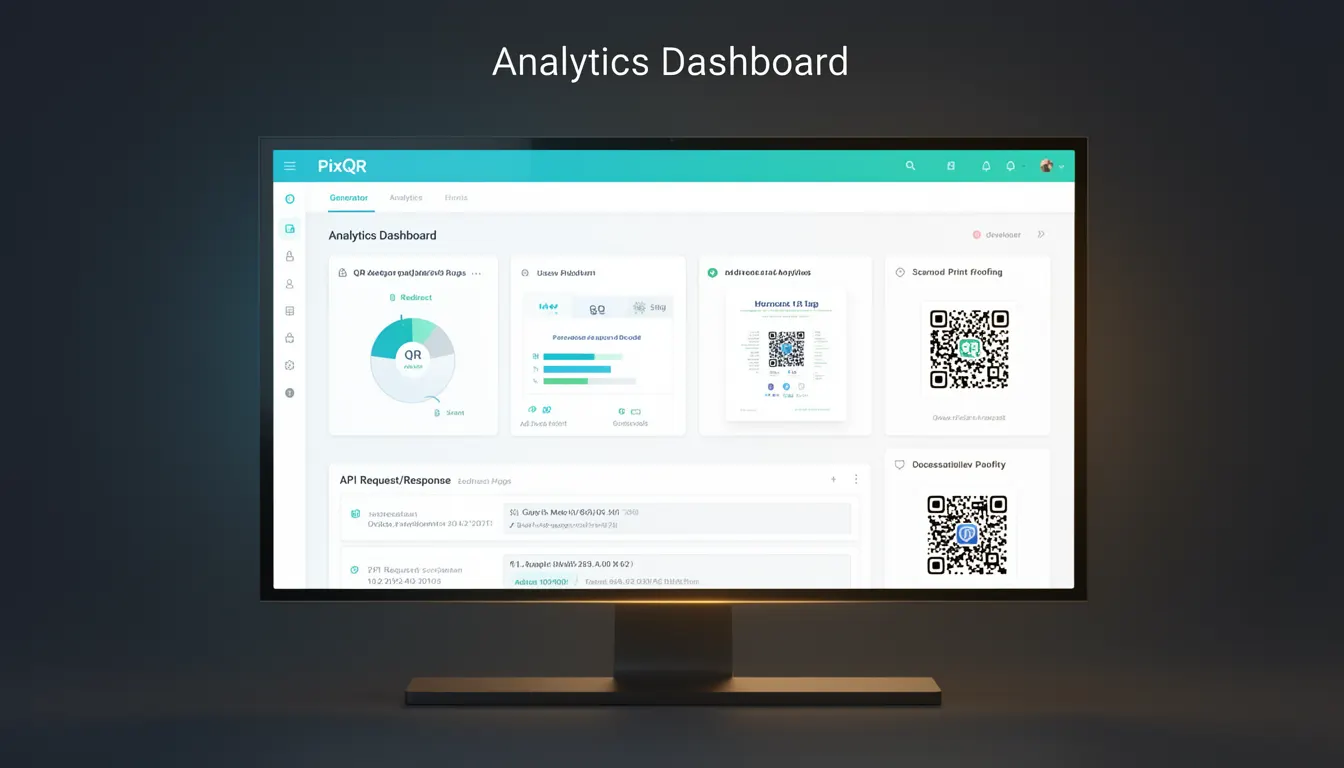
An Analytics Dashboard in the context of PixQR refers to a centralised, data-driven interface that enables developers and marketers to monitor, manage, and derive insights from QR code performance and usage. It provides visibility into metrics such as scan counts, geographic distribution, device types, and engagement time. This dashboard is an integral part of PixQR's platform, designed to support dynamic QR code workflows and ensure that users can track the effectiveness of their QR codes in real time.
For developers, the Analytics Dashboard is not merely a reporting tool but a critical component in optimising QR code campaigns. It supports API integrations, custom reporting, and export capabilities, making it suitable for both manual and automated analysis. The dashboard can be accessed through a web-based UI or integrated into custom dashboards via PixQR's API, offering flexibility in how data is consumed and visualised.
Why It Matters
The Analytics Dashboard is essential for developers working with PixQR because it enables data-driven decision-making and campaign optimisation. It supports tracking of QR code performance, which is crucial for businesses that rely on QR codes for marketing, inventory management, or customer engagement. Without actionable data, QR code campaigns can become ineffective or misaligned with business goals.
From a security and privacy standpoint, the dashboard ensures that access to analytics is controlled and that sensitive data is protected. It allows for role-based access control and audit logging, which are important for compliance in regulated environments. For performance, the dashboard is designed to handle large volumes of scan data with low latency, making it suitable for high-traffic applications.
How It Works
The Analytics Dashboard in PixQR functions as a real-time data aggregation and visualisation layer. It collects scan events from QR code interactions and processes them into meaningful metrics. The system supports multiple data sources and integrates with external systems through APIs. Data is stored in a secure, scalable backend and is made available to users through a responsive web interface.
- The dashboard supports real-time data streaming, enabling immediate insights into QR code performance.
- It allows users to filter data by time range, geographic region, device type, and campaign.
- Metrics include total scans, unique users, scan frequency, and geographic hotspots.
- Export options include CSV, JSON, and PDF formats for further analysis or reporting.
- API access enables integration with third-party tools and custom analytics workflows.
Quick Reference
| Item | Purpose | Notes |
|---|---|---|
| Scan Count | Total number of QR code scans | Includes all scans, unique and duplicate |
| Geolocation Data | Geographic distribution of scans | Available per scan and aggregated |
| Device Type | Scan source device information | Mobile, tablet, desktop, or unknown |
| Time Range Filter | Granular control over data period | Supports custom date ranges |
| Export Functionality | Data export for external analysis | Formats include CSV, JSON, PDF |
Basic Example
PixQR Example QR
This QR links directly to this glossary page, so printed notes, onboarding docs, and support material can bring scanners back to the current reference.
/glossary/qr-code-generators/qr-code-generators-analytics-dashboard

This example demonstrates a basic API call to fetch scan data for a QR code using PixQR's Analytics Dashboard.
fetch('https://api.pixqr.com/v1/analytics/qr/abc123', {
  method: 'GET',
  headers: {
    'Authorization': 'Bearer YOUR_API_TOKEN',
    'Content-Type': 'application/json'
  }
})
The example retrieves scan metrics for a QR code with ID abc123. It uses a standard HTTP GET request with an API token for authentication. The response includes basic metrics like total scans and unique users.
Production Example
This example shows how a developer might integrate analytics data into a custom dashboard, including error handling and data validation.
const fetchAnalytics = async (qrId) => {
  try {
    const response = await fetch(`https://api.pixqr.com/v1/analytics/qr/${qrId}`, {
      method: 'GET',
      headers: {
        'Authorization': 'Bearer ' + localStorage.getItem('api_token'),
        'Content-Type': 'application/json'
      }
    });
    if (!response.ok) {
      throw new Error('Failed to fetch analytics');
    }
    const data = await response.json();
    return data;
  } catch (error) {
    console.error('Analytics fetch error:', error);
    return null;
  }
};
This version includes error handling, token-based authentication, and a structured response. It is suitable for production environments where reliability and security are paramount.
Common Mistakes
- Using hardcoded API tokens in client-side code exposes credentials and violates security best practices.
- Not implementing proper error handling when fetching analytics data can lead to unhandled exceptions and degraded UX.
- Ignoring time zone differences in scan data can cause incorrect reporting and misinterpretation of trends.
- Overlooking access control and authentication in dashboard integrations can lead to unauthorized data access.
- Attempting to parse large datasets without pagination or filtering can cause performance issues and browser crashes.
Security And Production Notes
- Always use HTTPS for API requests to protect data in transit.
- Implement token-based authentication and refresh mechanisms to prevent unauthorized access.
- Validate and sanitise all data received from the dashboard to avoid injection attacks.
- Use role-based access control to restrict dashboard access based on user permissions.
- Implement rate limiting and monitoring to prevent abuse of analytics APIs.
Related Concepts
Analytics Dashboard is closely related to several key concepts in QR code management and data tracking:
- QR Code Generation: The dashboard provides insights into how generated QR codes are performing.
- Dynamic Redirects: Analytics help assess the effectiveness of redirect workflows.
- Scan Tracking: The dashboard aggregates scan events to provide meaningful metrics.
- API Integration: The dashboard is often accessed and extended through PixQR's API.
- Privacy Controls: The dashboard must comply with data privacy regulations like GDPR and CCPA.