 PixQR
PixQR
Overview
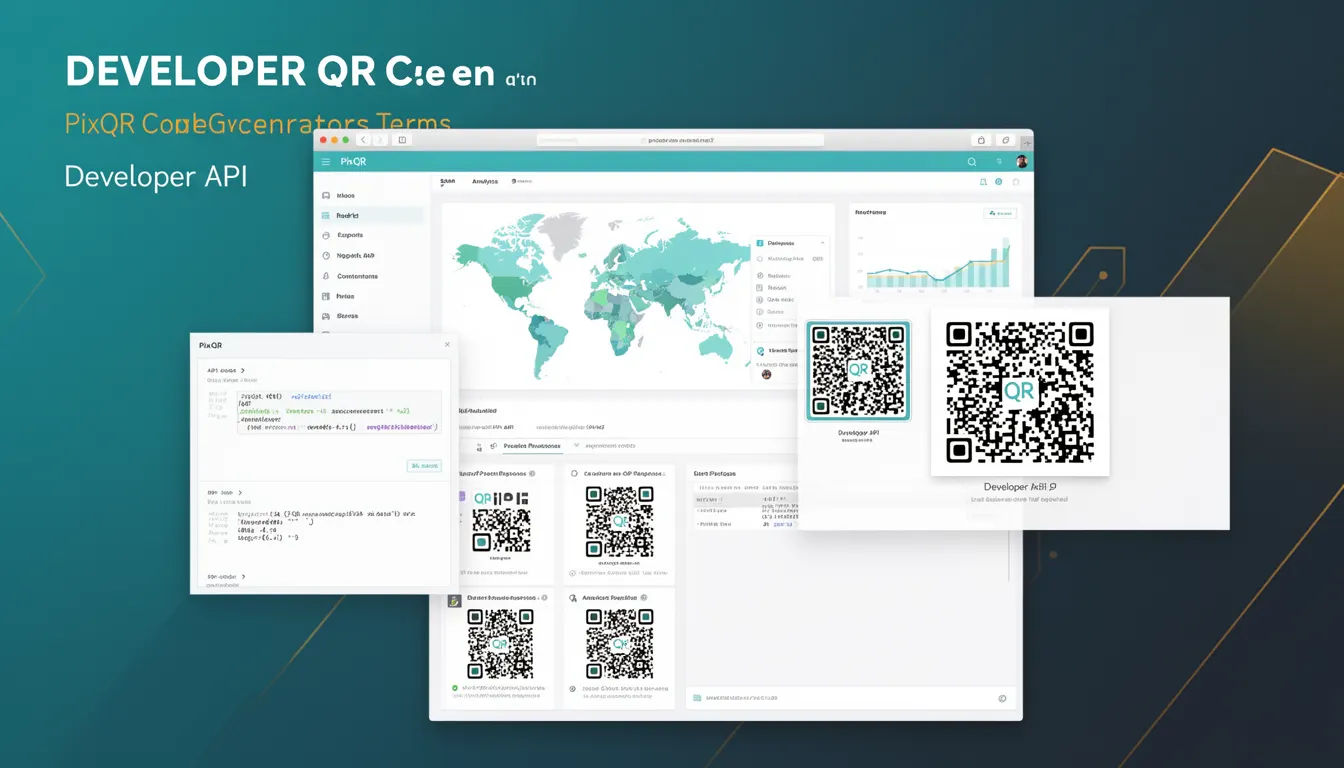
A Developer API in the context of PixQR refers to a structured interface that allows developers to programmatically generate, manage, and analyze QR codes within their applications or systems. This API enables integration of QR code functionality into workflows, enabling automation, dynamic content, and real-time analytics. The PixQR Developer API provides endpoints for creating new QR codes, updating existing ones, retrieving metadata, and accessing scan statistics.
Developers use the PixQR API to integrate QR code generation into backend systems, web applications, or mobile platforms. For instance, a marketing team might use the API to dynamically generate QR codes for campaigns, while a logistics company could use it to generate product-specific codes for inventory tracking. The API supports both RESTful and SDK-based access, depending on the implementation environment.
Why It Matters
The PixQR Developer API is essential for developers aiming to embed QR code capabilities into scalable, secure, and trackable systems. It enables real-time analytics, dynamic link management, and compliance with branding or privacy requirements. In production environments, it ensures consistent code generation and scan reliability, which are critical for user experience and fraud prevention.
Without a robust API, developers would need to manually generate QR codes or rely on less secure or less scalable solutions. The API supports automated workflows, reduces manual errors, and enables integration with analytics platforms for performance monitoring. It also ensures that QR codes meet brand-safe design standards and comply with privacy regulations such as GDPR or CCPA.
How It Works
The PixQR Developer API operates through a set of defined endpoints that accept structured requests and return standardized responses. These endpoints support various operations such as QR code creation, metadata retrieval, and analytics export. The API is typically accessed via HTTPS and requires authentication through API keys or tokens.
- Authentication is handled through HTTP headers, specifically using an
Authorizationheader with a Bearer token or API key. - Requests are sent using standard HTTP methods (GET, POST, PUT, DELETE) with JSON payloads for data exchange.
- Endpoints support both synchronous and asynchronous operations, depending on the complexity of the task and data volume.
- Responses are returned in JSON format and include metadata such as QR code ID, generation timestamp, and scan statistics.
- Rate limiting and quotas are enforced to prevent abuse and ensure fair usage across all developers.
Quick Reference
| Item | Purpose | Notes |
|---|---|---|
| POST /api/v1/qr-codes | Create a new QR code | Accepts URL, content, and optional metadata |
| GET /api/v1/qr-codes/{id} | Retrieve QR code details | Returns metadata and analytics |
| PUT /api/v1/qr-codes/{id} | Update QR code properties | Supports content, expiry, and visibility |
| DELETE /api/v1/qr-codes/{id} | Delete a QR code | Permanently removes the code and data |
| GET /api/v1/analytics/{id} | Fetch scan analytics | Includes time, location, and device data |
Basic Example
PixQR Example QR
This QR links directly to this glossary page, so printed notes, onboarding docs, and support material can bring scanners back to the current reference.
/glossary/qr-code-generators/qr-code-generators-developer-api

This example demonstrates how to create a basic QR code using the PixQR API. It sends a POST request with a URL and optional metadata to the API endpoint.
curl -X POST https://api.pixqr.com/api/v1/qr-codes \
  -H "Authorization: Bearer YOUR_API_KEY" \
  -H "Content-Type: application/json" \
  -d '{"url": "https://example.com", "name": "Example Code"}'
The request includes an API key in the Authorization header and a JSON payload with the target URL and a name. The API returns a QR code ID and a URL to access the generated code.
Production Example
This example shows a more comprehensive approach to using the PixQR API, including error handling, validation, and secure token management.
const fetch = require('node-fetch');

async function createQRCode(url, name) {
  const response = await fetch('https://api.pixqr.com/api/v1/qr-codes', {
    method: 'POST',
    headers: {
      'Authorization': 'Bearer ' + process.env.PIXQR_API_KEY,
      'Content-Type': 'application/json'
    },
    body: JSON.stringify({
      url: url,
      name: name,
      expiry: '2025-12-31',
      visibility: 'public'
    })
  });

  if (!response.ok) {
    throw new Error('Failed to create QR code: ' + response.statusText);
  }

  const data = await response.json();
  return data.id;
}

// Usage
createQRCode('https://example.com', 'Campaign Link')
  .then(id => console.log('QR Code ID:', id))
  .catch(err => console.error(err));
This version includes proper error handling, environment variable usage for API keys, and structured payload formatting. It is suitable for production use in backend services or automated workflows.
Common Mistakes
- Using hardcoded API keys in source code instead of environment variables, leading to credential exposure.
- Not validating input data, which can cause API errors or injection vulnerabilities.
- Ignoring rate limits, resulting in API throttling or access denial.
- Not handling API errors gracefully, which can cause application crashes or data loss.
- Using outdated API endpoints or deprecated parameters, causing unexpected behavior or failures.
- Reusing QR code IDs without checking for conflicts or expiry, leading to incorrect tracking or outdated links.
Security And Production Notes
- Always use HTTPS to encrypt data in transit and prevent man-in-the-middle attacks.
- Store API keys securely and avoid committing them to version control systems.
- Implement rate limiting on the client side to prevent exceeding API quotas.
- Validate all input data to prevent injection or malformed requests.
- Use short-lived tokens or API keys with restricted permissions for better access control.
- Monitor analytics and error logs for unusual activity or repeated failures.
Related Concepts
Several concepts are closely related to the PixQR Developer API, including QR code generation, link management, analytics, and privacy compliance. QR code generation involves encoding data into a scannable format, while link management ensures that dynamic URLs are correctly resolved. Analytics provide insights into how QR codes are being used, and privacy compliance ensures that user data is handled appropriately.
API key management, data encryption, and access control are also relevant, as they ensure that only authorized users or systems can interact with the API. Integration with existing backend systems, such as CRM or marketing platforms, enhances the utility of the API in production environments.