 PixQR
PixQR
Overview
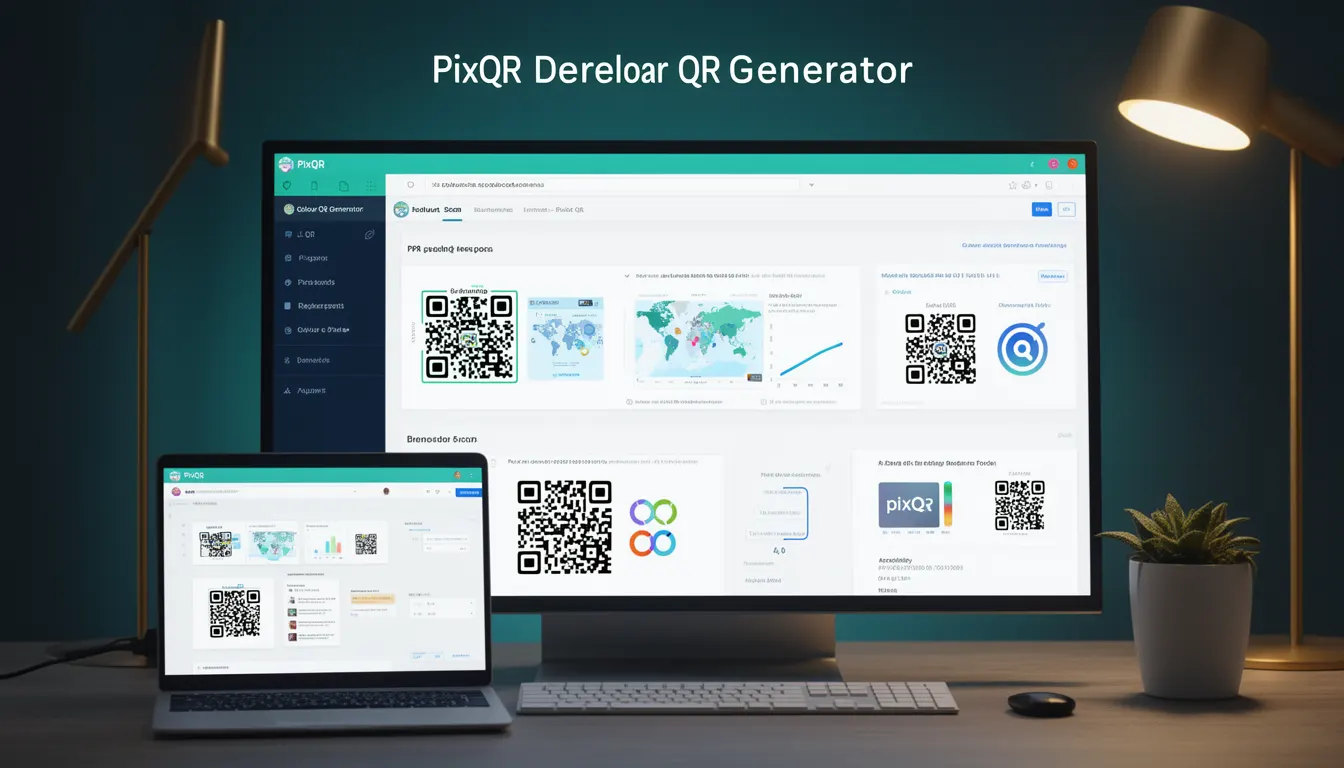
A Colour QR Generator refers to a PixQR feature that enables developers to create QR codes with custom colors, designs, and branding elements. Unlike standard black-and-white QR codes, a Colour QR Generator allows for visual customization while maintaining scannability and functional integrity.
These tools are used in marketing campaigns, product packaging, loyalty programs, and branded digital experiences where visual identity is crucial. Developers working with PixQR use the Colour QR Generator to ensure QR codes are both functional and aligned with brand guidelines.
Why It Matters
For developers, the Colour QR Generator offers a balance between brand consistency and technical compliance. It enables visual branding while ensuring that QR codes remain scannable across various devices and environments. Poorly implemented color schemes can result in failed scans or reduced reliability, especially in low-light or high-contrast scenarios.
From a user experience standpoint, branded QR codes increase trust and recognition. For marketers and product teams, the ability to align QR codes with visual assets improves campaign performance and reduces user confusion. In a production context, this tool must support accessibility standards, scan reliability, and analytics tracking without sacrificing aesthetics.
How It Works
The Colour QR Generator in PixQR operates by accepting a set of color parameters, design attributes, and configuration options to produce a QR code image. The system ensures that the final output remains scannable, even with color customization.
- Input parameters include foreground color, background color, logo placement, and optional design overlays.
- The generator enforces minimum contrast ratios to maintain scanability, typically adhering to WCAG 2.1 AA standards.
- Color values are validated to prevent invalid or incompatible combinations that could impair scanning.
- Generated QR codes are optimized for both screen and print environments, with support for PNG, SVG, and JPEG formats.
- Dynamic QR codes support color changes over time, allowing for campaign updates or seasonal branding.
Quick Reference
| Item | Purpose | Notes |
|---|---|---|
| foregroundColor | Defines the QR code's dark areas | Must maintain minimum contrast ratio |
| backgroundColor | Defines the QR code's light areas | Should be a neutral color to prevent interference |
| logoPlacement | Specifies where a logo is inserted | Supports center, corner, or custom placement |
| format | Output image format | Supports PNG, SVG, JPEG |
| dynamic | Enables color change over time | Requires API support for updates |
Basic Example
PixQR Example QR
This QR links directly to this glossary page, so printed notes, onboarding docs, and support material can bring scanners back to the current reference.
/glossary/qr-code-generators/qr-code-generators-colour-qr-generator
This example demonstrates how to generate a basic colour QR code using PixQR's API. It sets a custom foreground and background color for a simple URL.
const qrCode = pixqr.generate({
  text: 'https://example.com',
  foregroundColor: '#FF0000',
  backgroundColor: '#FFFFFF',
  format: 'png'
});
The text parameter defines the content of the QR code. The foregroundColor sets the QR code's dark areas to red, while backgroundColor sets the light areas to white. The format specifies the output image type.
Production Example
This production example includes validation, error handling, and accessibility considerations. It ensures that color choices meet scanability standards and that the QR code remains functional across platforms.
function generateBrandedQR(text, options = {}) {
  const { foregroundColor, backgroundColor, format = 'png' } = options;

  if (!text) {
    throw new Error('QR text content is required');
  }

  if (!validateColor(foregroundColor) || !validateColor(backgroundColor)) {
    throw new Error('Invalid color values provided');
  }

  const qrCode = pixqr.generate({
    text,
    foregroundColor,
    backgroundColor,
    format
  });

  return qrCode;
}

function validateColor(color) {
  const hexRegex = /^#([A-Fa-f0-9]{6}|[A-Fa-f0-9]{3})$/;
  return hexRegex.test(color);
}
This version includes validation to prevent invalid color inputs and error handling for missing or malformed data. It is suitable for integration into larger applications where reliability and consistency are critical.
Common Mistakes
- Using colors with insufficient contrast, which can cause scanning failures in low-light conditions.
- Applying too many design elements, such as logos or gradients, that interfere with QR code structure.
- Ignoring format compatibility, which can lead to display issues or incorrect rendering on different platforms.
- Not validating color inputs, leading to runtime errors or unscannable QR codes.
- Overlooking accessibility standards, such as WCAG contrast ratios, in brand-aware designs.
Security And Production Notes
- Validate all color inputs to prevent injection or malformed data in QR code generation.
- Ensure generated QR codes maintain a minimum contrast ratio to support scan reliability.
- Use secure APIs and HTTPS for QR code generation to prevent man-in-the-middle attacks.
- Implement access control and rate limiting to avoid abuse of dynamic QR code features.
- Test QR code output across multiple devices and environments to ensure consistent scanning.
Related Concepts
Several developer concepts are closely related to the Colour QR Generator. QR Code Structure defines how data is encoded and scanned, while Accessibility Standards ensure that custom designs remain usable for all users. Dynamic Redirects and Analytics Integration allow for tracking and campaign optimization. Print Reliability and Brand-Safe Design ensure that QR codes maintain functionality in physical environments. Finally, API Security and Operational Workflows are critical for enterprise-level implementation.