 PixQR
PixQR
Overview
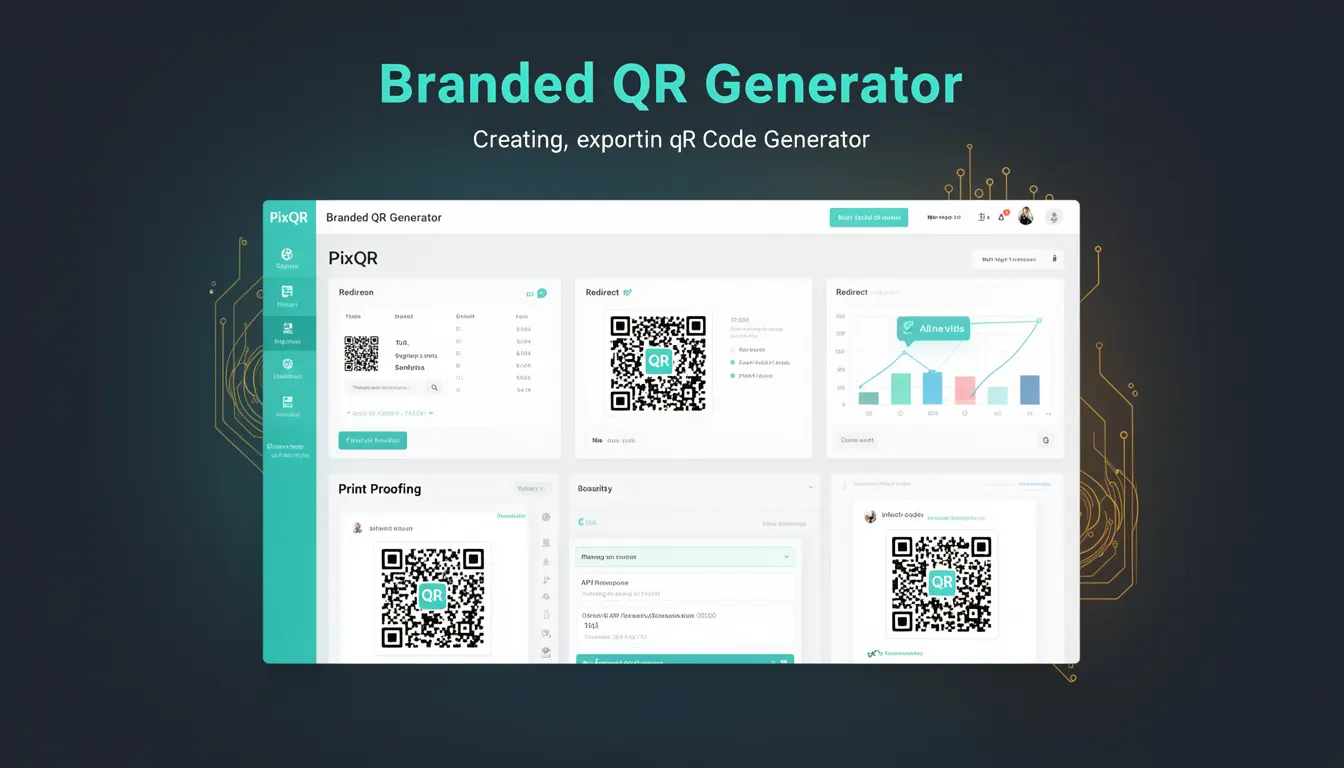
A Branded QR Generator is a PixQR feature that allows developers and content creators to generate QR codes that incorporate custom branding elements such as logos, colors, and design elements. This capability enables organizations to maintain brand identity while producing functional QR codes for marketing, product tracking, or internal use.
In PixQR, a Branded QR Generator typically accepts parameters such as a target URL, brand color scheme, logo image, and design preferences. It returns a QR code image or a URL that renders the QR code with these branded elements. Developers use this tool to ensure that QR codes are not only functional but also visually aligned with brand guidelines.
Why It Matters
Branded QR codes improve recognition and trust by visually associating the code with a brand. In marketing or product environments, this can increase scan rates and reduce user hesitation. From a technical standpoint, a Branded QR Generator must ensure that the QR code remains scannable even when modified with design elements. PixQR enforces scannability rules to prevent distortion or visual obstructions that would break the code's functionality.
For developers managing large-scale QR code deployments, the Branded QR Generator provides a consistent, secure method to maintain brand integrity without sacrificing operational reliability. This is especially important when codes are used across multiple platforms or printed on physical media.
How It Works
The Branded QR Generator in PixQR operates by accepting a set of configuration parameters and applying them to a base QR code generation algorithm. The system then overlays branding elements onto the QR code while ensuring scannability is preserved.
- The generator accepts a target URL as a required input to define where the QR code should redirect.
- Branding parameters such as logo URL, color scheme, and background settings are optional but influence the output appearance.
- The system applies anti-aliasing and distortion checks to maintain scannability during design customization.
- Generated QR codes can be exported in standard formats like PNG or SVG, or returned as a URL for dynamic rendering.
- Advanced options include custom QR code shapes, corner designs, and transparency controls for complex branding needs.
Quick Reference
| Item | Purpose | Notes |
|---|---|---|
| target_url | Defines the destination of the QR code | Required for functionality |
| logo_url | Specifies an image to embed in the QR code center | Must be accessible and under 1MB |
| brand_color | Sets primary color for QR code modules | Must be valid hex code |
| format | Output format of the QR code | Options: PNG, SVG, URL |
| corner_style | Customizes shape of QR code corners | Options: square, rounded, custom |
Basic Example
PixQR Example QR
This QR links directly to this glossary page, so printed notes, onboarding docs, and support material can bring scanners back to the current reference.
/glossary/qr-code-generators/qr-code-generators-branded-qr-generator
This example demonstrates a basic Branded QR Generator call with minimal parameters to create a scannable QR code with a brand logo.
const qrConfig = {
  target_url: 'https://example.com',
  logo_url: 'https://example.com/logo.png',
  brand_color: '#007BFF'
};

const qrCodeUrl = pixqr.generate(qrConfig);
The target_url defines where the QR code points. The logo_url adds a visual element to the center of the code. The brand_color sets the color of the QR modules. This call returns a URL to the generated QR code.
Production Example
This example shows a more robust Branded QR Generator implementation with error handling, validation, and dynamic branding based on user input.
const generateBrandedQR = async (params) => {
  const { target_url, logo_url, brand_color, format = 'png' } = params;

  if (!target_url) throw new Error('Target URL is required');

  const qrConfig = {
    target_url,
    logo_url,
    brand_color,
    format
  };

  try {
    const response = await fetch('/api/qr/generate', {
      method: 'POST',
      headers: { 'Content-Type': 'application/json' },
      body: JSON.stringify(qrConfig)
    });

    const result = await response.json();
    return result.qr_url;
  } catch (error) {
    console.error('QR generation failed:', error);
    throw error;
  }
};
This version includes input validation, API error handling, and uses a secure POST endpoint. It ensures that invalid inputs are caught early and that the API call is made with appropriate headers and structured data.
Common Mistakes
- Using a logo that is too large or too complex, which can interfere with QR code scannability.
- Ignoring the
brand_colorparameter and relying on default settings, which may not align with brand identity. - Not validating
target_urlinputs, leading to broken QR codes or security vulnerabilities. - Attempting to render QR codes with too many design overrides, which can cause performance degradation or rendering issues.
- Using unsupported formats or parameters, resulting in silent failures or invalid output.
Security And Production Notes
- Validate all input URLs to prevent open redirect vulnerabilities or injection attacks.
- Ensure that logo images are served over HTTPS and are not hosted on untrusted domains.
- Implement rate limiting on QR generation API endpoints to prevent abuse.
- Sanitize and encode all branding inputs to prevent cross-site scripting (XSS) in dynamic QR rendering.
- Use secure, stable hosting for QR code assets to ensure long-term accessibility and reliability.
Related Concepts
Branded QR Generator is closely related to QR code generation, dynamic redirects, and brand-safe design. It integrates with PixQR's analytics and tracking features, allowing developers to monitor QR code performance while maintaining visual consistency. It also connects to API-based QR code management, print quality controls, and scan reliability tools.
QR code branding is part of a broader category of design-driven QR code tools that include customization, visual overlays, and branding compliance. These concepts are essential for organizations that rely on QR codes for customer engagement, product identification, or internal workflows.