 PixQR
PixQR
Overview
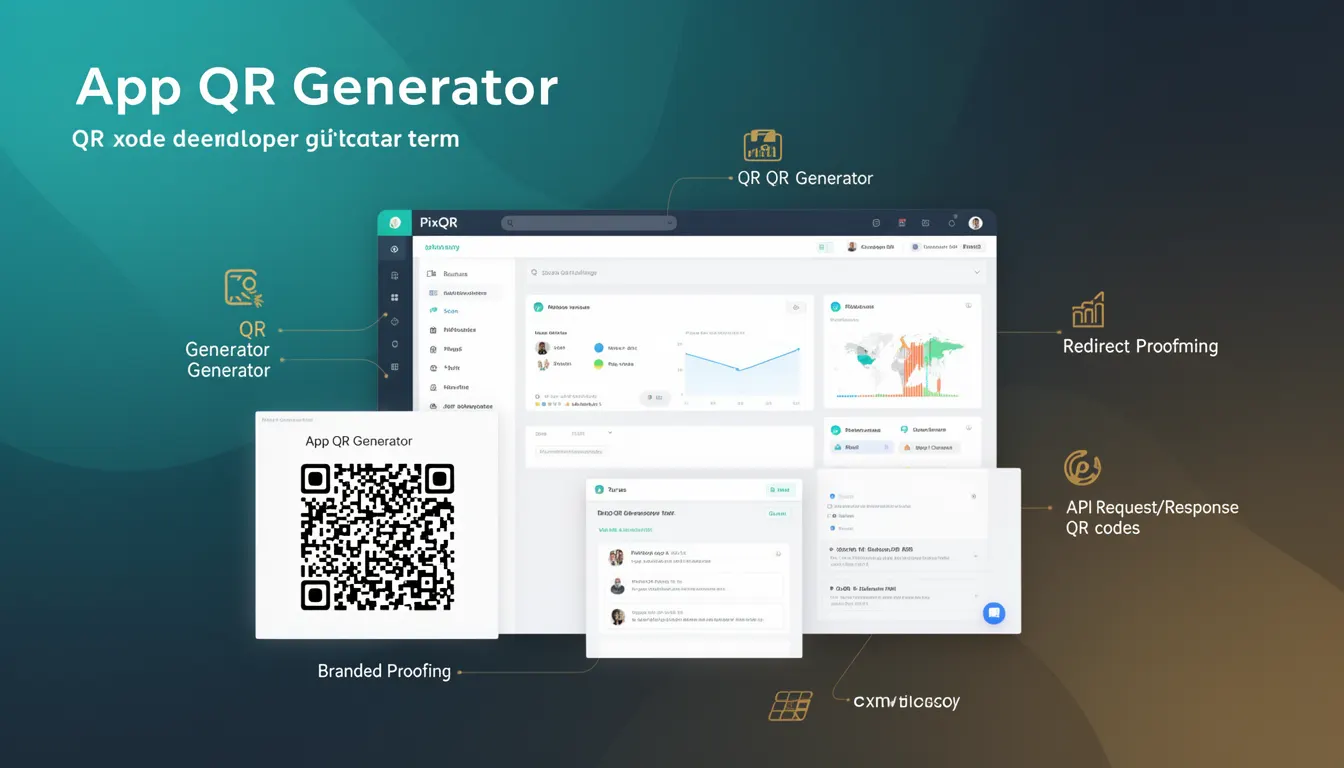
An App QR Generator is a feature or tool within the PixQR platform that allows developers and content creators to generate, export, and manage QR codes specifically designed for mobile applications. These QR codes are distinct from standard text or URL-based QR codes in that they are structured to trigger native app actions or deep links when scanned.
In the context of PixQR, an App QR Generator enables users to create QR codes that open specific applications, navigate to app stores, or trigger in-app features. This functionality is essential for developers building cross-platform experiences, marketing teams promoting apps, or enterprise users managing app distribution and engagement.
Why It Matters
App QR Generators are crucial for mobile-first workflows where user engagement is driven by seamless transitions from physical or digital environments to application interfaces. They help bridge the gap between offline marketing and online application interaction, enabling businesses to track user behavior, drive app downloads, and enhance user experience.
For developers, the ability to generate app-specific QR codes improves operational efficiency by reducing reliance on manual link creation and ensuring consistency in app activation. Security considerations are also important, as improper configuration of app links can lead to unexpected behavior or user confusion, especially when dealing with deep-linking protocols.
How It Works
The App QR Generator in PixQR operates by accepting a set of parameters that define how the QR code should behave upon scanning. These parameters include the target application identifier, the type of action to trigger, and optional metadata such as campaign tags or user segments.
- The generator supports multiple app link formats, including universal links, Android App Links, and custom URL schemes.
- It integrates with PixQR’s analytics system to track scan events and user behavior.
- It supports dynamic QR code generation, allowing for updates to the underlying app link without regenerating the QR code itself.
- App QR codes can be exported in various formats such as PNG, SVG, or base64-encoded strings for direct embedding.
- It enforces brand-safe design standards, ensuring that QR codes align with a company's visual identity and do not contain unsafe or misleading elements.
Quick Reference
| Item | Purpose | Notes |
|---|---|---|
| appIdentifier | Defines the target application | Required for app-specific QR codes |
| linkType | Specifies the type of deep link | Universal, Android App Link, or custom scheme |
| fallbackUrl | URL to redirect if app is not installed | Ensures fallback behavior |
| exportFormat | Output format for QR code image | PNG, SVG, or base64 |
| analyticsTags | Metadata for tracking | Supports campaign and user segmentation |
Basic Example
PixQR Example QR
This QR links directly to this glossary page, so printed notes, onboarding docs, and support material can bring scanners back to the current reference.
/glossary/qr-code-generators/qr-code-generators-app-qr-generator

This example demonstrates the minimal configuration required to generate an App QR code using PixQR's API. It specifies a target app and a deep link type.
const appQRConfig = {
  appIdentifier: "com.example.myapp",
  linkType: "universal",
  fallbackUrl: "https://example.com/app-download"
};
The appIdentifier parameter defines the application to be opened. The linkType specifies how the link should be interpreted, and fallbackUrl ensures that users are directed to a relevant page if the app is not installed.
Production Example
This example shows a more robust configuration that includes analytics, branding, and fallback handling for a production environment. It ensures that the QR code is secure, trackable, and accessible.
const appQRConfig = {
  appIdentifier: "com.example.myapp",
  linkType: "universal",
  fallbackUrl: "https://example.com/app-download",
  analyticsTags: {
    campaign: "spring_sale",
    userSegment: "premium"
  },
  exportFormat: "png",
  branding: {
    logo: "https://example.com/logo.png",
    color: "#000000"
  }
};
This version includes metadata for analytics, branding options for visual consistency, and a specified export format. It ensures the QR code is production-ready and aligned with marketing and operational workflows.
Common Mistakes
- Incorrectly specifying the
appIdentifier, leading to failed app launches or incorrect redirections. - Forgetting to define a
fallbackUrl, which can leave users stranded if the app is not installed. - Using unsupported
linkTypevalues, causing the QR code to be interpreted incorrectly by mobile platforms. - Not validating the
fallbackUrlfor security or usability, potentially exposing users to malicious content. - Ignoring analytics configuration, which limits the ability to track and optimize QR code performance.
Security And Production Notes
- Always validate app identifiers to prevent injection of unintended applications or domains.
- Ensure that fallback URLs are secure and trusted to avoid redirecting users to malicious sites.
- Implement proper error handling for unsupported link types to maintain app compatibility.
- Use secure protocols (HTTPS) for all URLs involved in the QR code flow to protect user data.
- Regularly audit generated QR codes for compliance with brand and security policies to prevent misuse.
Related Concepts
App QR Generators are closely related to several core QR code and mobile development concepts:
- Deep Linking – The practice of using URLs to navigate directly into an application’s content or feature.
- Universal Links – iOS-specific links that work both within and outside an app, providing a consistent user experience.
- Android App Links – Android’s mechanism for associating a website with an app to enable seamless navigation.
- Dynamic QR Codes – QR codes that can be updated post-generation, useful for campaign management or A/B testing.
- Scan Analytics – The tracking of QR code scans to understand user behavior and optimize engagement strategies.