 PixQR
PixQR
Overview
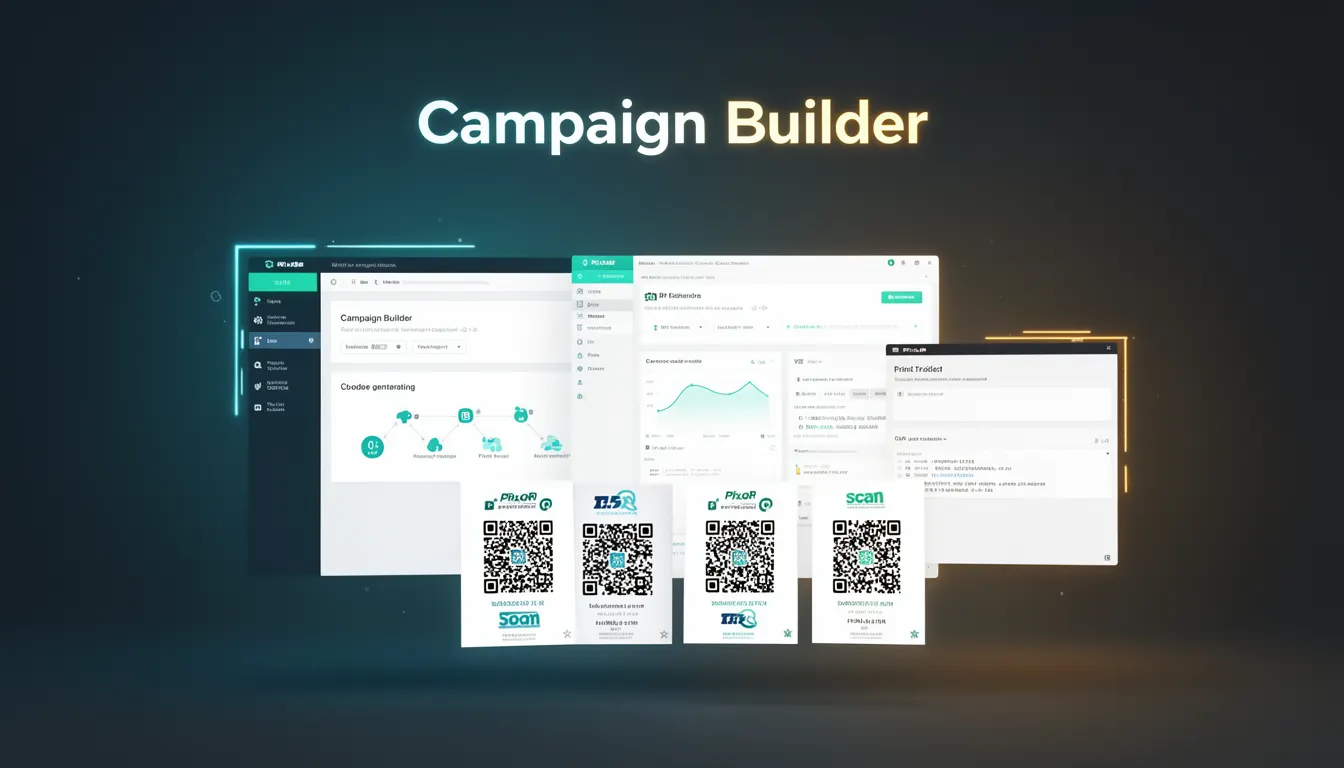
The Campaign Builder in PixQR is a feature designed to simplify the creation, management, and export of QR codes for marketing and operational use cases. It allows developers and marketers to define, configure, and deploy QR codes programmatically or through an intuitive interface. The tool is especially useful for generating large volumes of QR codes with consistent branding, dynamic redirects, and analytics tracking.
Developers working with PixQR’s API or UI tools can leverage Campaign Builder to streamline QR code workflows, especially when integrating with marketing automation platforms, inventory systems, or loyalty programs. It supports batch generation and configuration of QR codes with shared attributes like redirect URLs, expiration dates, and scan tracking parameters.
Why It Matters
For developers, Campaign Builder is a critical tool for scaling QR code usage within enterprise or high-volume applications. It reduces the overhead of manually generating and managing QR codes, especially when redirect URLs, expiration settings, or analytics parameters need to be consistent across many codes. It also helps ensure operational compliance by centralizing configuration, reducing errors, and enabling secure workflows.
From a security perspective, Campaign Builder enforces centralized control over QR code parameters, which helps prevent accidental exposure of sensitive URLs or misconfigured redirects. It also enables developers to audit and track QR code usage patterns, which is critical for fraud prevention and compliance with privacy regulations like GDPR or CCPA.
How It Works
Campaign Builder operates by allowing users to define a set of QR code parameters that are applied to multiple QR codes in a batch. It supports a variety of configuration options that are passed to the PixQR generation engine. The tool integrates with PixQR’s API to ensure that generated codes are secure, trackable, and brand-safe.
- Users define a base URL or redirect target that is shared across all QR codes in the campaign.
- Each QR code can be configured with unique identifiers, expiration dates, or custom analytics parameters.
- Batch export options are available in multiple formats, including CSV, JSON, or downloadable ZIP files.
- Dynamic QR codes can be configured to redirect to different URLs based on parameters like user location, time, or device type.
- Analytics settings are applied globally to all QR codes in a campaign, enabling unified tracking and reporting.
Quick Reference
| Item | Purpose | Notes |
|---|---|---|
| Redirect URL | Base URL for QR code redirection | Must be valid and secure |
| Expiration Date | When QR code stops working | Optional, defaults to never |
| Analytics Tags | Tracking parameters for campaign analytics | Supports UTM, custom, and event tracking |
| Dynamic Redirects | URLs that change based on context | Requires configuration in API or UI |
| Export Format | How QR codes are delivered | CSV, JSON, ZIP, or direct download |
Basic Example
PixQR Example QR
This QR links directly to this glossary page, so printed notes, onboarding docs, and support material can bring scanners back to the current reference.
/glossary/qr-code-generators/qr-code-generators-campaign-builder

This basic example demonstrates how a developer might define a simple QR code campaign with a shared redirect URL and a fixed expiration date.
const campaign = {
  name: "Summer Promotion",
  redirectUrl: "https://example.com/summer-sale",
  expirationDate: "2025-08-31",
  analyticsTags: {
    utm_source: "campaign",
    utm_medium: "qr"
  }
};
The example shows a campaign object with a name, base redirect URL, expiration date, and analytics tags. This structure can be passed to PixQR’s API to generate multiple QR codes with consistent settings.
Production Example
In a production environment, Campaign Builder is often used to generate QR codes for physical product labels or marketing materials. The following example shows how to configure a campaign with validation and error handling.
const campaign = {
  name: "Product Label Campaign",
  redirectUrl: "https://api.example.com/product/12345",
  expirationDate: "2025-12-31",
  analyticsTags: {
    utm_source: "product",
    utm_campaign: "label-print",
    utm_term: "qr-code"
  },
  dynamicRedirects: {
    enabled: true,
    rules: [
      {
        condition: "device_type",
        value: "mobile",
        redirectUrl: "https://m.example.com/product/12345"
      }
    ]
  },
  exportFormat: "csv"
};
This version includes dynamic redirects, detailed analytics tags, and a defined export format. It is more suitable for production use because it ensures that QR codes are generated with appropriate tracking, device-specific routing, and consistent formatting for large-scale deployment.
Common Mistakes
- Not validating redirect URLs, leading to broken QR codes or phishing vulnerabilities.
- Using unescaped or unvalidated analytics tags, which may cause tracking errors or injection issues.
- Setting expiration dates too far in the future, which can lead to outdated or unused codes.
- Forgetting to enable dynamic redirects when they are needed, resulting in static, non-adaptive QR codes.
- Exporting in unsupported formats, which can cause compatibility issues in downstream systems.
Security And Production Notes
- All redirect URLs must be validated to prevent open redirects or malicious link injection.
- Analytics tags should be sanitized to avoid XSS or tracking parameter tampering.
- Dynamic redirect rules must be audited to prevent unauthorized access or data leakage.
- Batch exports should be encrypted or securely transmitted to prevent exposure of sensitive data.
- Expiration dates should be enforced by the platform to prevent long-lived QR codes from being misused.
Related Concepts
Several concepts are closely related to Campaign Builder, including QR code generation, dynamic redirects, analytics tracking, export functionality, and API integration. These concepts work together to provide a complete solution for managing QR codes in production environments. For example, a developer using Campaign Builder will often need to integrate with PixQR’s API to manage QR code lifecycle and ensure secure, scalable deployments.